Profile sorting
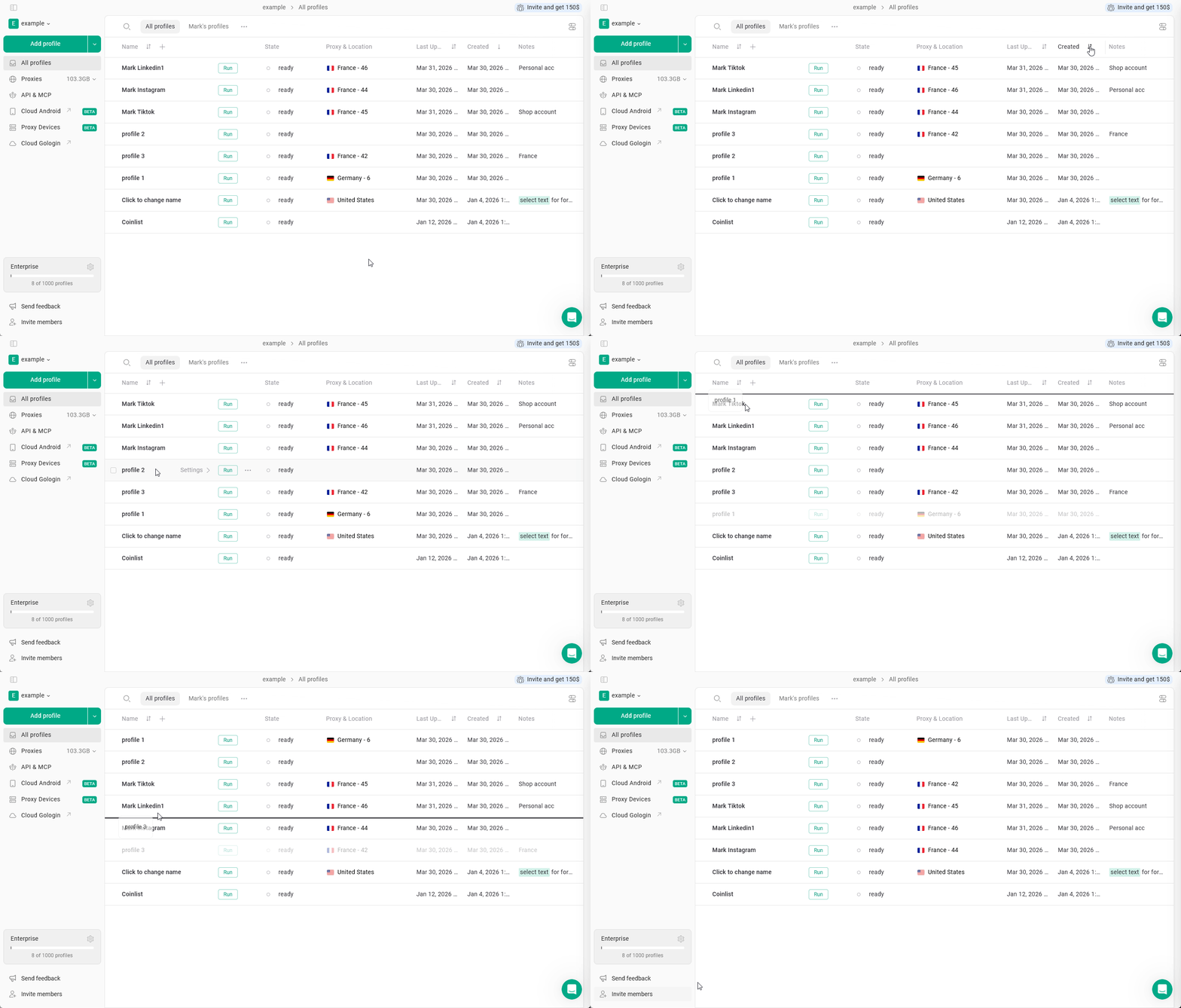
Sorting allows you to organize profiles in the All profiles table. In Gologin, you can sort profiles by profile name, last updated, last launched, created, shared, proxy type and the profile OS.By default, profiles are sorted by Created descending (most recent profiles first)
How to sort profiles
- Go to the All Profiles page.
- Locate the column in the profiles table.
- Click the sorting icon next to the column name.
- ↑ - Ascending (A-Z, from old to new)
↓ - Descending (Z-A, from new to old)
⇅ - Sorting disabled
- ↑ - Ascending (A-Z, from old to new)
- Click again to switch between ascending, descending orders and disabling.
Drag-n-drop profile organization
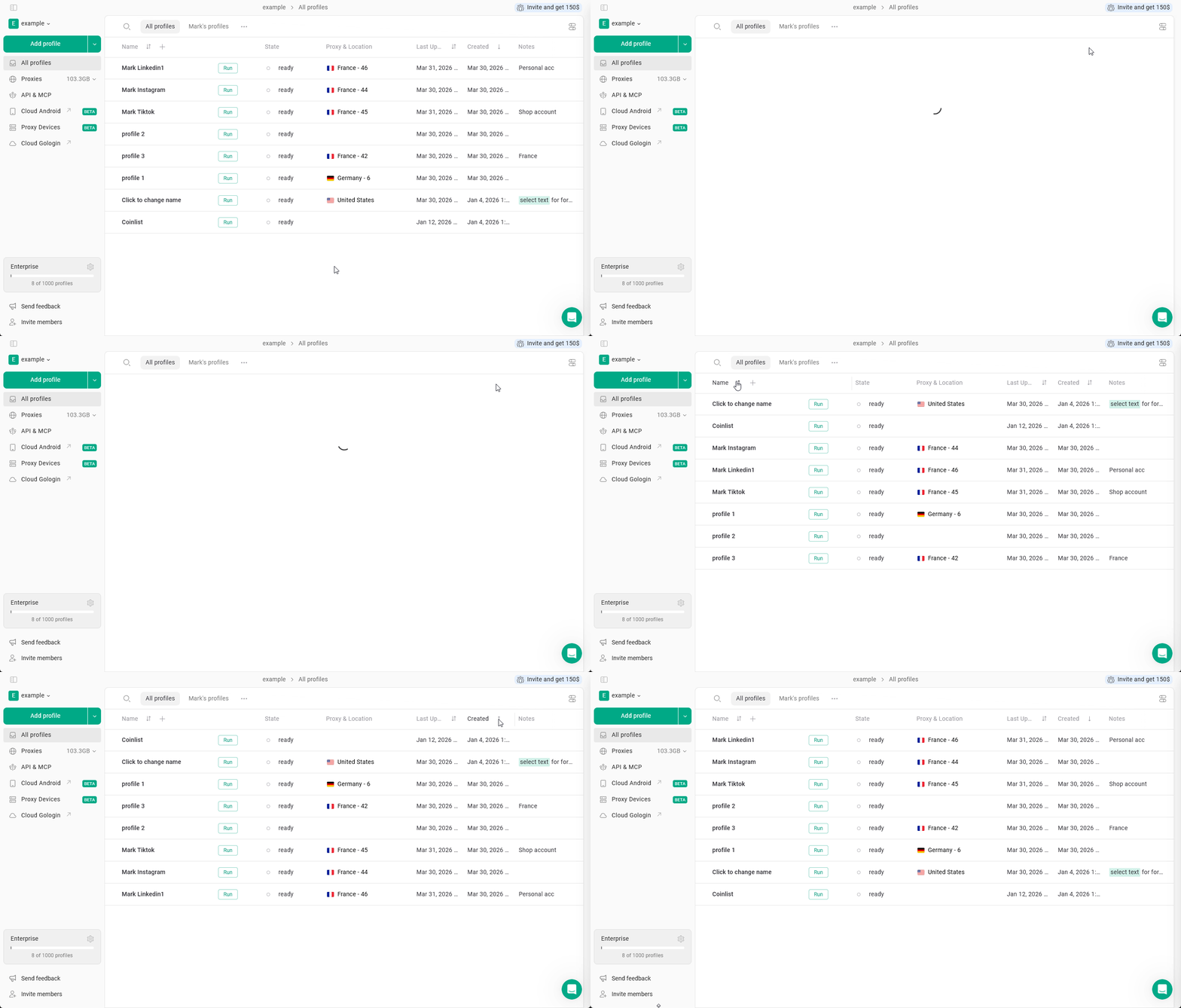
This feature allows you to rearrange profiles on All profiles page to your liking independently from any type of sorting. You can just drag-n-drop profiles to however you see fit!How to use Drag and drop
- Disable profile sorting
- make sure you have the ⇅ icon on all the columns, the feature will not otherwise
- Try long-press on the profile and try moving it above or below the current position