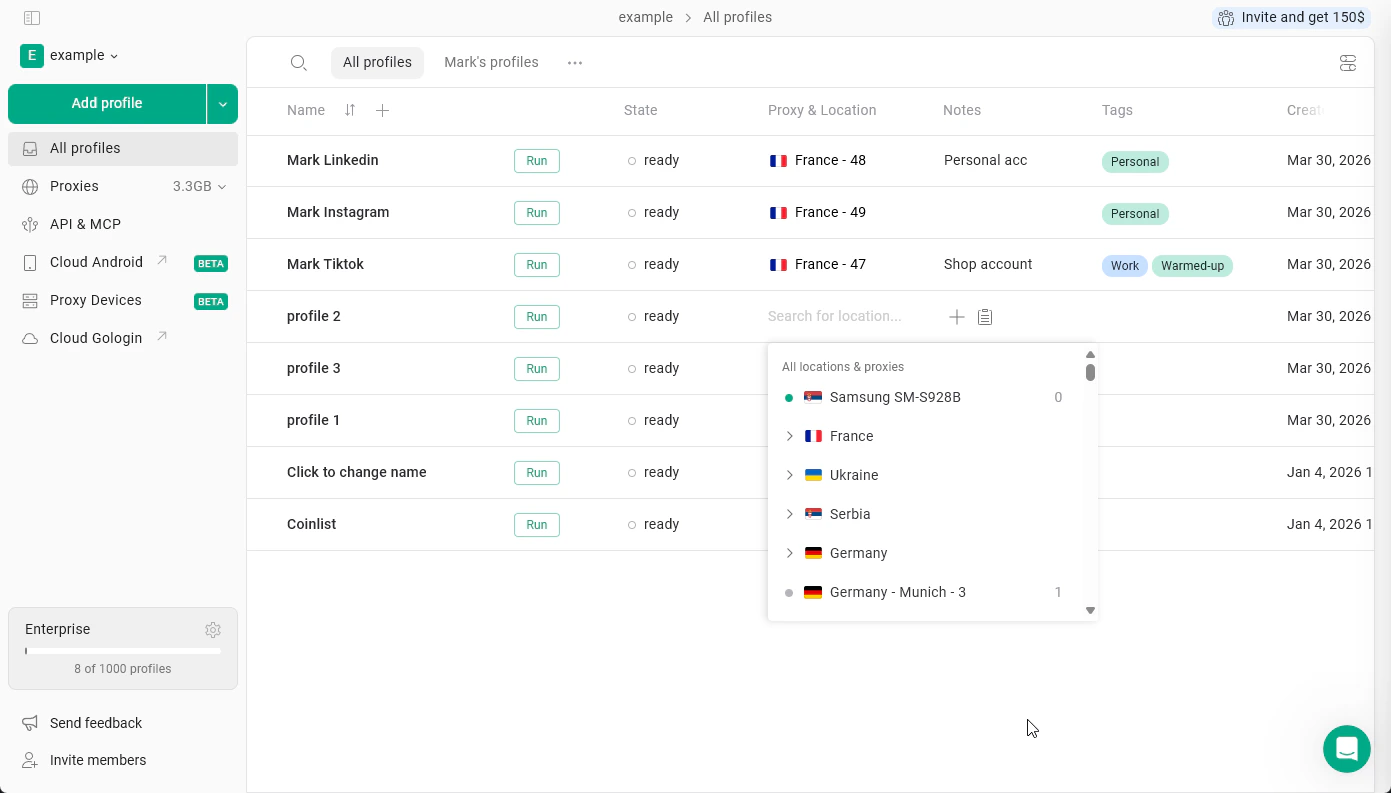
The Built-in Proxy Manager allows you to store and manage proxies used in your Gologin browser profiles.It provides a centralized list where you can save proxies from both Gologin and third-party providers and quickly assign them to profiles when needed.The Proxy Manager is accessible directly from the All Profiles page and helps simplify proxy management when working with multiple accounts. This is the proxy manager preferred by the most Gologin users.
Using Proxy Manager, you can:
store proxies in a dedicated list
reuse proxies across different profiles
manage proxies from Gologin and external providers in one place
quickly assign proxies while creating or editing profiles
This tool is especially useful when managing many profiles or working with multiple proxy providers.