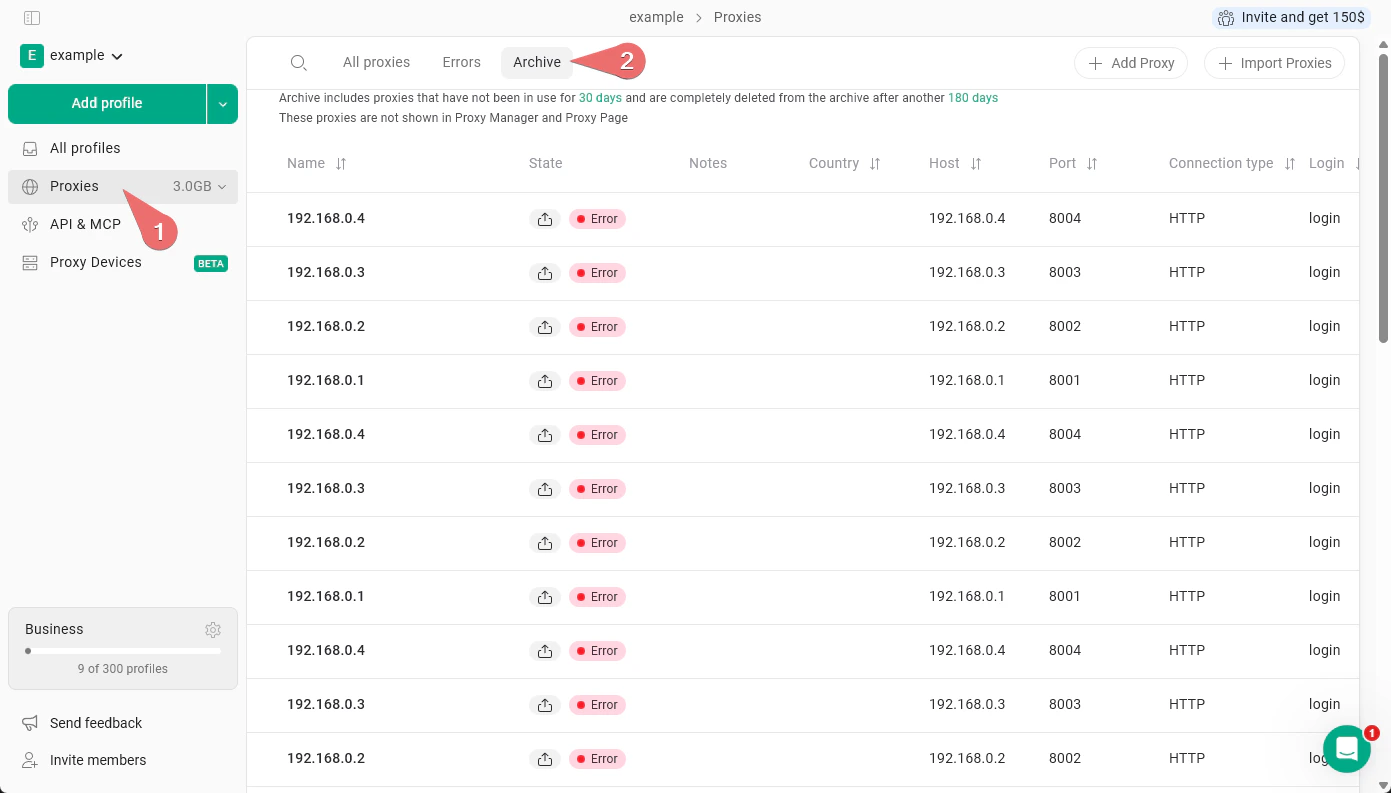
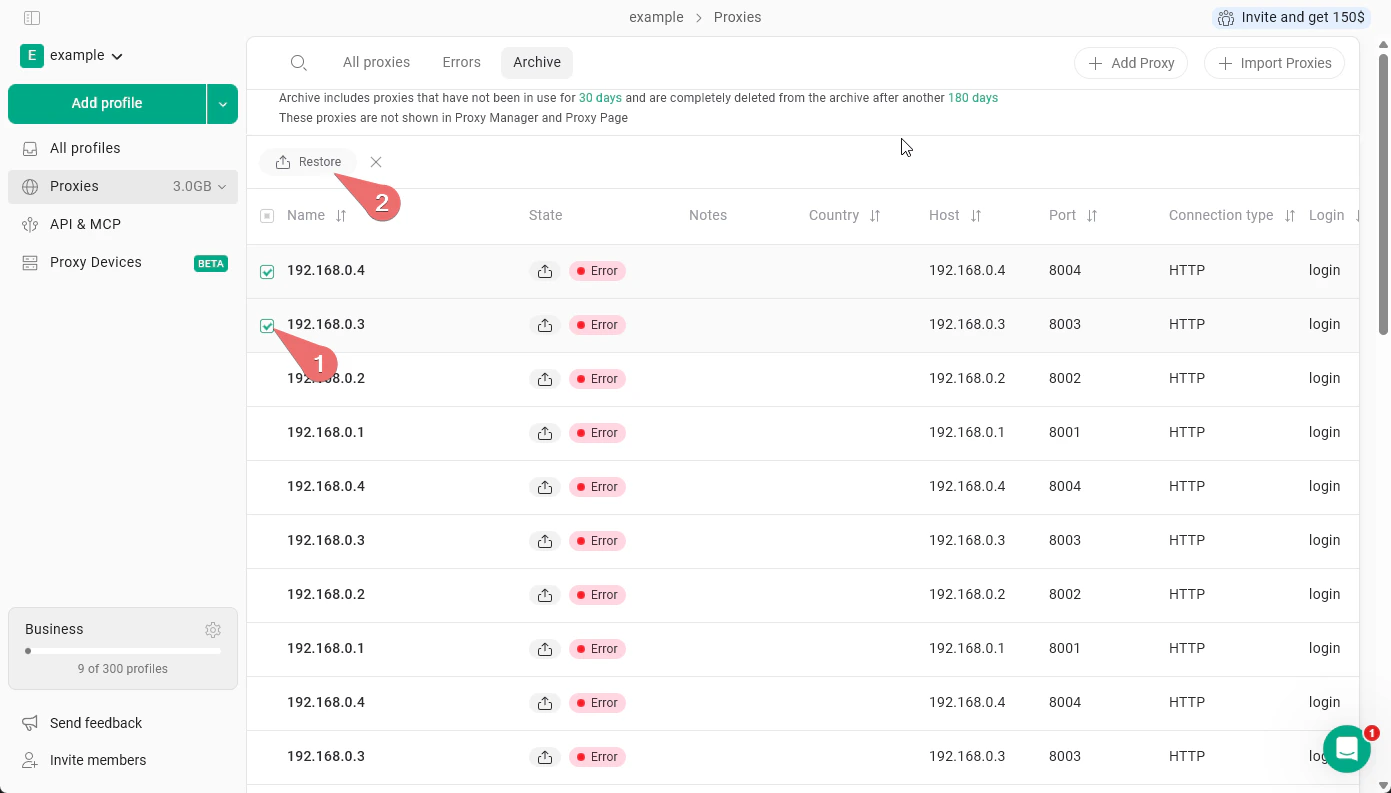
The Proxy Archive is where Gologin automatically moves proxies that are no longer in use. To open it, go to Proxies in the left sidebar, then click the Archive tab.A proxy is moved to the archive after it has not been used for 30 days. Archived proxies are not visible in the Proxy Manager or on the main Proxies page - they won’t clutter your active proxy list.If a proxy stays in the archive without being used, it is permanently deleted after another 180 days.