How to import cookies into Gologin profile
Gologin supports JSON, Netscape and plain text formats. It will accept cookies exported from Gologin directly and cookie files created by third-party Chrome extensions, such as: EditThisCookie, Swap My Cookies, Cookie Editor, etc.If you have any issues during import, verify if the supplied cookies are in the supported format.
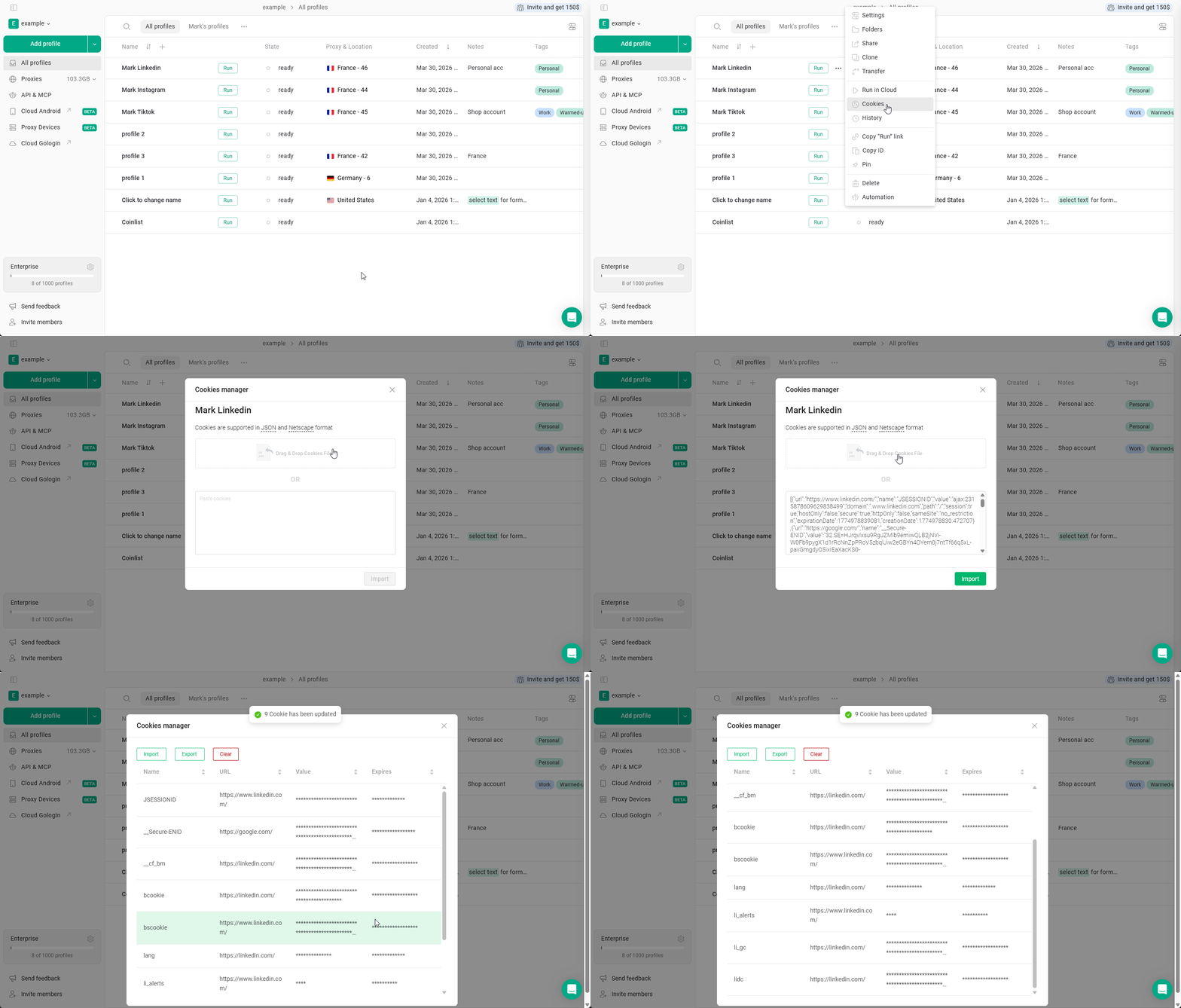
- Click 3 dots on the profile > Cookies
- Hit Import cookies
- Click the file image or drag your cookie file to it
you can also copy-paste cookies as a plain text using the field below it - Click Import
Cookie export
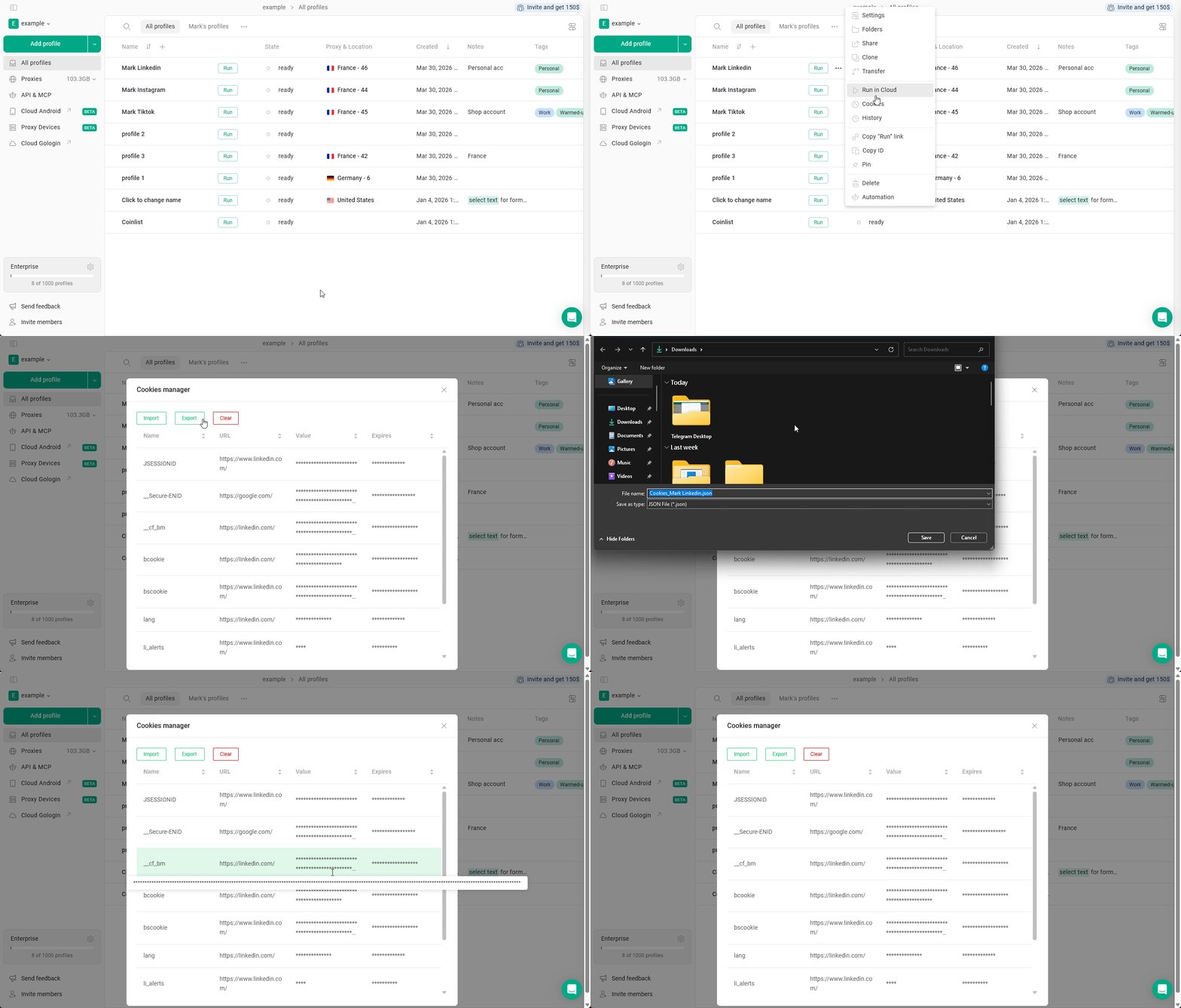
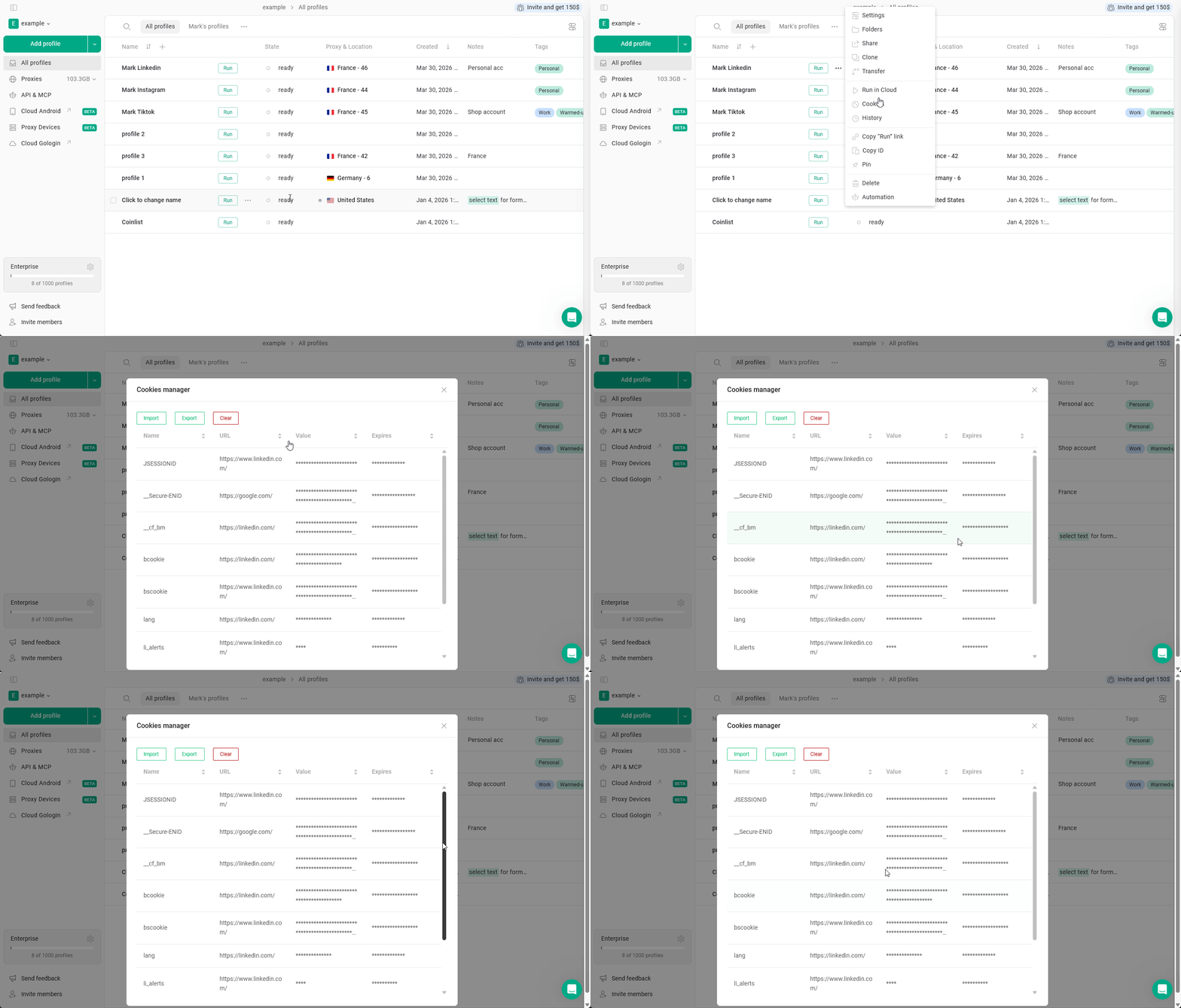
To export cookies using the built-in menu:- Click 3 dots on the profile > Cookies
- Hit Export
- Choose the folder and click Save