

About updates
The Gologin app and Orbita browser are getting downloaded in background as soon as the new version is released. Updates cannot be stopped or disabled - this ensures you always have the latest fixes and features, and that you’re not running a version unsupported by our servers.Updating Gologin app
If the update is available or already completed in the background, you will notice a green button at the top of the window in your Gologin app. It should look like this: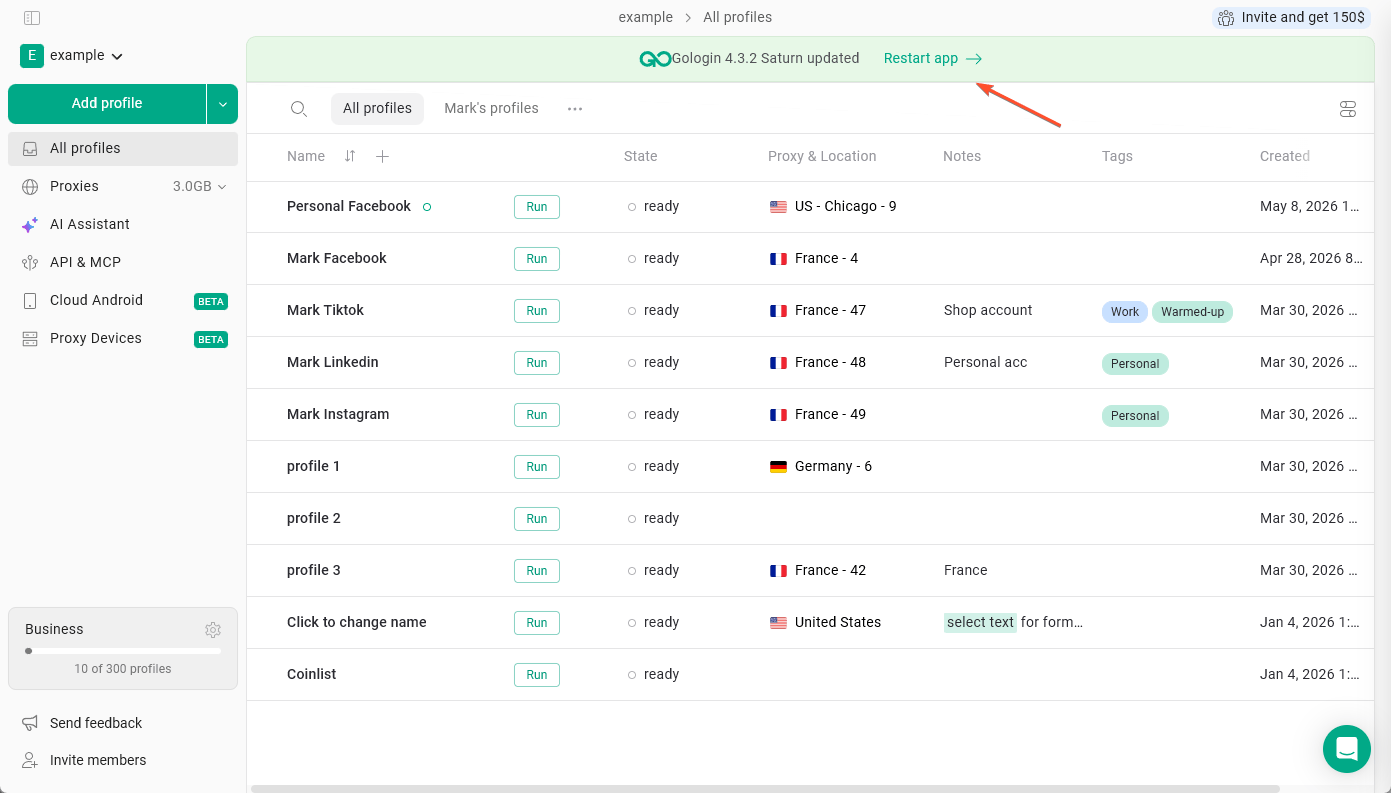
Updating Orbita browser
When a new browser version is released, Gologin starts downloading it automatically when you refresh the profiles list or create a new profile. You won’t be able to launch profiles until the download is complete. Once the update finishes:- The new version becomes the default for any profiles you create going forward (unless changed in default settings
- Existing profiles are not updated automatically. You can update them one by one or all at once - see this guide