1
Go to the pricing page
Click Upgrade plan or Pay now from All profiles menu.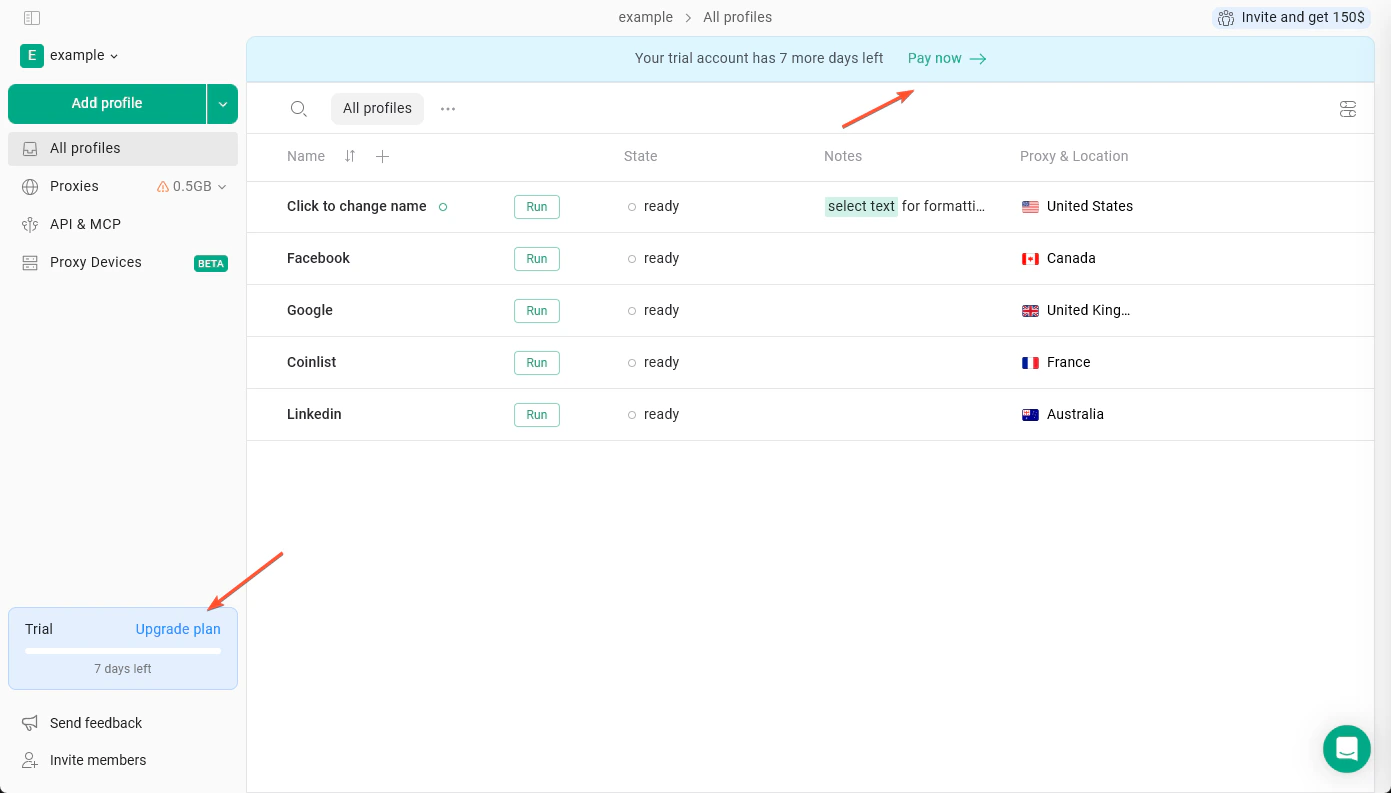
2
Choose the subscription plan
You can pay monthly or choose the annual subscription (which is 50% off!)
Don’t forget to set the team members and proxy traffic! In case you need more, you can always upgrade your plan later.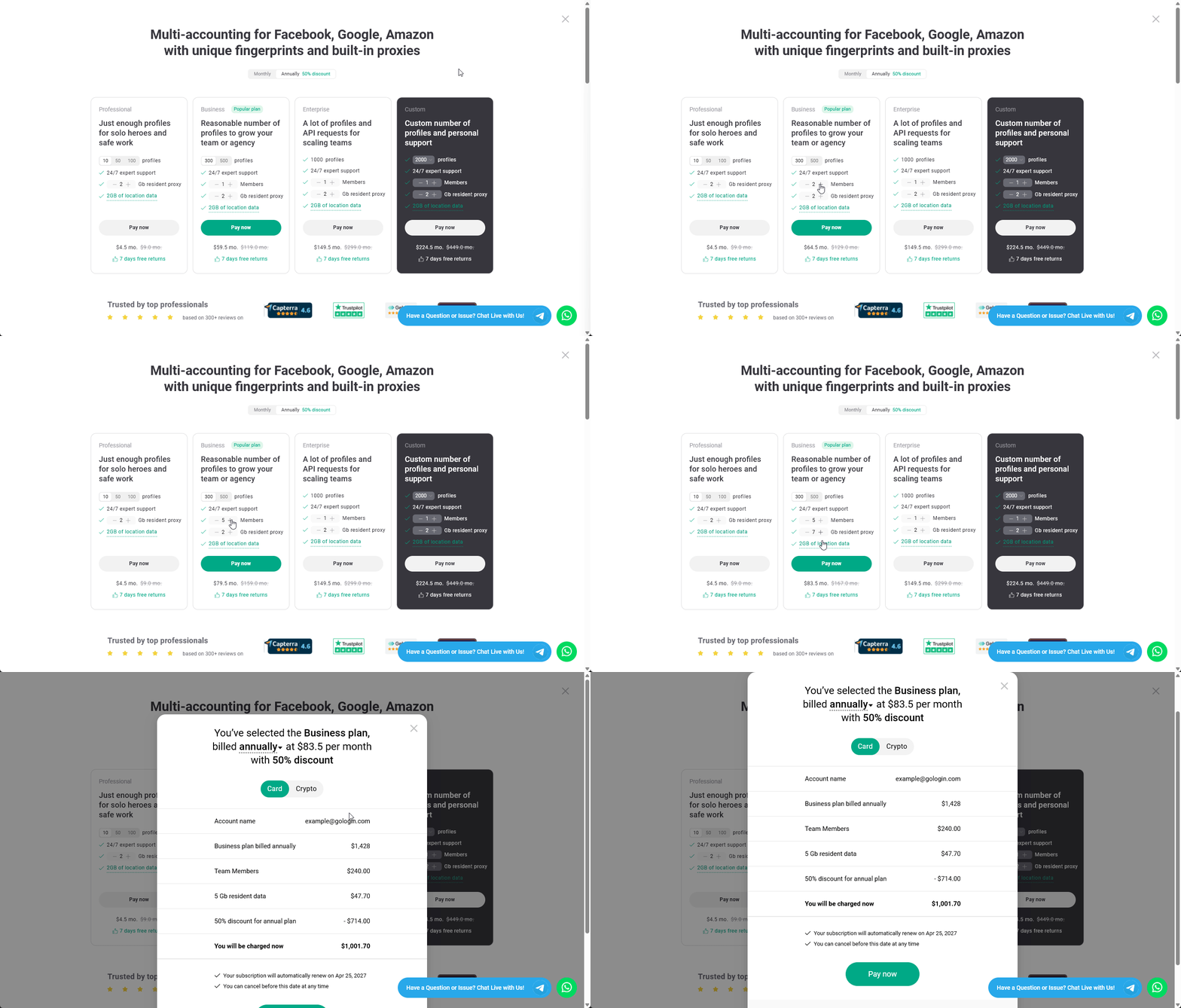
Don’t forget to set the team members and proxy traffic! In case you need more, you can always upgrade your plan later.
3
Select the payment method
Verify the plan options, payment amount, and select the payment method.
You can pay with PayPal, credit or debit card, or use crypto payments.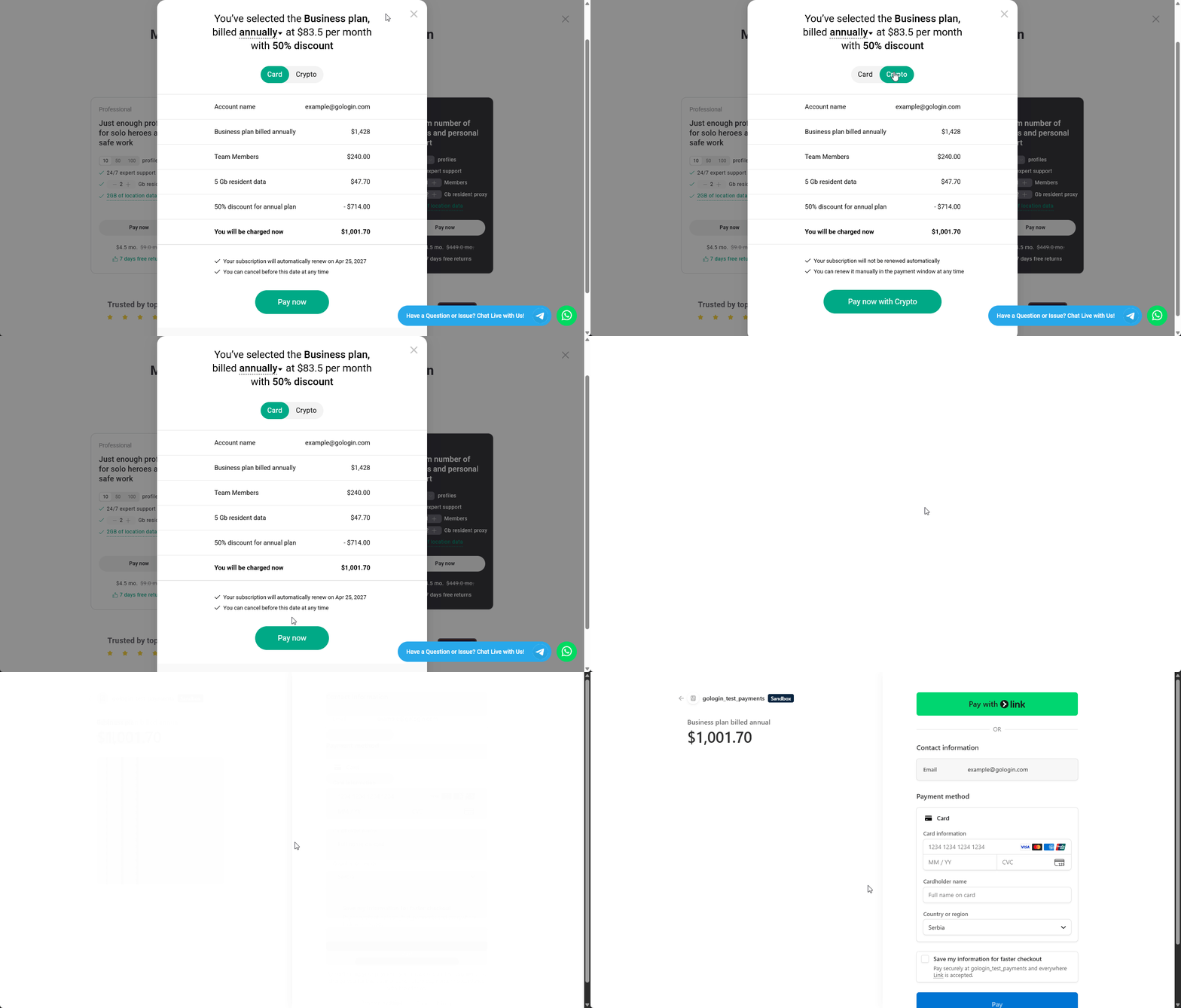
You can pay with PayPal, credit or debit card, or use crypto payments.
4
Complete checkout
Provide your payment details and proceed with payment.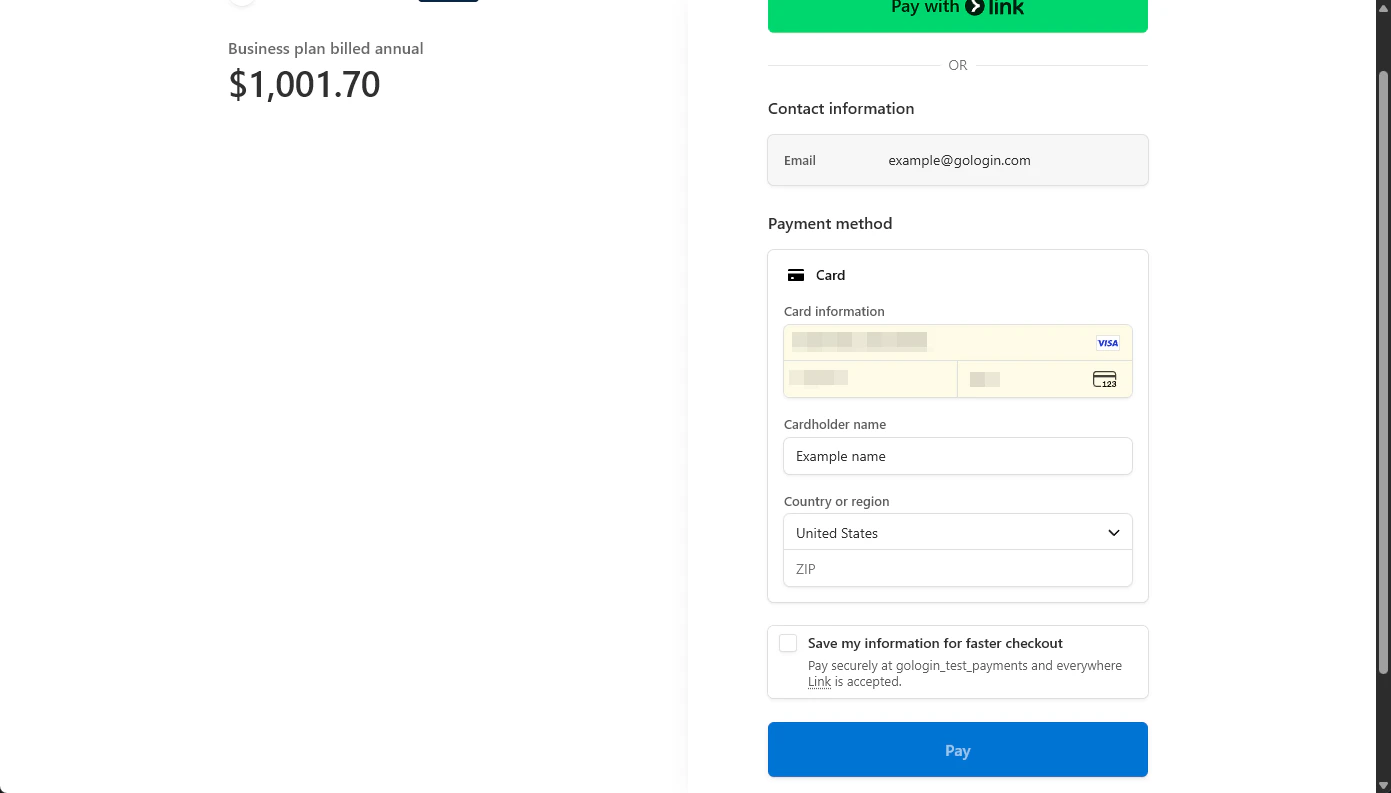
5
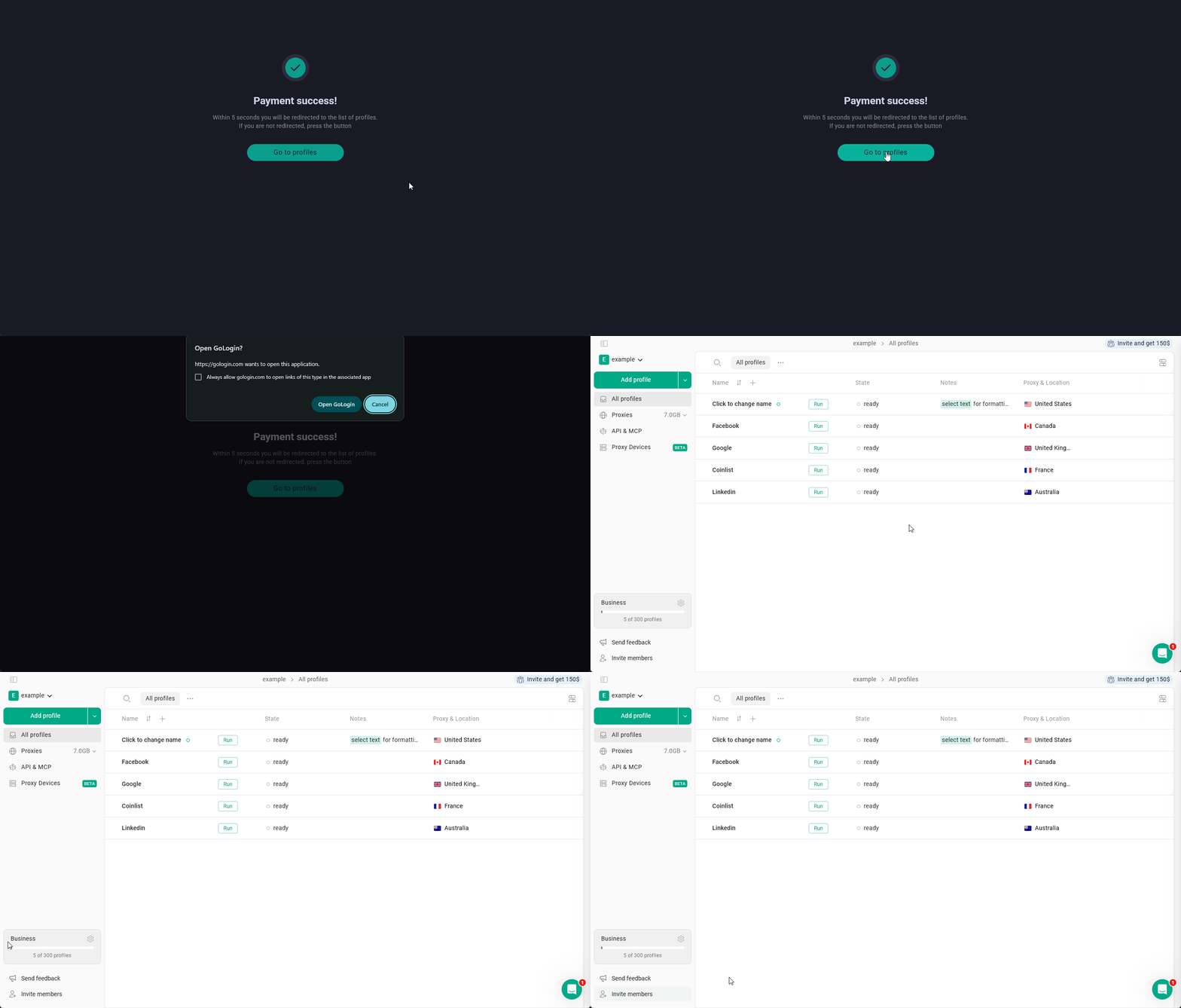
Go to your profiles and start using Gologin!