How We Made GoLogin A Better Software In 2023: Update RecapDid we really work through all that list? Yes, and there is more in 2024! Check out the huge list of improvements…03 Jan 2024
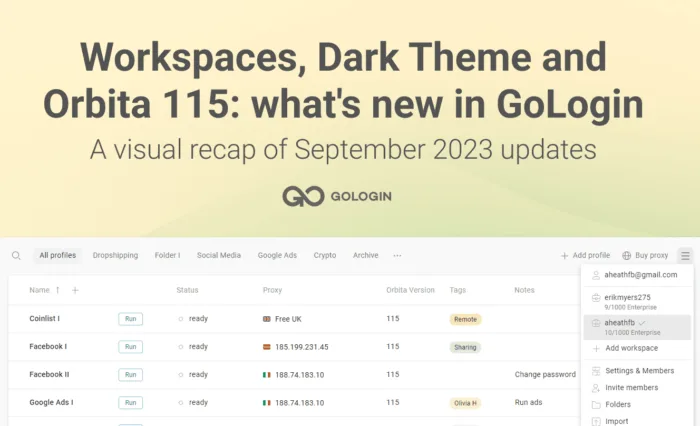
Workspaces, Dark Theme and Orbita 115: what’s new in GoLoginMeet all-new Workspaces in GoLogin! Share profiles and folders, assign roles and permissions and work in multiple teams in new team features.13 Sep 2023
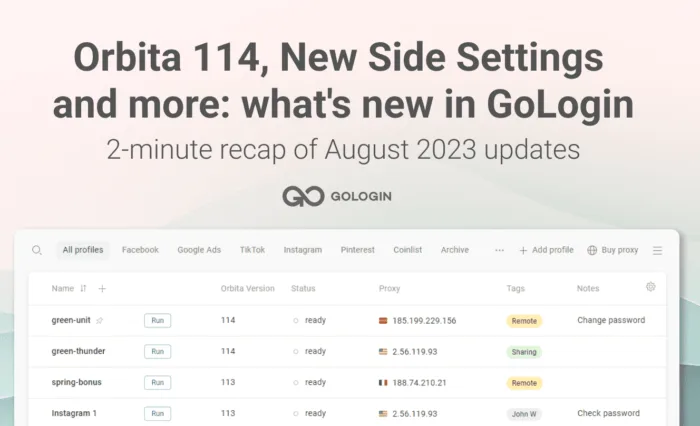
Orbita 114, New Side Settings and more: what’s new in GoLoginWe’re striving to improve GoLogin for you. Here’s a 2-minute recap of what we made for your better and safer browsing experience.16 Aug 2023
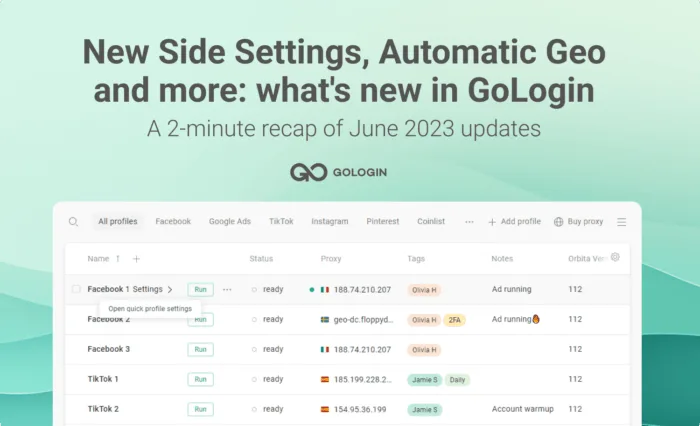
New Side Settings, Automatic Geo and more: what’s new in GoLoginWe’re striving to improve GoLogin for you. Here’s a 2-minute recap of what we made for your better and safer browsing experience.05 Jul 2023
WebGl and Canvas Fingerprinting Explainer: Sneak Peek on Noise AlgorithmsWebGL & Canvas fingerprinting noise can’t be seen with an eye, but it’s critical for your data safety. We made an explainer…19 May 2023
5 Things We Made Better For You in GoLoginCommunity Forum, Affiliate Cabinet, Parser, Noise in Canvas/WebGL and more – here’s a 3-minute recap of what we made better for you…03 May 2023
Updates in GoLogin and Orbita Browser: March 2023We are constantly working on adding new features and improving our apps for your better experience! Read about the updates –…22 Mar 2023
Updates in GoLogin and Orbita Browser: what’s new?We are constantly working on adding new features and improving our apps for your better experience. Here’s a quick recap of…22 Feb 2023
New Proxy Manager: one-click proxy import and moreRead about the updates step by step – or watch a quick Youtube video summary: Add proxies with one click 1.…06 Feb 2023
Cookie Import/Export: Quick Guide + Top 5 ToolsHow To Copy Browser Cookies From One Computer To Other – Learn how to export/import cookies from chrome of firefox with plugins.03 Aug 2022
GoLogin 2.1.8 Venus — Bulk Proxy Import & Masking Client RectsIn GoLogin 2.1.8, we updated the browser to Chromium 97 and…04 Feb 2022
Meet GoLogin 2.1.7 — Human Typing Emulation and something else…The last update was last year, and we are ready to present you with a new version of GoLogin 2.1.7 Venus.…03 Feb 2022
TOP 10 GoLogin features from 2021In 2021, we released 34 GoLogin updates, and added 73 new features.31 Dec 2021
Launching a mobile browser in GoLoginLaunching a mobile browser is one of the most important blocking avoidance tools.31 Mar 2021
Using Selenium Python with GoLoginMany routine tasks in the browser can be automated. Tools like Selenium help with this. They are most commonly used for…29 Dec 2020
Meet the New Antidetect Browser Orbita!To ensure comfortable use of GoLogin, we needed a good antidetect browser. Tor, Chrome and Firefox did not fit for these…30 Dec 2019