Gologin in September: Chromium 151 and New Profile Features
Try Gologin for free
September at Gologin was about quality, not quantity. We updated the Android core to Chromium 151, worked on fingerprinting, made AI Assistant more convenient and fixed several scenarios that were getting in the way of everyday work. Here’s what changed.
Android: Chromium 151 and Fingerprint Improvements
The Gologin Android app updated to Chromium 151 in September. This improved support for modern web technologies, performance, security and memory usage.
We also improved the screen resolution fingerprint and fixed User-Agent Client Hints parameter transmission, which made the fingerprint more consistent.
New users now get an onboarding flow that helps them get started with the browser’s main features.
Added a session selection modal when there’s a sync conflict or parallel use on different devices – you can now choose which session to use: local or web version.
Added the ability to choose the protocol for Gologin Proxy – HTTP, HTTPS or SOCKS5.
Desktop and Web: Profiles, Proxies, Plans and AI Assistant
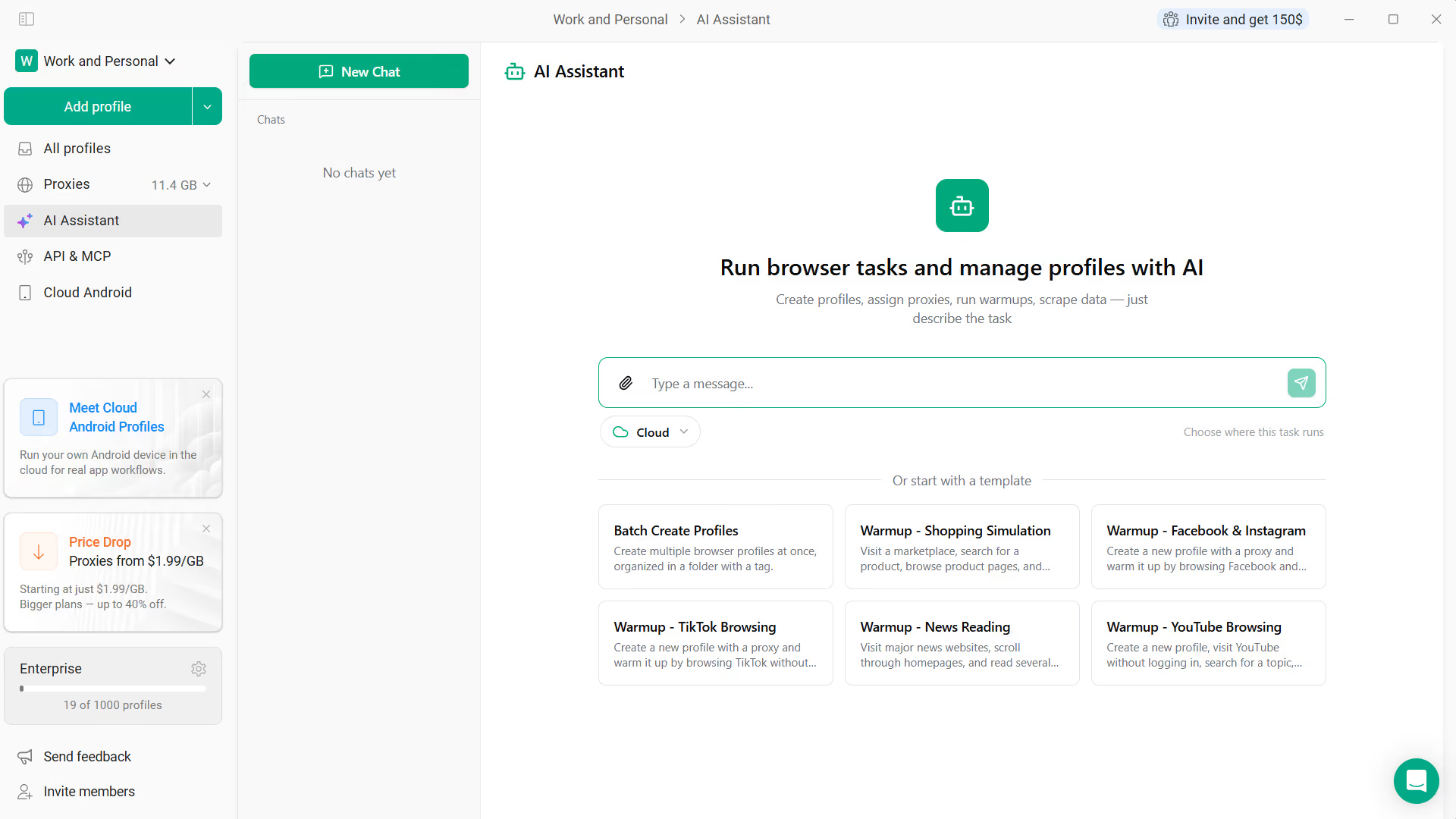
AI Assistant has moved from a separate window directly into the main app – it’s now accessible right inside the Gologin interface without switching windows. You can also now launch local browser profiles through AI Assistant.
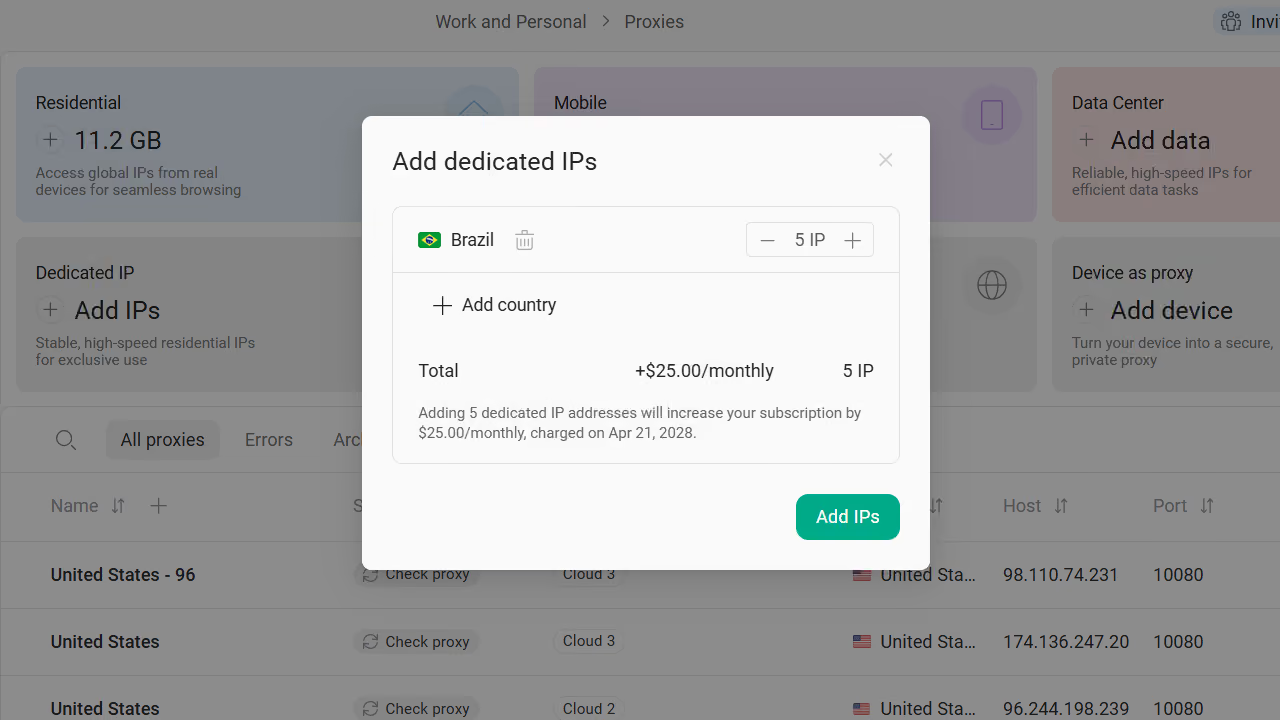
You can now select the same country multiple times when purchasing dedicated IPs.
For collaborative work with profiles, we improved Active Session Lock and profile status display. Workspace members now receive a warning if they are about to pay for a plan for the workspace owner’s account rather than their own – this prevents accidental mistakes when working in teams.
A button to remove all workspace members at once has been added to workspace management.
We also updated the plans page for new users and fixed several issues related to payments, price display and currency.
Users in Russia can now pay through YooKassa.
What to Improve Next – It’s Up to You
September was about the details – the ones you don’t notice when they work, but immediately feel when they don’t. We’ll keep it up.
Have ideas or suggestions? Share them with us – they might just make it into the next release.