Workspaces, Dark Theme and Orbita 115: what’s new in GoLogin
Try Gologin for free
Here’s a quick visual rundown of what we made better for you in Gologin recently.
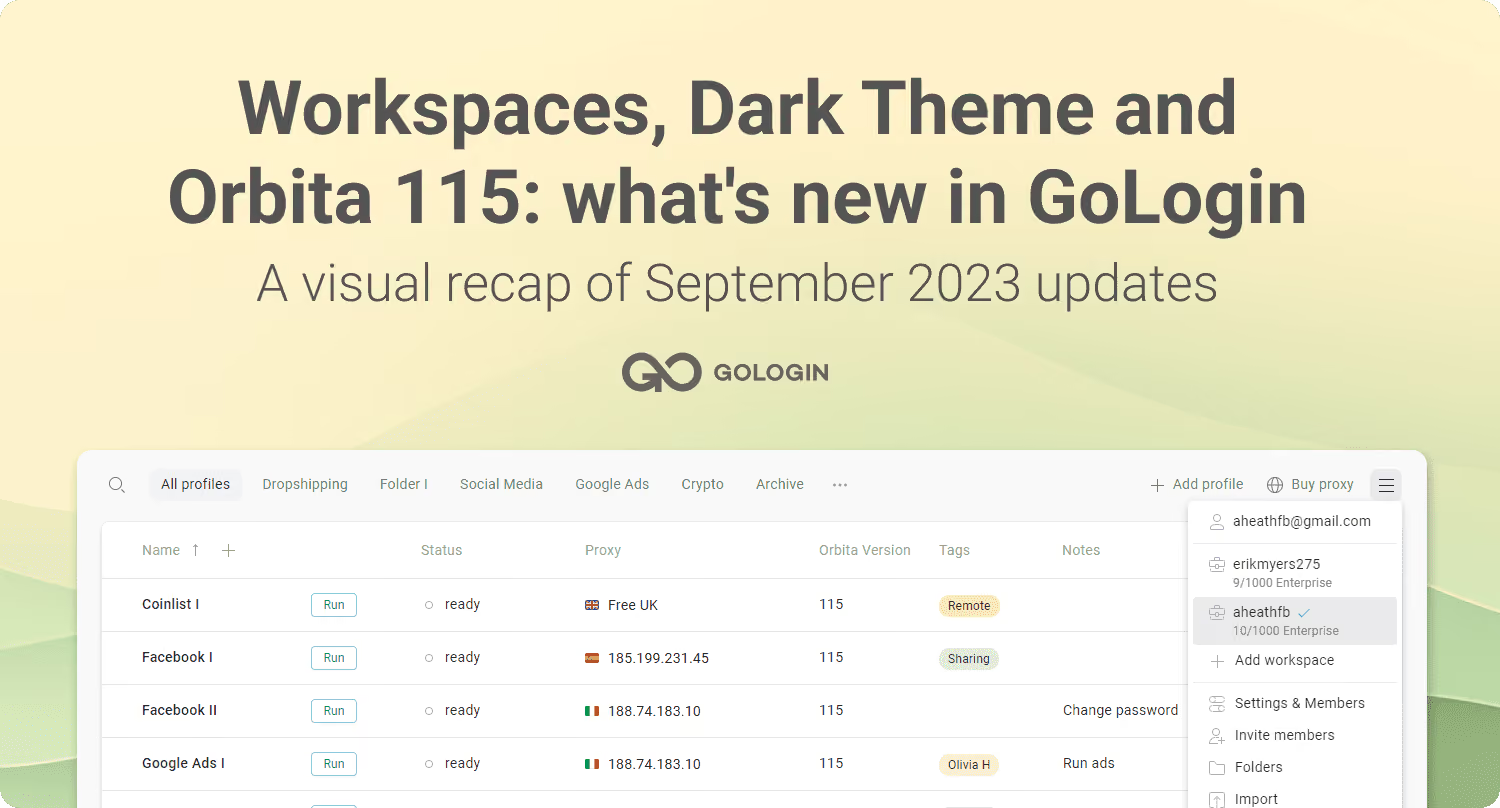
1. Manage teamwork with only a few clicks – meet the all-new Workspaces!
A Workspace is where you share work with your team members or other teams. Here’s what you can do in Workspaces:
- Invite team members according to your plan
- Share profiles, folders or the whole Workspace with partners
- Assign custom roles and access permissions, so team members access only what’s needed
- Work with multiple teams from one account via multiple Workspaces.
Watch the demo video to see how it all works:

Note: every Gologin account is limited to only one free or trial workspace. Adding another Workspace for your second team will require an additional subscription. However, you can be invited to any number of Workspaces by other teams and freely switch between them.
Have more questions? Comment down below, or write to the official Live Support chat at gologin.com – we’re there to help!
2. Keep your eyes relaxed with Dark theme
Switch to Dark, Light or System theme in Settings – Overview.
3. Improve your browsing safety with the new Orbita 115 browser core
Here’s why we make constant updates to the Orbita browser core: they allow your multiple browser profiles to stay protected from tracking.
The browser core needs to stay close to regular Google Chrome versions. This literally means non-stop updates. We maintain the stable update flow so your browser profiles stay protected from website tracking.
Pro Tip: update your old Gologin profiles to the latest browser core version for best performance. Click “Update” in the profile menu to switch to the latest Orbita version.Got ideas for Gologin’s next updates? Feel free to comment below, and we will consider your feedback for our future updates!
⚡Limited Time Offer: get 1 month of Gologin subscription for free!
Using Gologin for work? Share your use case during a quick research call with us, and 1 month of subscription (worth $99) is yours! Book a call with our manager using this link.