Managing multiple accounts securely and anonymously is achievable with both GoLogin and Lalicat browser. That said, despite their many similarities, these two anti-detect browsers cater to slightly different audiences.
While GoLogin offers a highly streamlined interface and cloud-based functionalities, Lalicat is a feature-rich and local solution.
So, what does that mean exactly? What are the similarities and more importantly, what are the differences between GoLogin and Lalicat browser? Let’s help you scratch beneath the surface to uncover which anti-detect browser deserves a place in your digital arsenal.
In-Depth Comparison of GoLogin and Lalicat browser
We tested GoLogin and Lalicat browser hands-on and examined their features, setup procedures, interfaces, and functionalities to determine possible use cases for each browser. Keep reading to learn more!
Supported Platforms & Devices
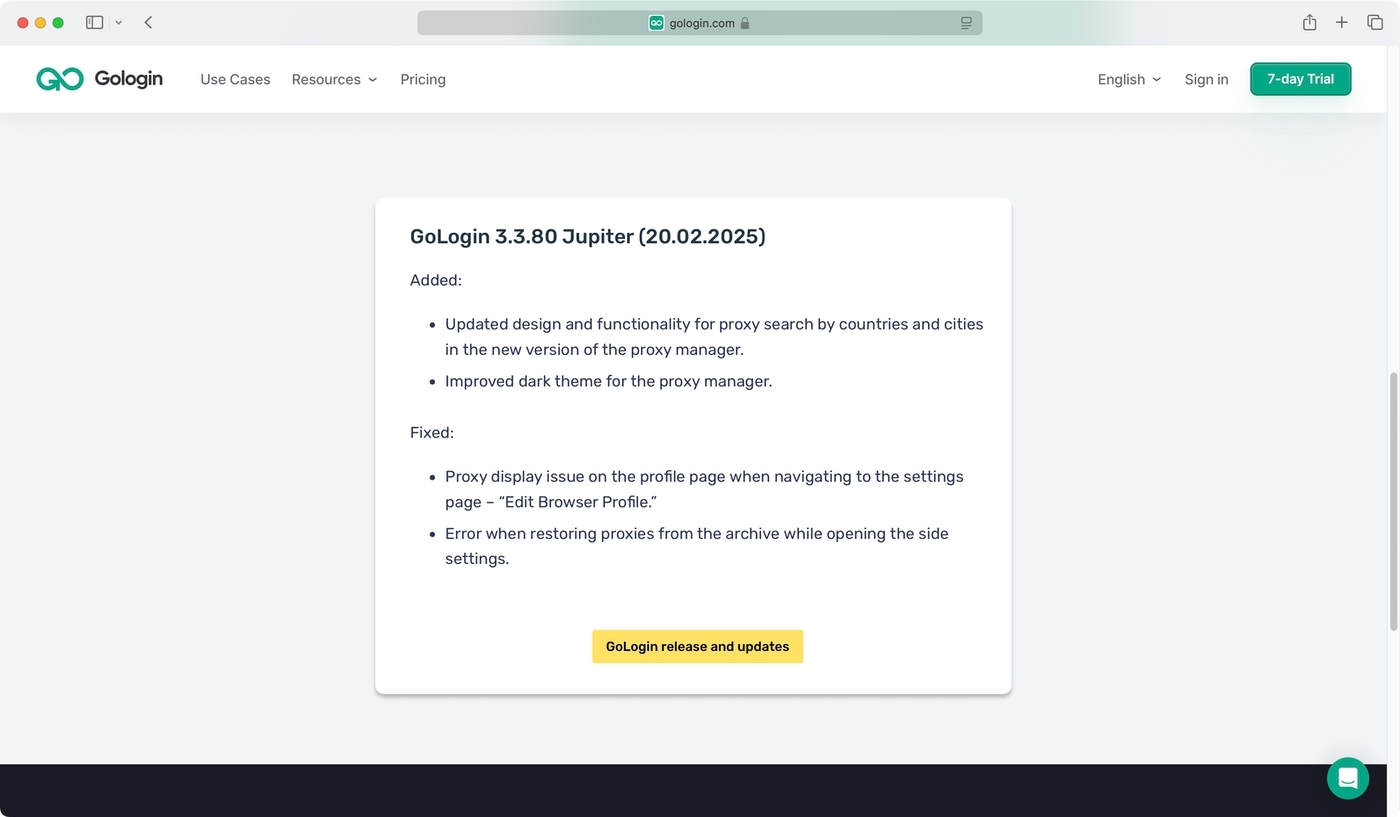
You can use GoLogin across a broad group of devices. Regarding desktop operating systems, this browser runs on Windows, macOS, and Linux.
You don’t need the latest version of those operating systems, as GoLogin runs on Windows 10 and newer, various Linux distributions, such as Ubuntu and Mint, and there are versions for Intel- and Apple Silicon-based macOS computers.
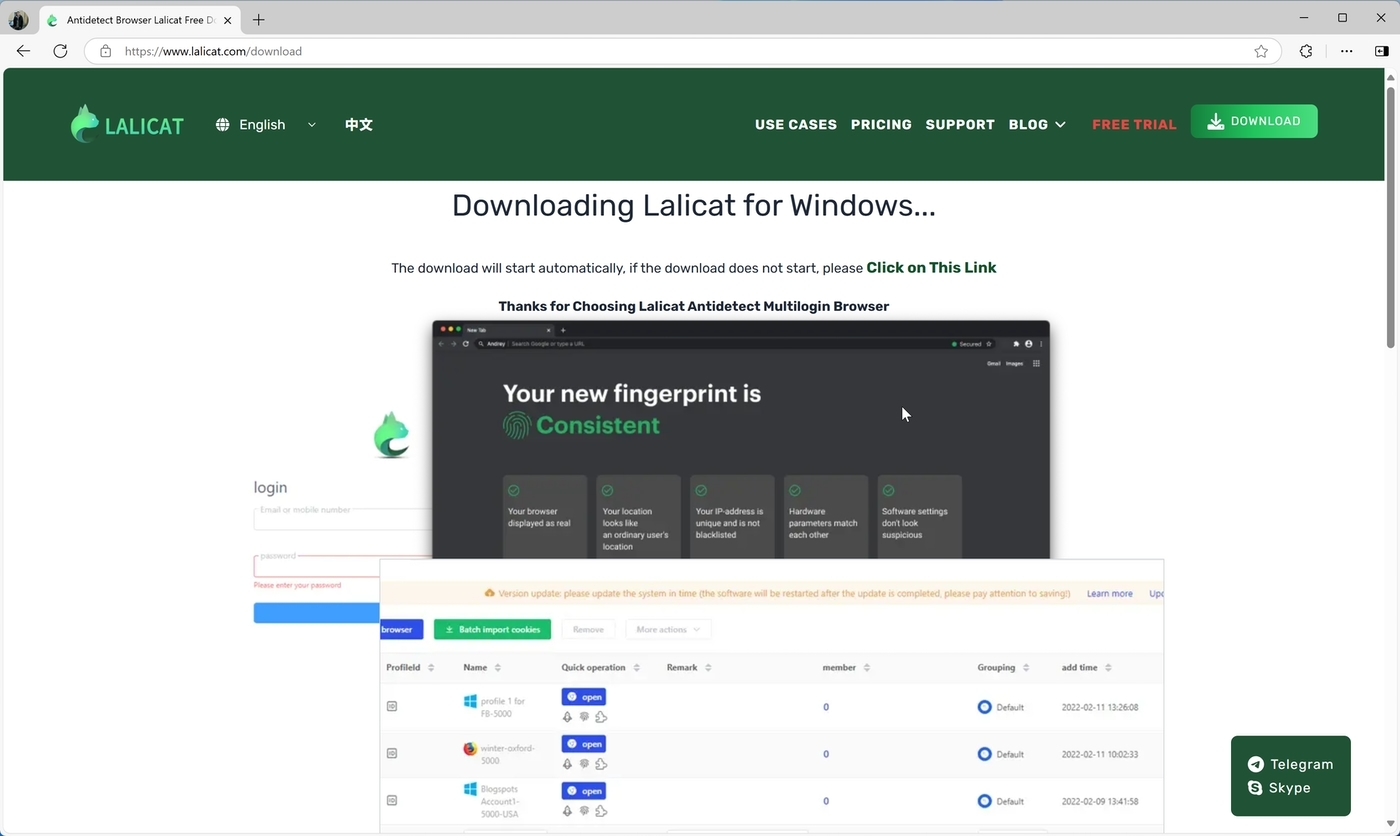
Furthermore, let’s not forget that GoLogin runs on Android and offers a native app. That’s not the case with Lalicat browser, where we encounter the first significant difference between the two anti-detect browsers.
Lalicat browser doesn’t work on mobile devices. It runs on Windows only (Windows 7 and newer), which means it falls short compared to GoLogin.
Registration and Initial Setup
There are multiple ways to become a GoLogin user, based on whether you’d like to get a free trial or become a paying user from the get-go. That said, you can decide between signing up on the service’s website or downloading its software and registering from there. Either way you go, you’ll end up with your credentials to activate the browser.
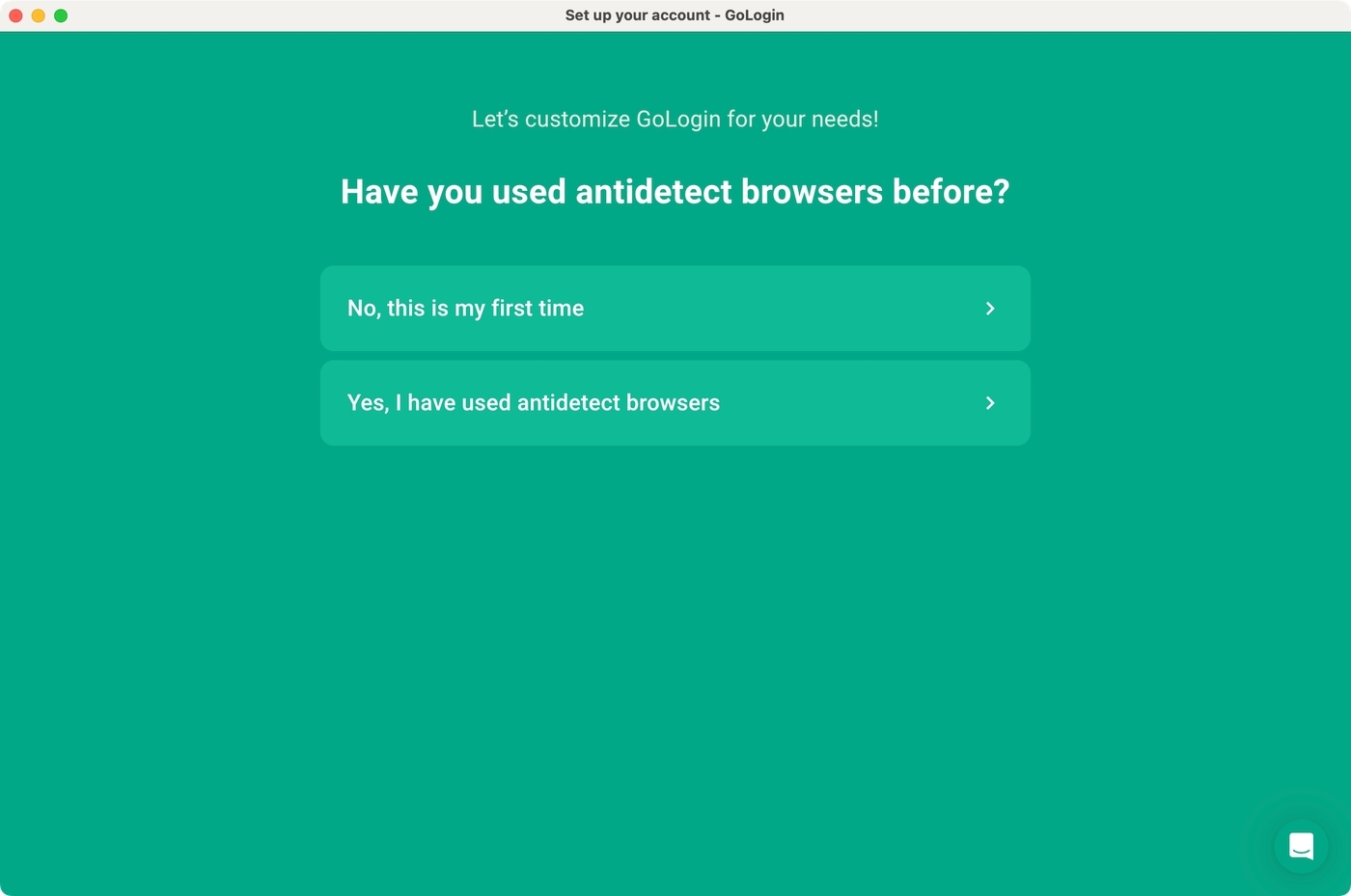
What needs to be highlighted is that GoLogin offers a user-centric setup guide. The first time you launch the application, you’ll be asked about your previous experience using anti-detect browsers.
You’ll also need to pick possible use cases, which helps GoLogin present default profile templates. That way, you can try it out without setting up profiles yourself.
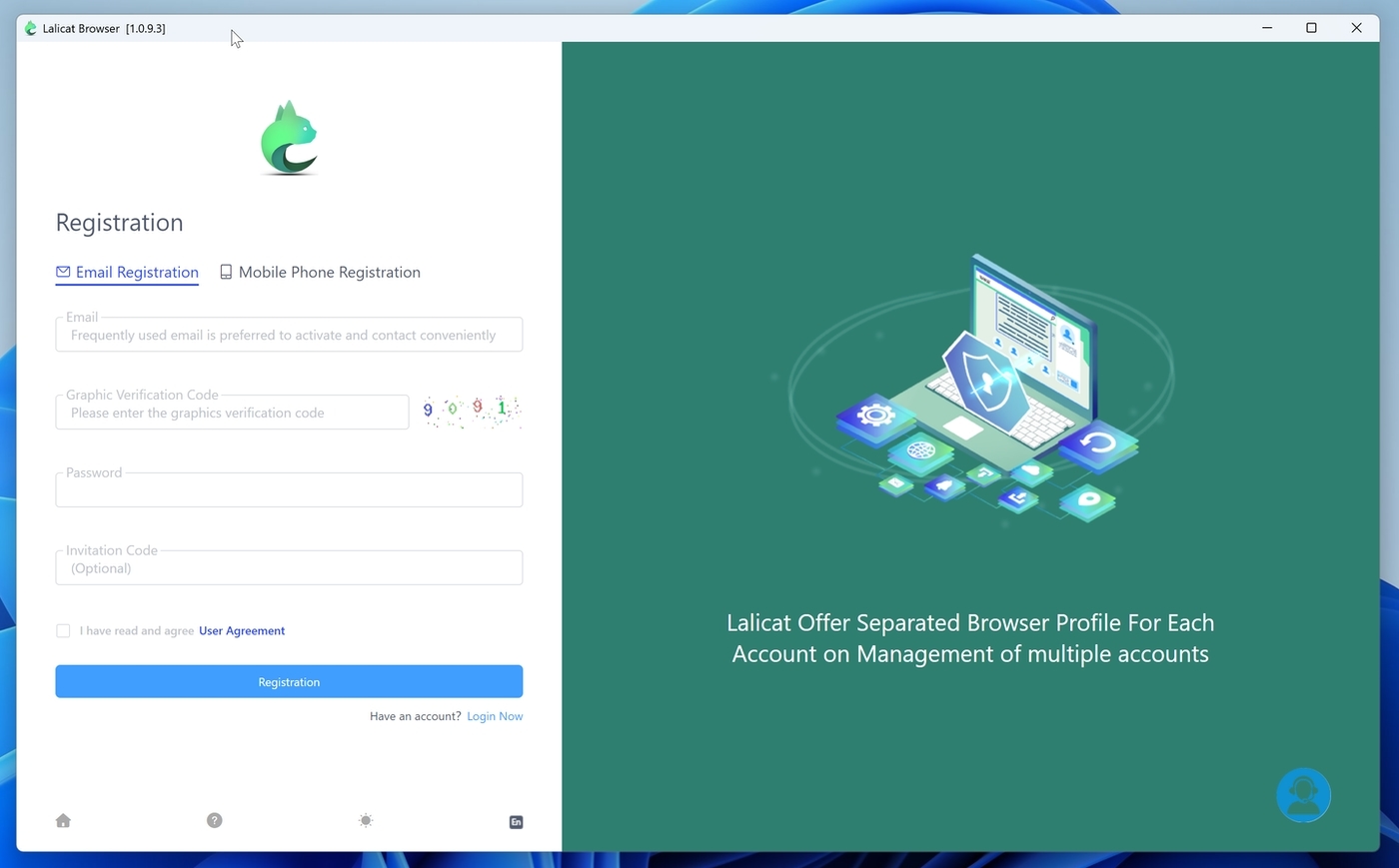
Becoming a Lalicat user requires you to download its Windows software. As far as we can tell, there’s no way to sign up via its website. However, you’ll see a registration form the first time you launch Lalicat browser.
Input your e-mail address, create a password, and you’re ready. Aside from that, you can also create an account using your mobile phone number.
Setting Up Custom Profiles
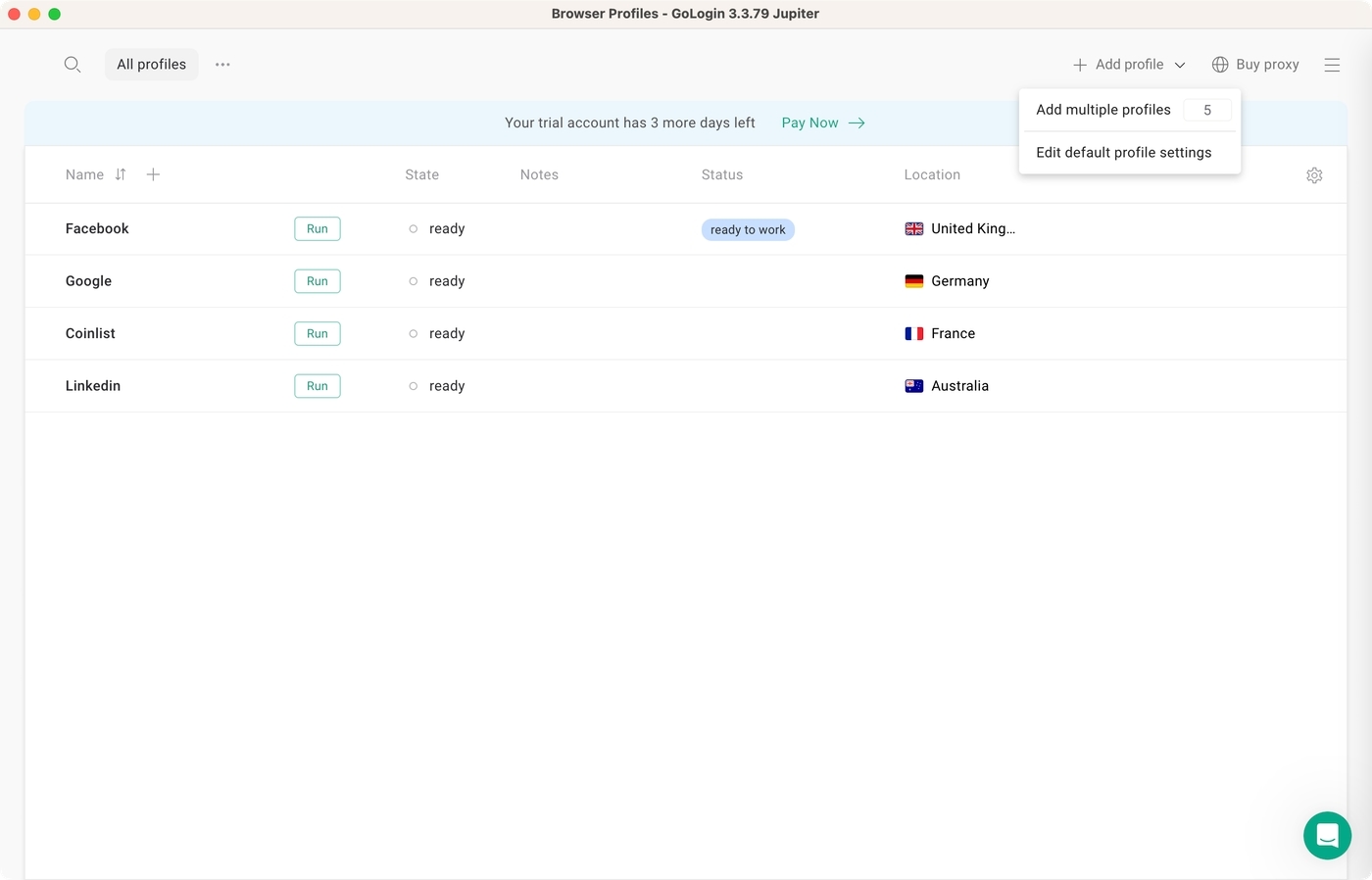
GoLogin offers a straightforward dashboard, without any distractions or annoyances. Based on your initial setup answers, you’ll see a set of profiles you can try immediately.
To connect, hit the “Run” button and a new browser window will open. Of course, you’re also free to create your own profiles using the plus sign in the top-left corner or the “Add Profile” item in the top-right corner.
Creating a new profile requires you to input a name, choose between different types of proxies (GoLogin’s proxy, your own, or without a proxy), pick a geo-location, and more.
Diving into additional options, you’ll see that you can select a time zone, choose from various extensions, input bookmarks, enable/disable WebRTC, and more.
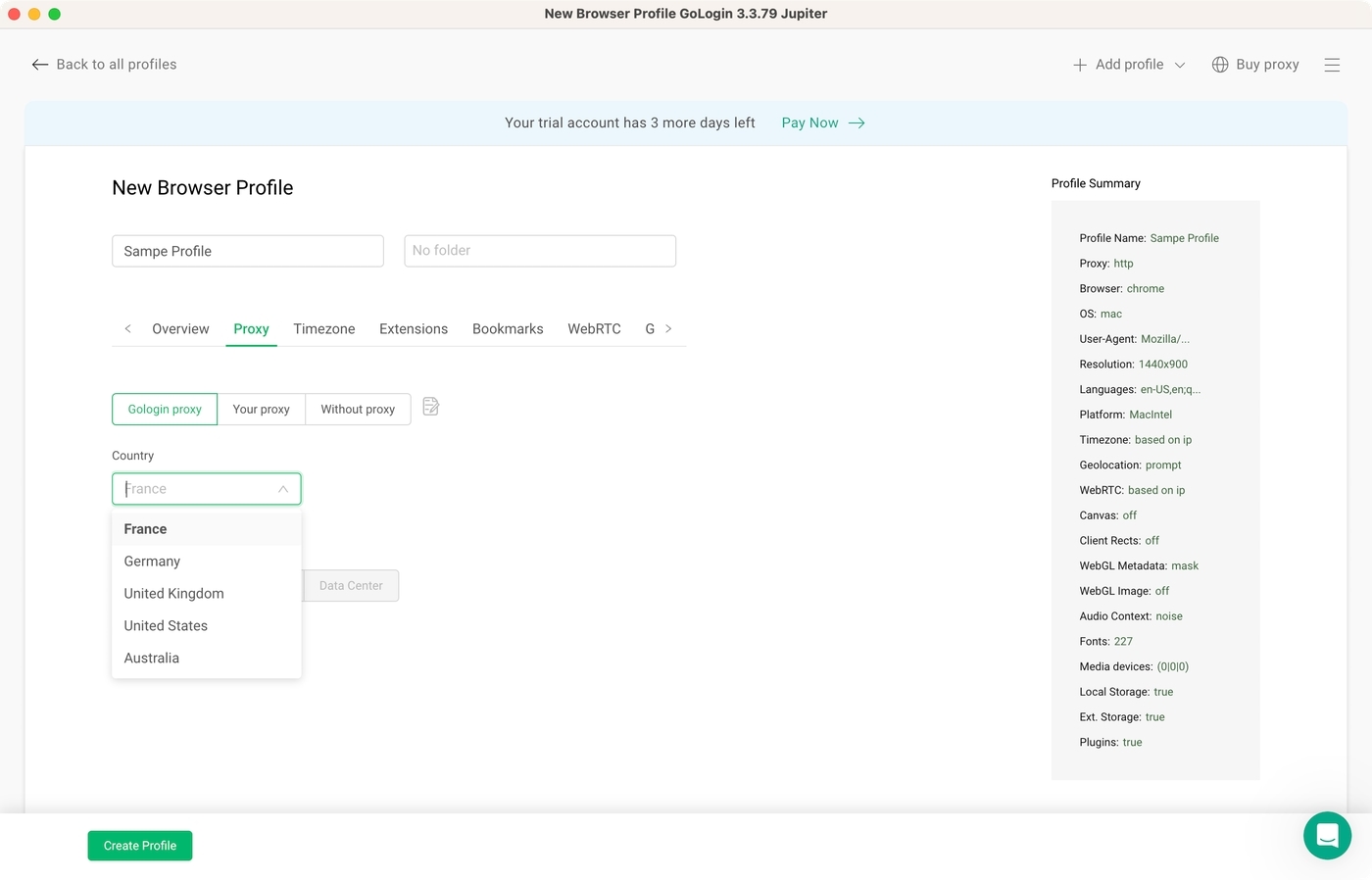
Overall, setting up a proxy using GoLogin is incredibly simple. We’re confident that you won’t have an issue optimizing the app according to your preference, even if you never used an anti-detect browser before.
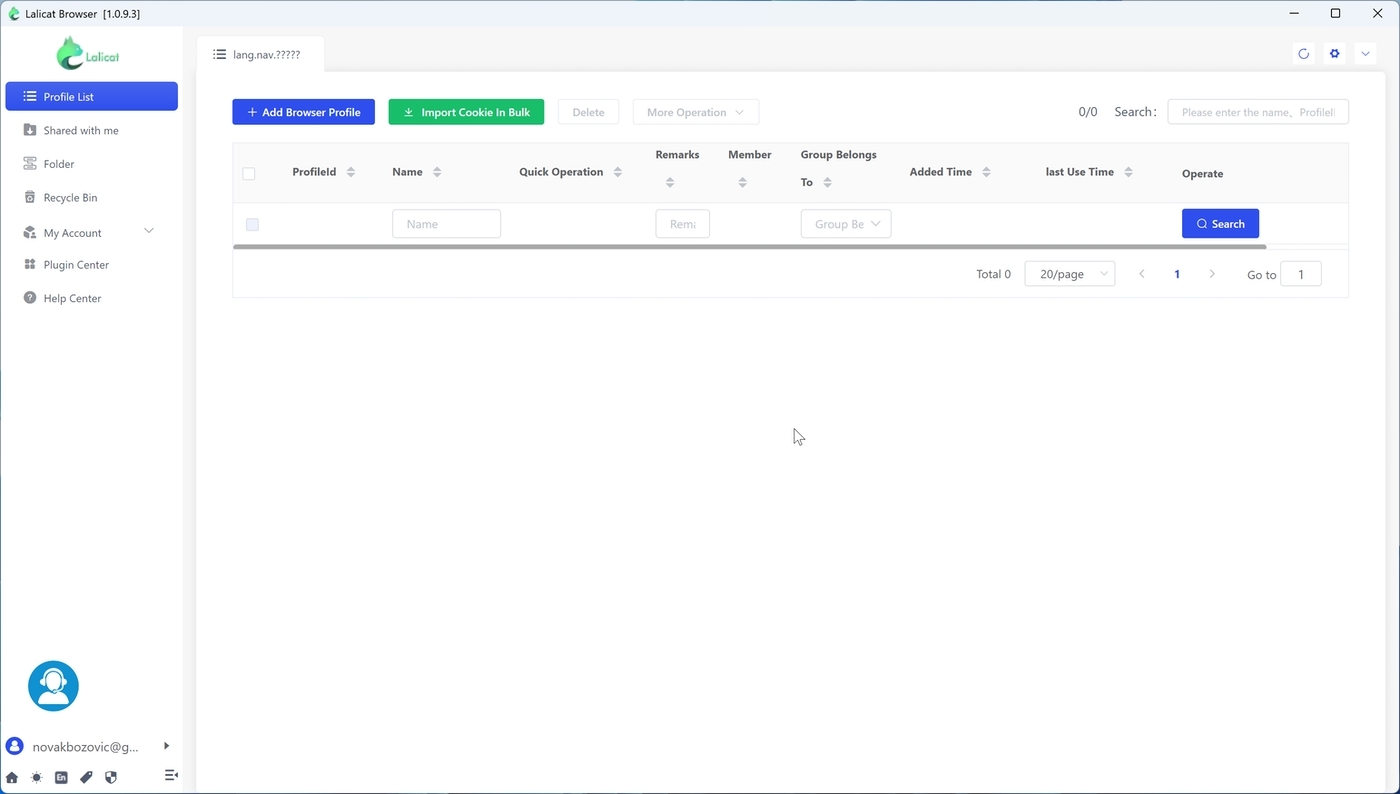
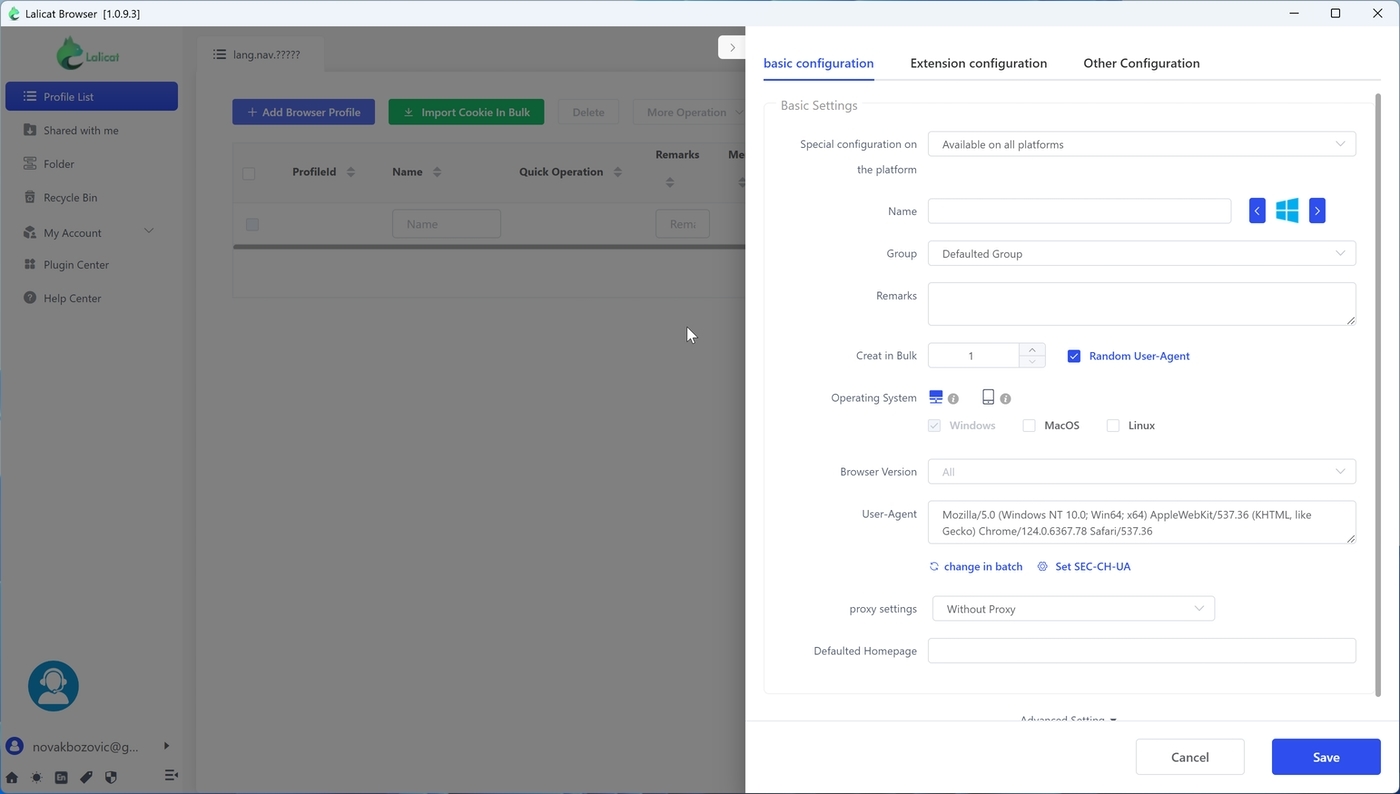
Unlike GoLogin, Lalicat browser doesn’t offer built-in profile templates. Therefore, your first action should be to click the “Add Browser Profile” button. This will open a profile editor, where you name your connection, assign it to a group, add notes, select which platform and browser you’d like to emulate, and more.
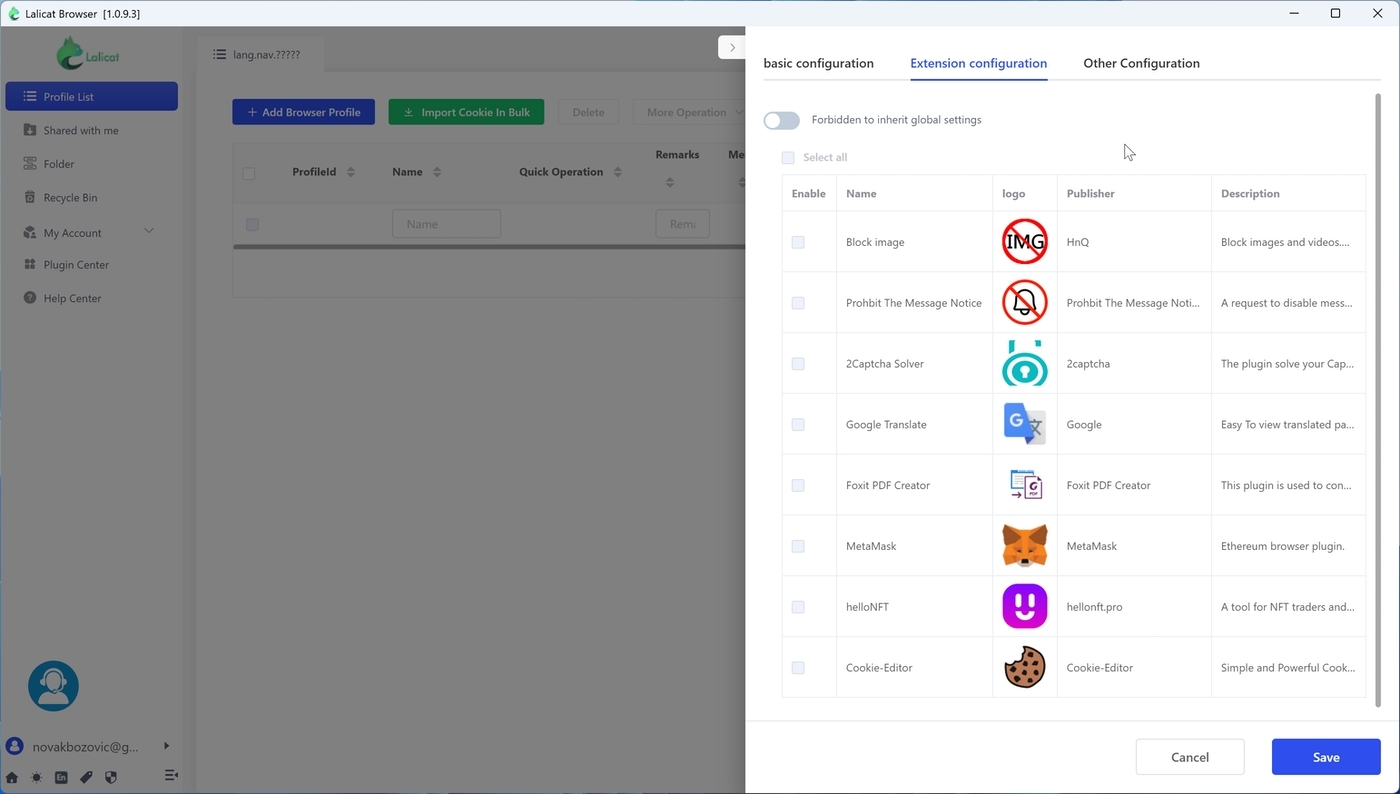
It’s worth noting that just like GoLogin, Lalicat allows you to pick a custom proxy or even create a profile without a proxy connection. In addition, you can also choose from several extensions, allowing you to block images, turn off pop-ups, translate pages, and more easily bypass CAPTCHAs. However, the range of available extensions is much smaller than what you get from GoLogin.
Overall, GoLogin and Lalicat browser offer similar features for creating profiles. That applies to the ease of creating profiles, selecting from various locations, and integrating your proxy.
Prominent Features
In this segment of our GoLogin vs. Lalicat comparison, we’ll examine a set of basic and advanced features and compare them head-to-head. Keep reading to learn more about various (important) subtleties between the two anti-detect browsers.
- Platform Compatibility: As previously mentioned, GoLogin works on Windows, macOS, Linux, and Android. It doesn’t require a high-end device, but a more powerful device would help you run a larger number of browser instances. On the other hand, Lalicat is a Windows-only browser. It works even on older versions of Windows, but a more powerful PC is recommended for running multiple browser instances.
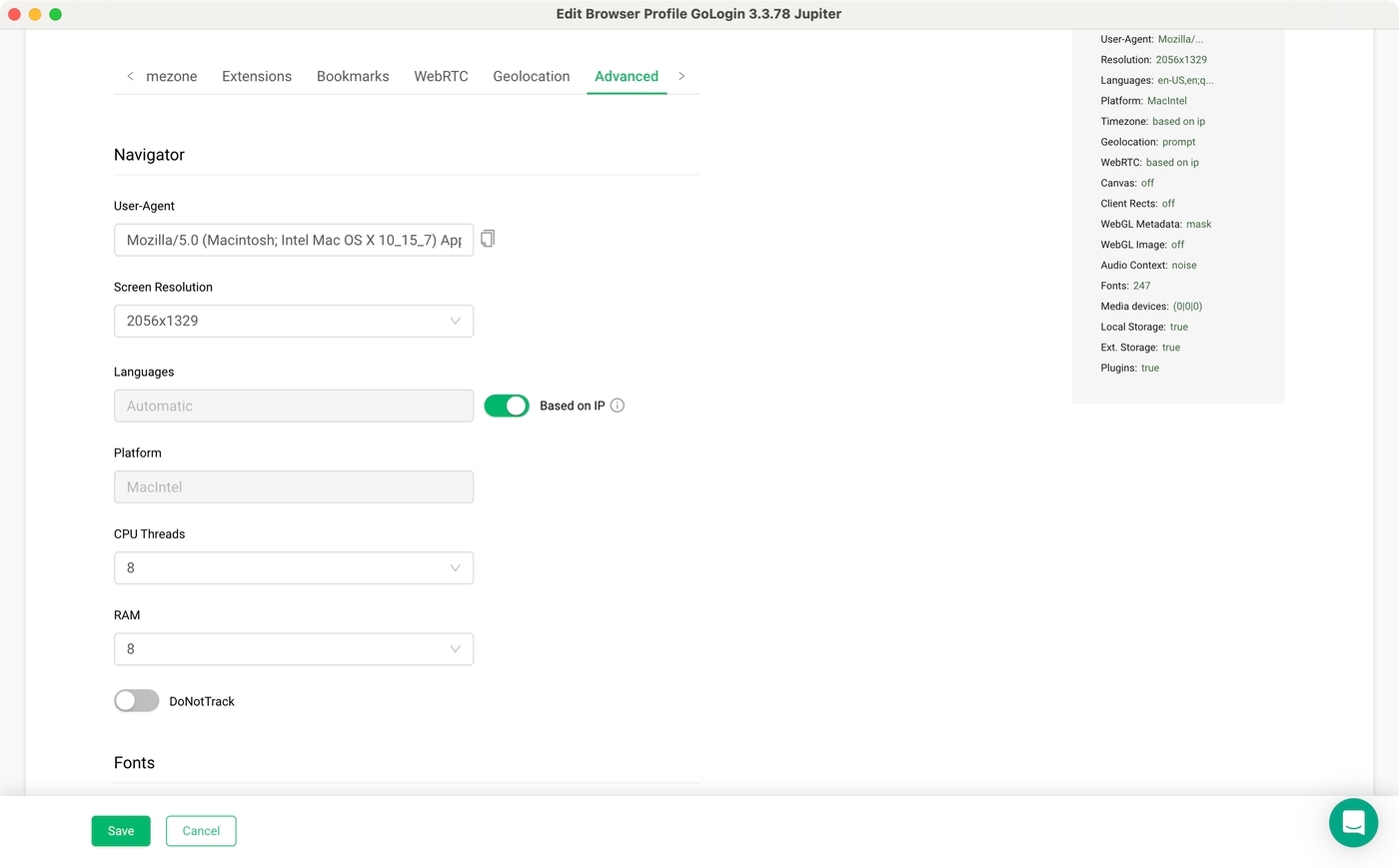
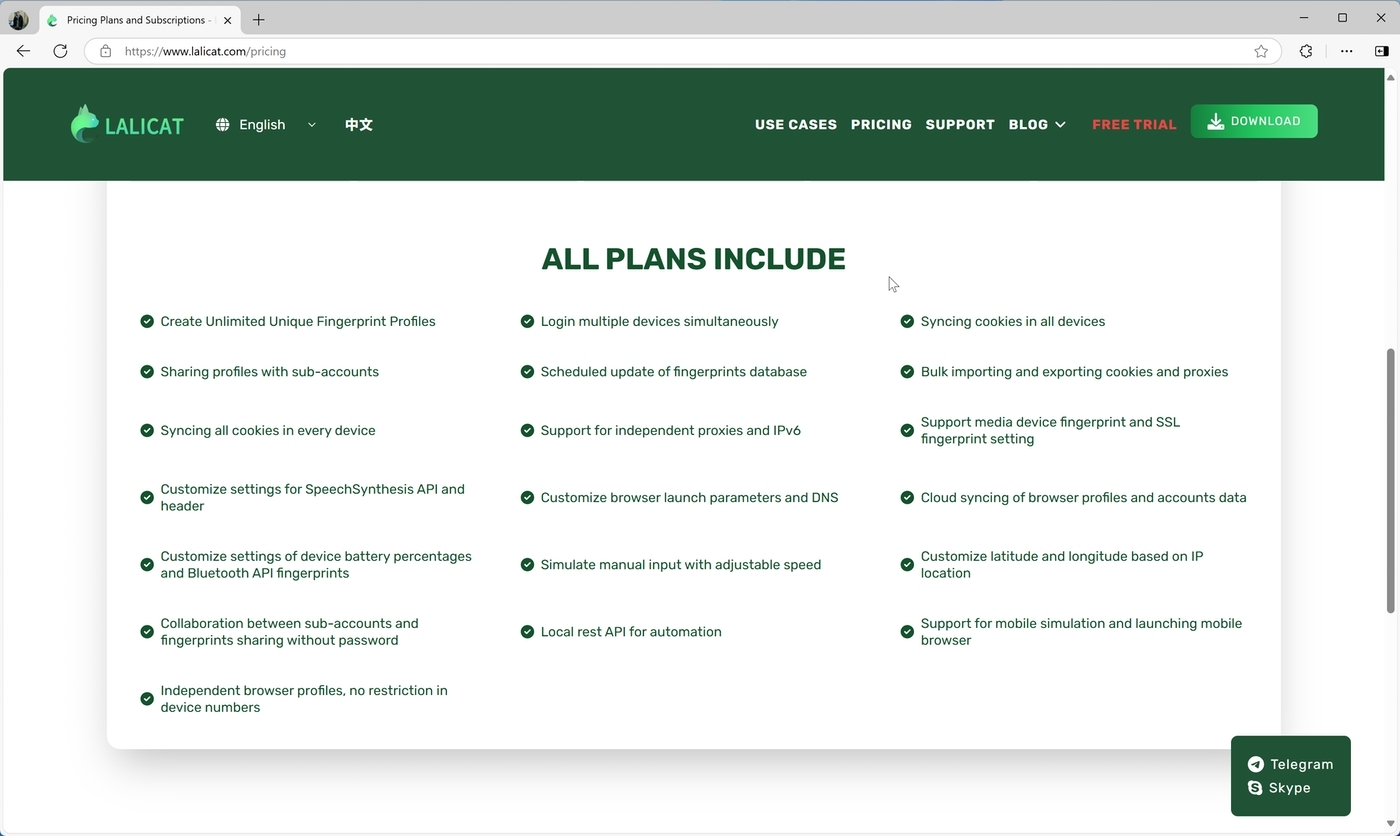
- Browser Fingerprint Management: GoLogin allows you to create multiple browser profiles, each with a unique set of fingerprinting parameters. For example, you can choose a browser, platform, time zone, and geo-location. Lalicat goes one step further by allowing you to select system fonts, RAM, CPU, SSL, and more, in addition to everything that GoLogin already covers.
- Team Collaboration: Both of the anti-detect browsers share numerous high-end options regarding team collaboration. You can expect the ability to set specific roles and access levels, share profiles between team members, and more. In addition, they both feature handy organization options, like the ability to create folders, which is especially handy when dealing with many profiles.
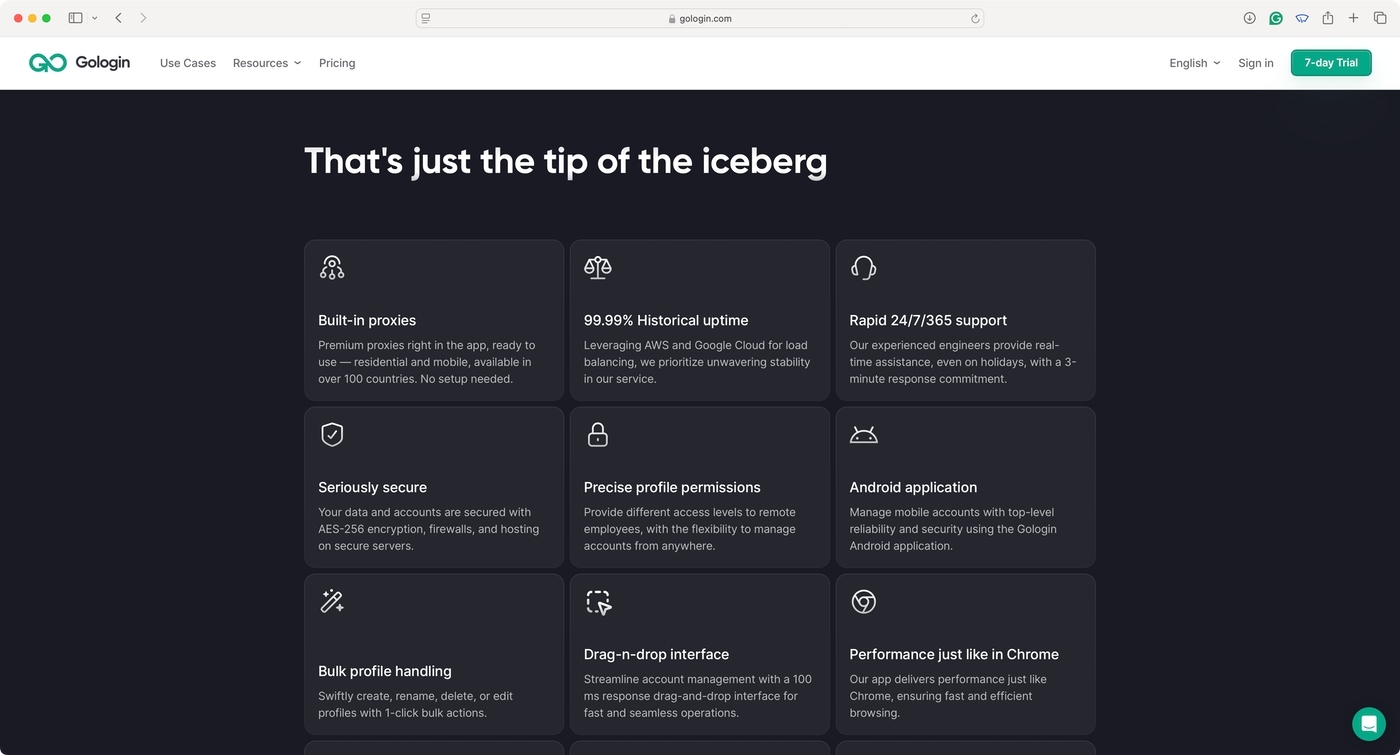
- Proxy Integration: What’s great about GoLogin is that it offers proxy servers, which makes proxy integration as seamless as possible. You can also choose to use your proxy, or go without one. Lalicat offers proxies through a third-party partnership, including IPv6/IPv4, mobile proxies, and more.
- API-Focused Automation: If you want to automate tasks and improve your efficiency, you’ll be happy to know that both GoLogin and Lalicat provide API integration for automating routine actions and tasks.
Pros/Cons & Trustworthiness
Next, it’s time to gather our conclusions and show you the pros and cons of using GoLogin and Lalicat. We’ll also check the services’ trustworthiness by reviewing what others say about them online.
| GoLogin | |
| Pros | Cons |
| Wide Platform Support: GoLogin works across all major desktop operating systems. It also has an Android app. | Profile Limits: If you need a large number of profiles, you’ll need to pick a high-end tier, which costs more. |
| Built-In Proxy Support: You don’t have to rely on third-party proxy providers. GoLogin offers everything from the get-go. | Resource Usage: Like with most anti-detect browsers, you’ll need a higher-end device to run many profiles at once. |
| Team Collaboration: You get advanced team collaboration and organization options, including role-based access. | Not Available on iOS: GoLogin isn’t available on iOS/iPadOS to due to Apple-mandated system constraints. |
| Security and Privacy: GoLogin’s proxies and fingerprinting parameters are varied enough to guarantee safety and privacy. | No Cookie Bot: A cookie bot would be helpful in hiding that your fingerprinting is brand new. |
| Reliable Customer Support: You get to count on live chat support, extensive documentation, and ticket support. | High Cloud Reliance: GoLogin uses cloud-based services for many features, while some might prefer a local-based core. |
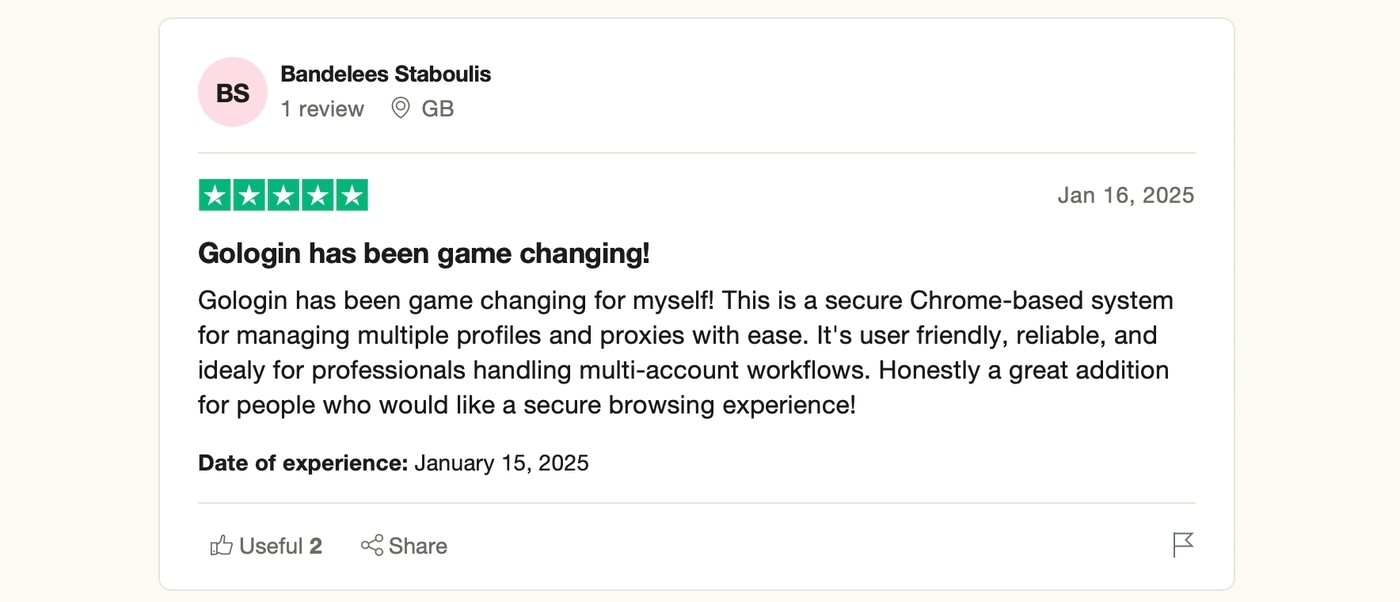
GoLogin is praised by its users on the Internet for its trustworthiness. On Trustpilot, this service has a score of 4.4/5.0. On G2, another popular aggregator of user reviews, GoLogin scores 4.7/5.0. Additionally, both sites feature numerous user reviews, which is a testament to the service’s popularity.
Now, it’s time to check the pros and cons of Lalicat browser. Here’s what we think after having spent plenty of time test-driving its features:
| Lalicat browser | |
| Pros | Cons |
| Advanced Fingerprint Customization: Lalicat allows you to fine-tune various browser fingerprints (CPU, RAM, etc.). | Limited to Windows: Lalicat browser works on Windows only. No other desktop or mobile systems are currently supported. |
| Proxy Flexibility: You can decide which third-party proxy service to use, which helps optimize your budget. | Performance Issues: We encountered a few hiccups when testing Lalicat browser, which lead to a few PC restarts. |
| Relatively Fast Performance: Lalicat promises fast browsing with up to 1 Gbps connection speeds. | No Built-In Proxies: Unlike GoLogin, Lalicat browser doesn’t provide its own proxies. You’re forced to use a third-party option. |
| OS Emulation Support: You’re free to emulate Windows, Android, iOS, and plenty more operating systems. | Steep Learning Curve: Utilizing more advanced users requires you to dive into Lalicat’s documentation. |
| Team Collaboration: Expect advanced options regarding team collaboration, including easy profile sharing. | Customer Support: Customers note that Lalicat browser features slower response times. |
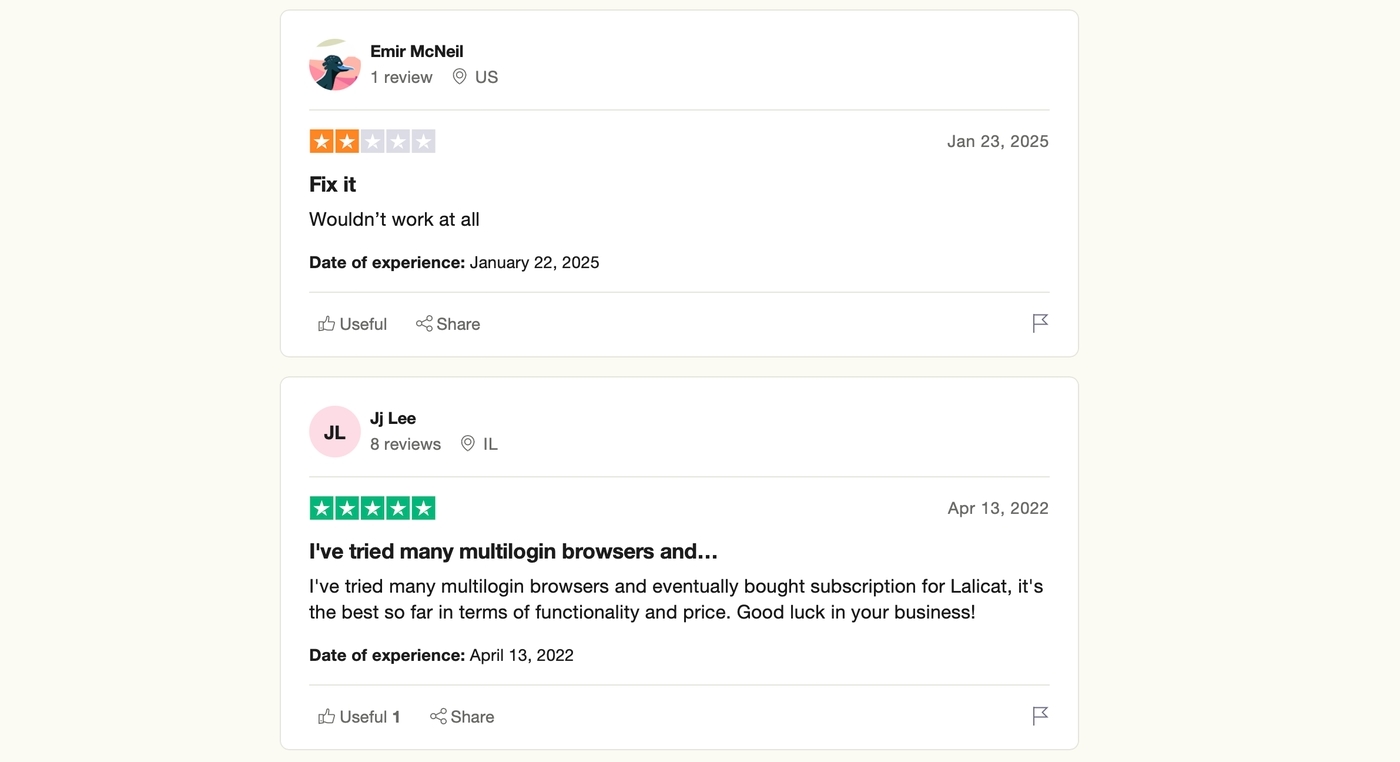
On Trustpilot, Lalicat browser scores 3.0/5.0, which raises a red flag. Even though there are many positive reviews, customers often complain about refunds. On G2, the situation is somewhat better, as Lalicat scores 4.5/5.0, but only from a single review.
Pricing and Plans
There are multiple ways to become a GoLogin user without any risk. Your best option is to sign up for a 7-day free trial. To make that happen, you need to register for an account, meaning no payment information is necessary.
During your 7-day trial, you’ll gain access to practically all GoLogin features, including 2GB of bandwidth. That should be more than enough to determine whether this anti-detect browser meets your needs.
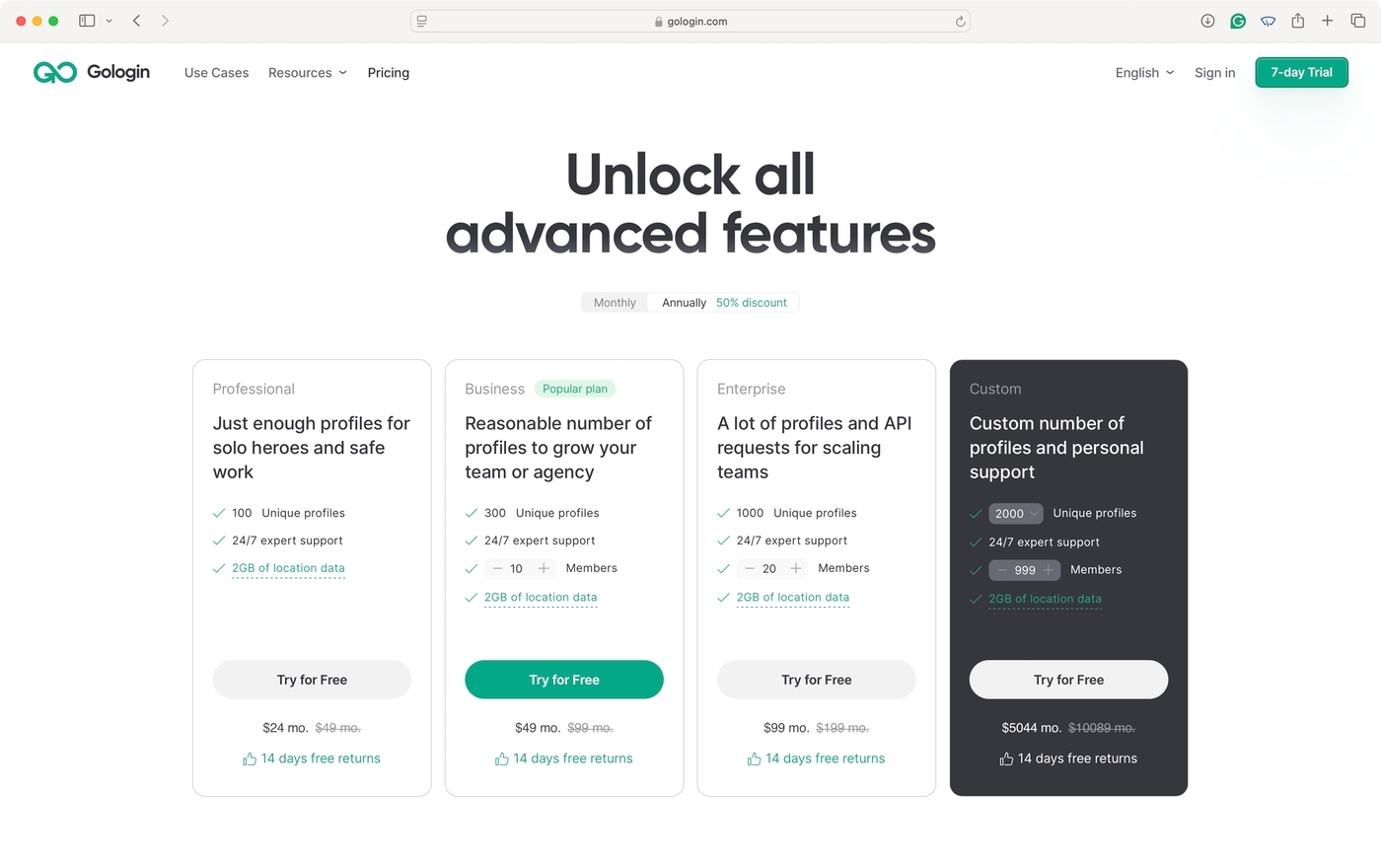
To become a paying user of GoLogin, you must pay $24.00, $49.00, or $99.00 per month – if you pick to pay annually. You can also get a custom plan with up to 30,000 unique profiles and unlimited members.
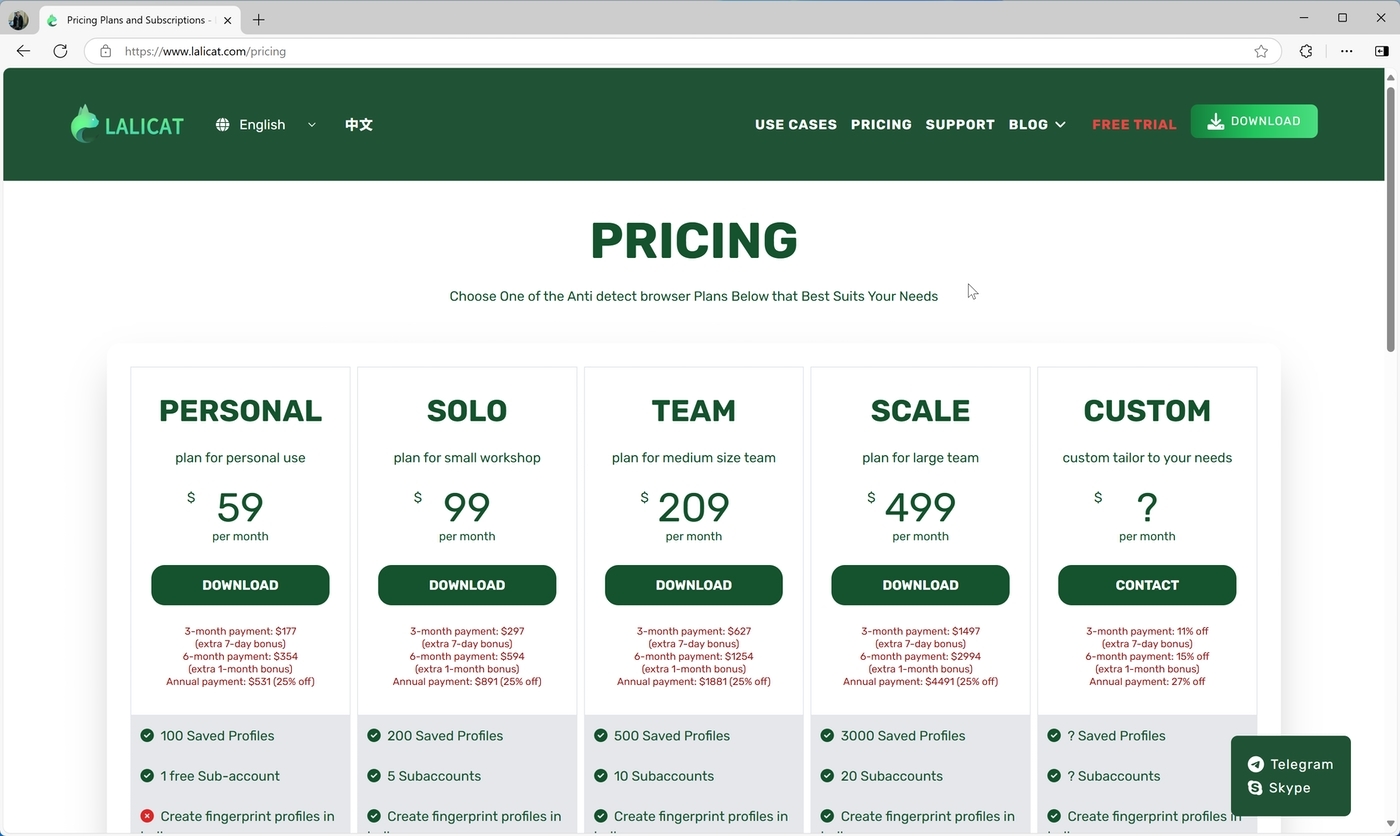
Lalicat browser offers a limited 3-day trial, so it’s possible to test-drive it for free. You’ll need to write to Lalicat’s customer support team to make that happen. Its subscription plans cost $59.00, $99.00, $209.00, or $499.00 per month – based on how many profiles and sub-accounts you need.
Final Verdict
Both GoLogin and Lalicat browser clearly have plenty to offer. For example, Lalicat excels at advanced fingerprint customization and OS emulation. It also prioritizes integration with third-party proxy services, which could be advantageous depending on your needs. Take a look at the table below for a deeper comparison.
| Comparison Criterium | GoLogin | Lalicat |
| Reliability | ✅ | ✅ |
| Security | ✅ | ✅ |
| Features set | ✅ | ✅ |
| Comfort of use | ✅ | ✅ |
| Beginner-friendly | ✅ | ❌ |
| Support quality | ✅ | ❌ |
| Quick profile creation | ✅ | ❌ |
| Country of origin | 🇺🇸 | 🇨🇳 |
| Frequent updates | ✅ | ❌ |
| Free plan/ trial | ✅ | ✅ |
| Free in-app proxies | ✅ | ❌ |
| Desktop apps | ✅ | ✅ |
| Mobile apps | ✅ | ❌ |
| No-code automation | ❌ | ✅ |
That said, GoLogin is a more user-friendly option, available across various operating systems. It also features built-in proxies, which is a significant convenience. In many ways, it matches most of what Lalicat browser offers—but at a more affordable price.