Managing multiple accounts across different platforms is increasingly difficult due to advanced tracking methods like browser fingerprinting. Traditional solutions like VPNs or clearing cookies are no longer enough to stay undetected. Anti-Detect Browsers are growing in demand among:
- E-commerce sellers running multiple storefronts on Amazon, eBay, or Etsy
- Affiliate marketers & advertisers managing multiple ad accounts on Facebook, Google, and TikTok
- Social media managers who need to handle multiple brand accounts across platforms
- Crypto traders & financial professionals using multiple exchange accounts
- Web scrapers & researchers who need to collect data without being blocked
Comparing Two Software Options: GoLogin vs. Identory
In previous blog posts, we have compared GoLogin to other anti-detect browsers. Let’s look at a lesser-known option: Identory. While GoLogin and Identity share the same goal—helping users manage multiple accounts safely—they operate on different models and offer unique features.
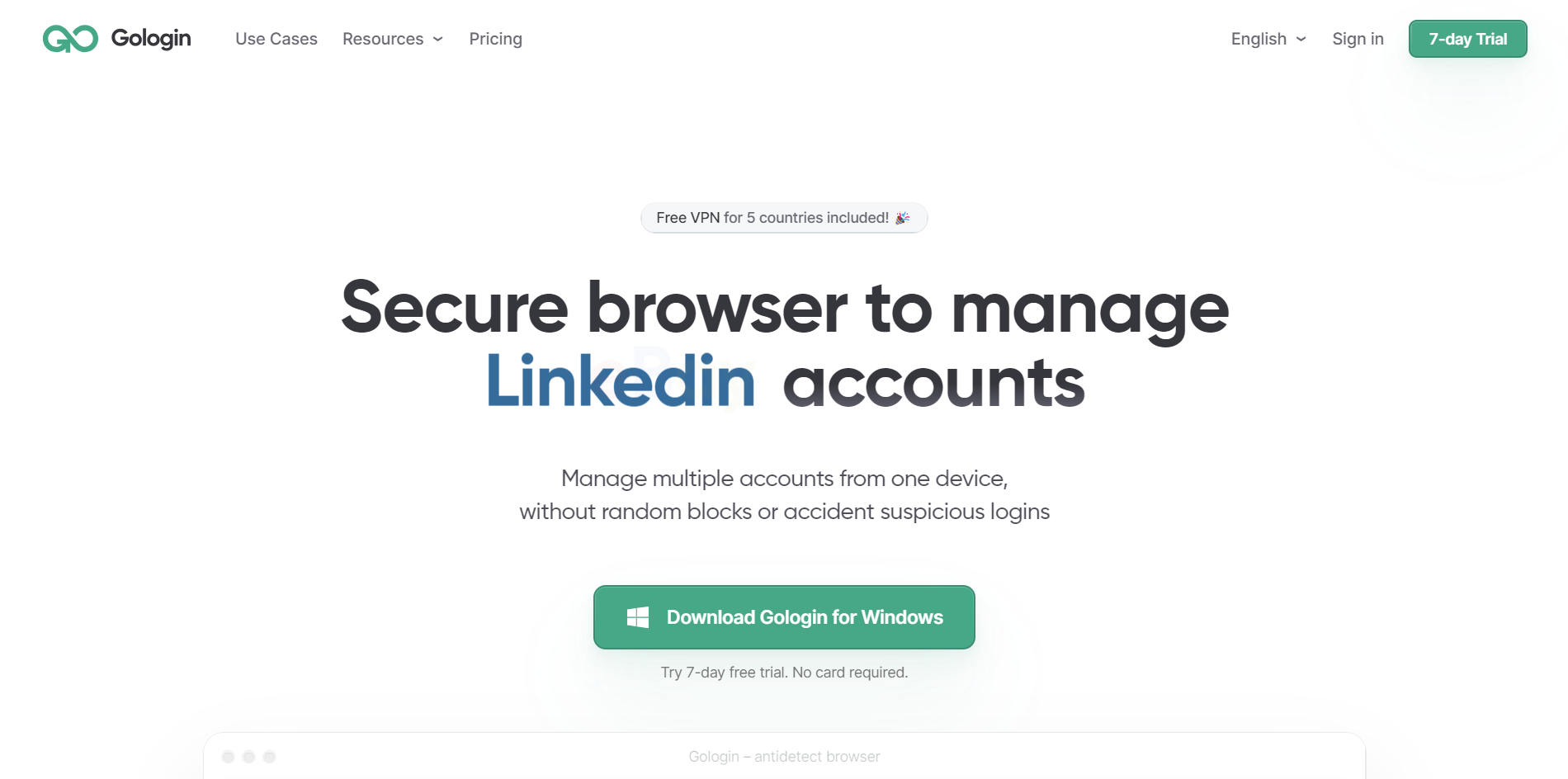
GoLogin is a SaaS-based anti-detect browser running on redundant, secure cloud infrastructure and provides best practices through of automatic updates, fingerprint customization, and automation tools.
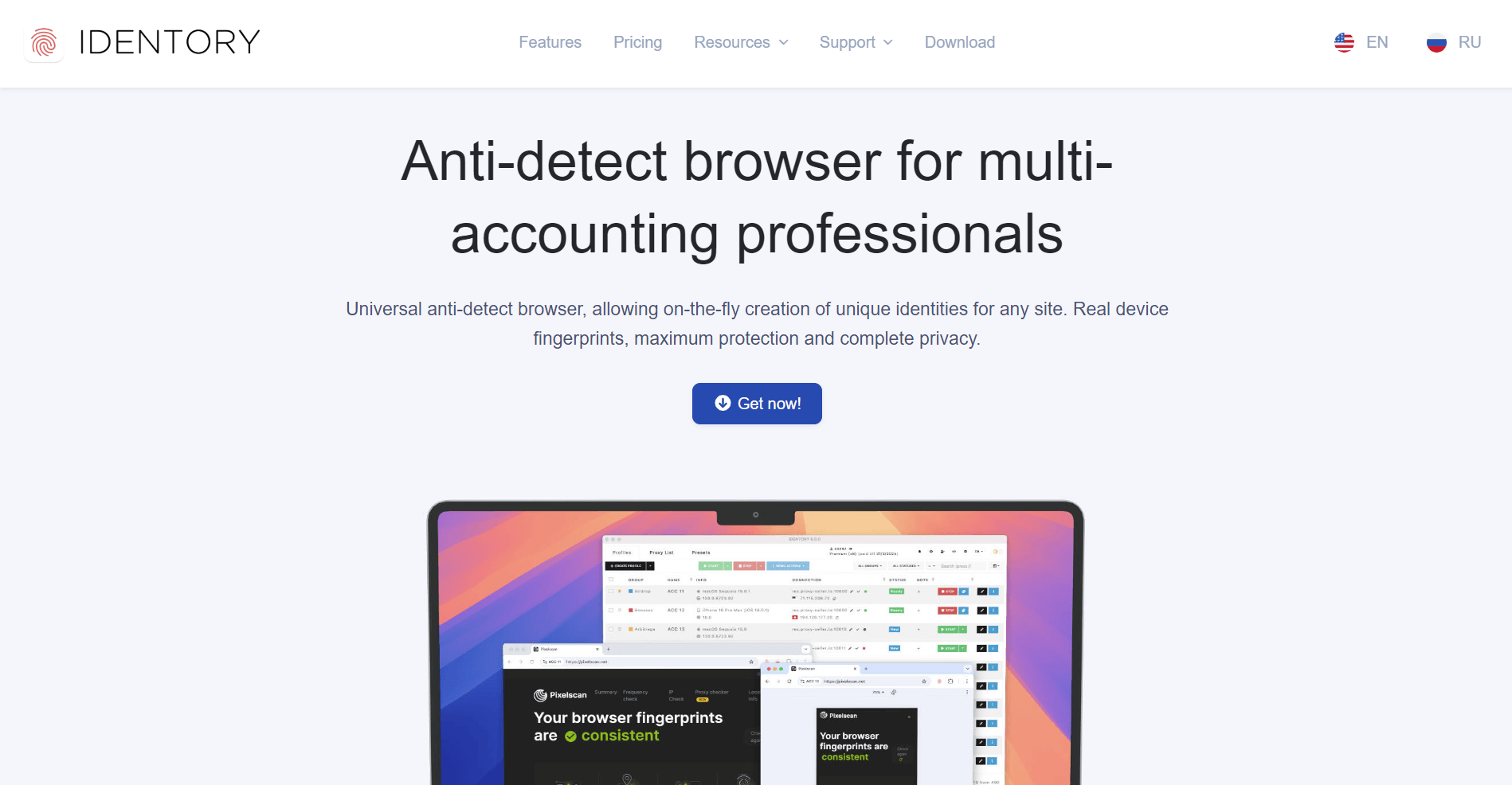
Identory browser is a locally installed software, meaning it runs directly on your computer without cloud integration. It’s a one-time purchase and operates entirely offline.
In this detailed comparison, we’ll explore which anti-detect browser is the best choice for your needs, covering fingerprinting, security, automation, pricing, and long-term usability.
101: What Is Browser Fingerprinting?
Browser fingerprinting is a powerful tracking method that collects device-specific information to identify users, even if they use a VPN or change their IP address.
How Browser Fingerprinting Works
Websites track users based on the following:
Operating system & device type (Windows, Mac, Linux)
- Browser type & version (Chrome, Firefox, Edge)
- Installed fonts, plugins, & extensions
- Screen resolution, GPU details, & WebRTC settings
- Time zone & language settings.
Because any of these factors create a unique digital fingerprint, platforms can easily block multiple accounts from the same device, even if the IP address changes.
Gologin Vs. Identory Feature Comparison
GoLogin’s is packed with options – cloud syncing, automation tools, team sharing features, and detailed fingerprinting controls all front and center. Identory’s feature set is noticeably simpler. GoLogin gives you more tools to work with while Identory keeps it basic.
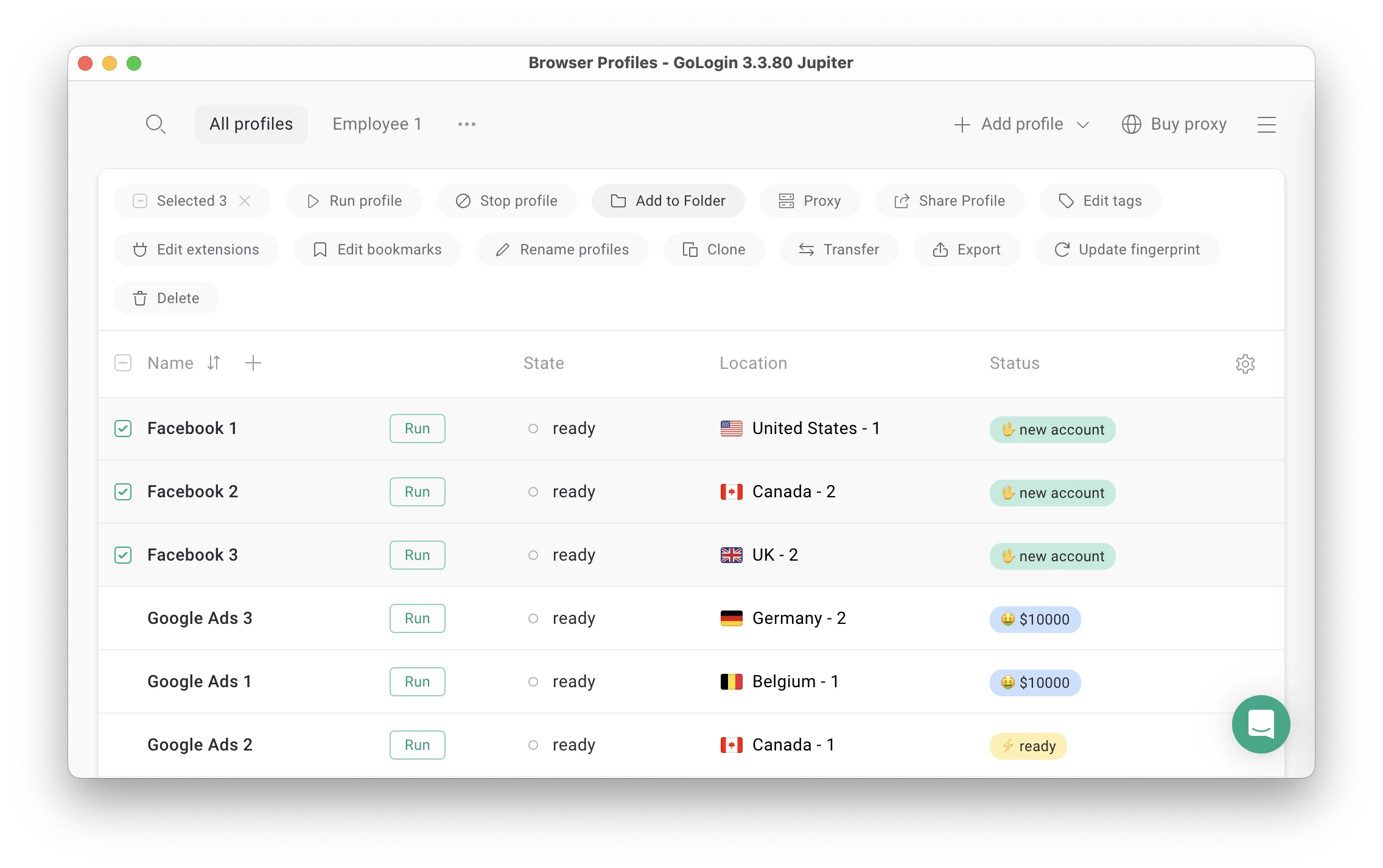
As you can see, GoLogin gives you significant advantages over Identory across several key areas. As a cloud-based platform, GoLogin allows you to sync and access your profiles from any device, unlike Identory’s device-centric installation.
GoLogin’s advanced fingerprinting customization provides better protection for your accounts, while its API support enables workflow automation that Identory can’t match.
If you work in a team environment, GoLogin’s collaboration features are invaluable, eliminating the headaches of manual profile sharing. The platform’s automatic security updates ensure you’re always protected without the maintenance burden Identory requires.
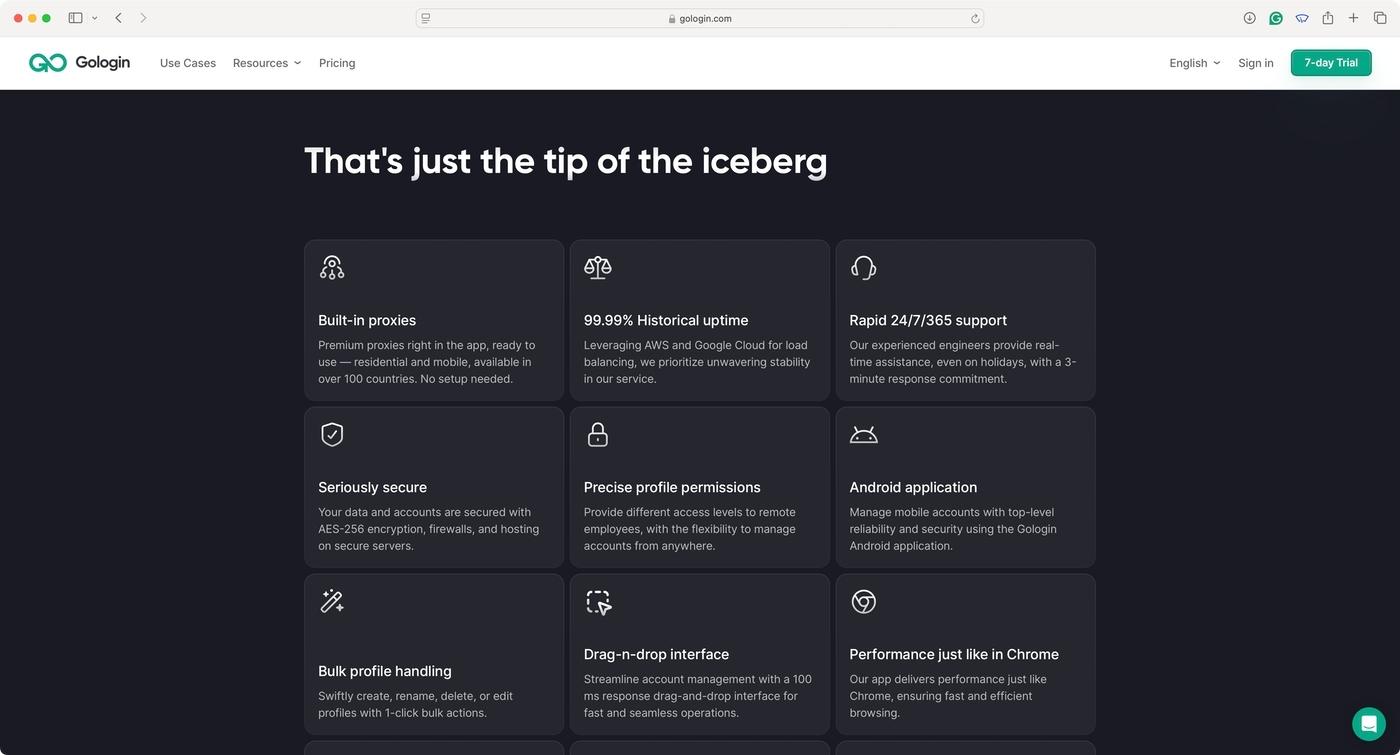
GoLogin’s subscription model includes a risk-free 7-day trial, allowing users to experience its superior functionality before committing—confidence in product quality that Identory’s one-time purchase model notably lacks.
For professionals seeking a future-proof, feature-rich browser fingerprinting solution, GoLogin appears to deliver enterprise-grade capabilities that Identory, as of this writing, does not match.
GoLogin’s SaaS Model vs. Identory’s Local Software Approach
One of the biggest differences between these browsers is how they deliver their solution.
GoLogin (SaaS-Based)
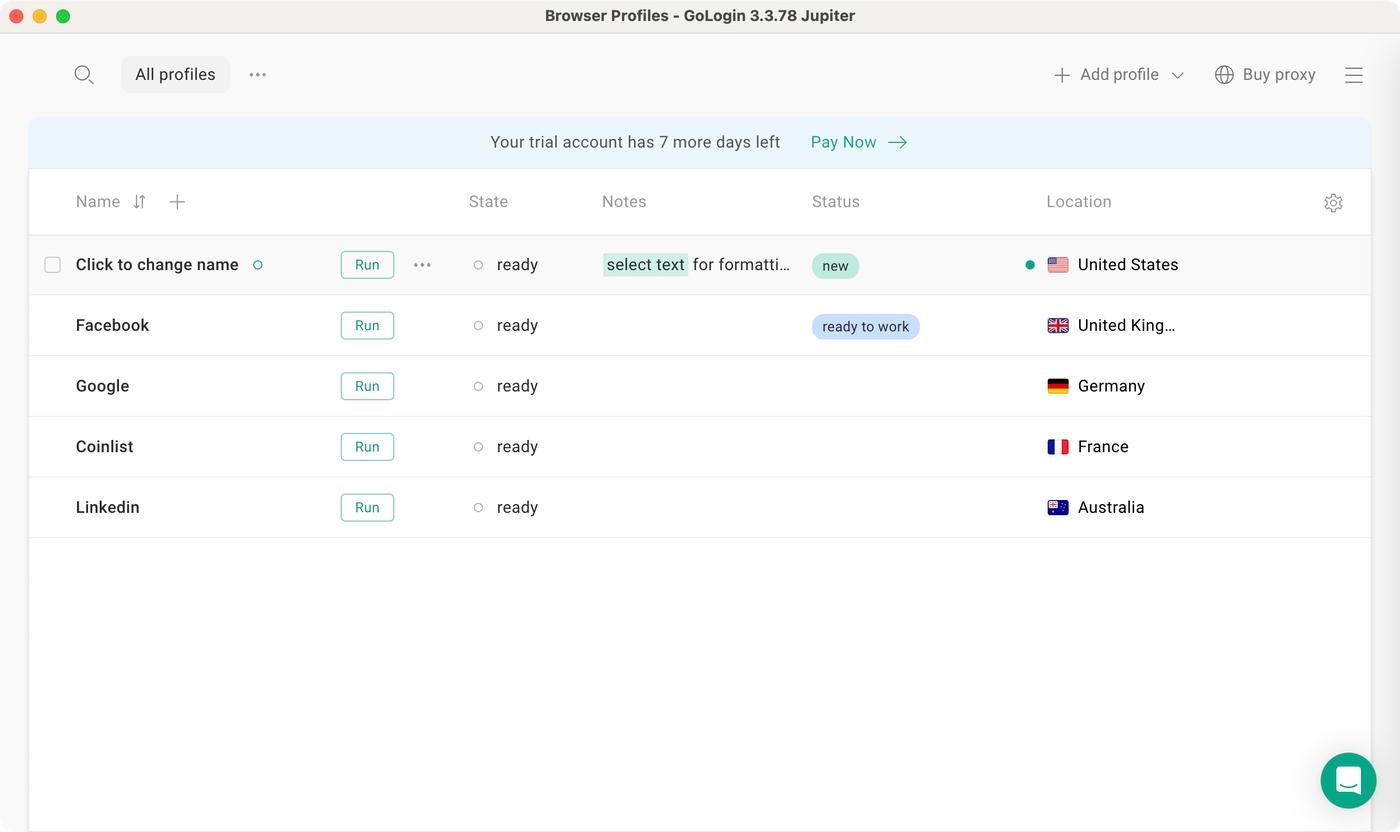
- Runs on cloud infrastructure – Profiles are stored remotely and can be accessed from any device.
- Instant security updates – If a website updates its tracking methods, GoLogin automatically adapts.
- No manual installation required – Users always get the latest version.
Identory (Local Software)
- No cloud syncing – All profiles are stored locally on the user’s device.
- Manual updates required – If a website upgrades its fingerprint detection, users must wait for an update and install it manually.
- If an update is delayed, users risk detection and potential account bans.
Speed: A Minor Trade-Off
While most organizations have access to fast internet, individual users in underserved markets may be looking for the fastest option. If that’s the case, consider:
Identory is faster because it runs locally, meaning:
- No cloud sync delays.
- Lighter software footprint.
- Direct system access without security processing.
Depending on your connection, GoLogin may be slightly slower because:
- It processes profiles through cloud storage, ensuring they remain intact across devices.
- It runs additional security layers to safeguard each profile.
Verdict: If you need raw speed, Identory has the edge. But if you need scalability and security, GoLogin is the better investment.
Download GoLogin for free and manage multiple accounts without bans!
Trust Through Transparency: GoLogin’s Review Presence Outshines Identory
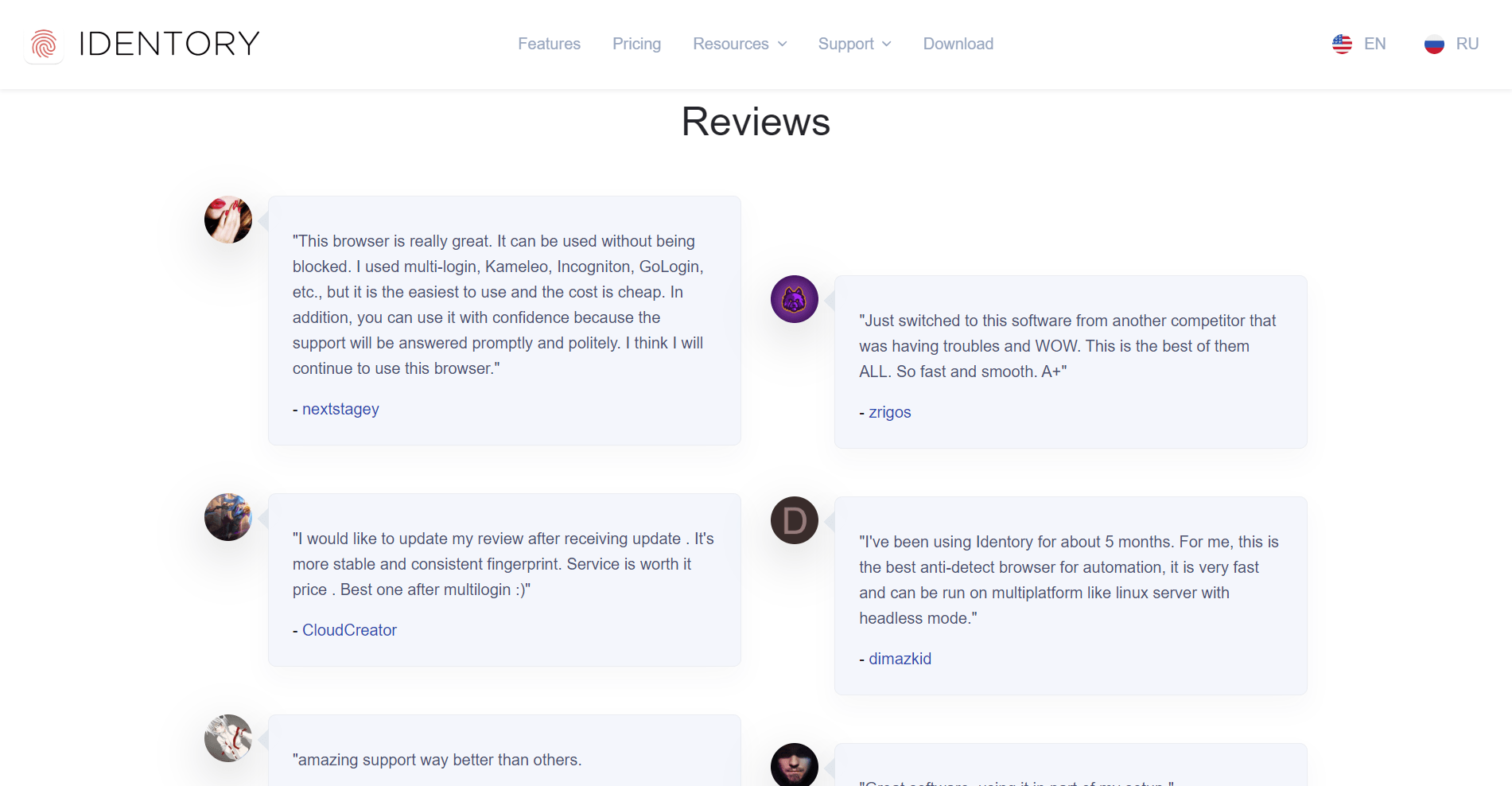
When comparing GoLogin to Identory in terms of user feedback, the contrast is noticeable, if not surprising. GoLogin boasts a substantial online presence with numerous verified reviews across platforms like Capterra, G2, and TrustPilot, ranking 4.6 out of 5 stars.

These testimonials highlight real-world applications ranging from market research to managing multiple business accounts securely.
In stark contrast, Identory remains virtually invisible in terms of reviews, without any verifiable user feedback available online. This lack of reviews for Identory raises legitimate questions about its market adoption, reliability, and performance.
While Identory may function adequately for basic needs, the absence of user testimonials makes it difficult to assess its effectiveness compared to GoLogin’s well-documented track record of successfully serving diverse business requirements across various industries.
Pricing & Plans: GoLogin vs. Identory
The pricing structures of GoLogin and Identory represent two distinct approaches to software acquisition.
GoLogin: Subscription-Based Flexibility
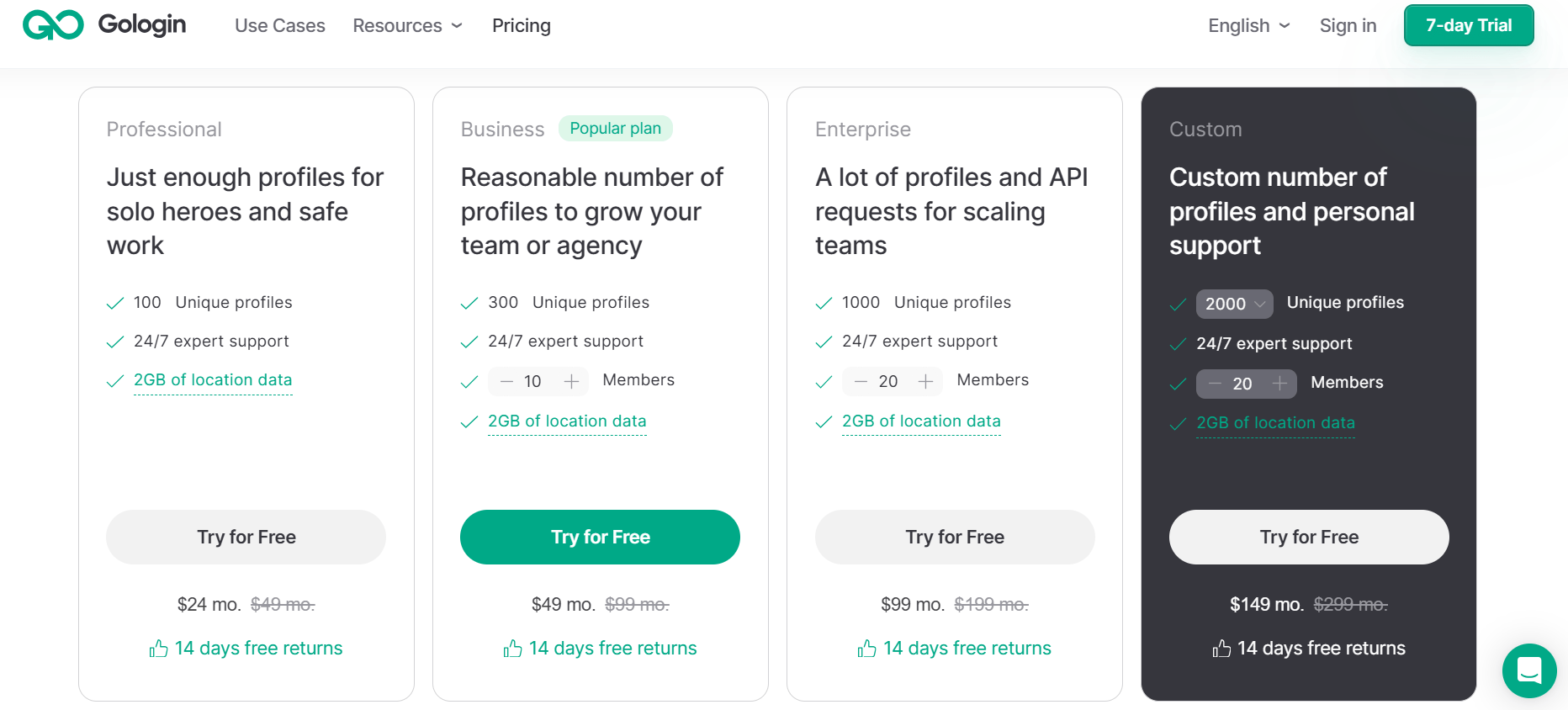
GoLogin operates on a subscription model starting at $24/month with several key advantages:
- A 7-day free trial allows you to test the platform before committing
- Plans scale based on the number of profiles needed, accommodating growth
- Your subscription includes regular updates and new features
- Cloud-based infrastructure means no additional hosting or maintenance costs
- Ability to upgrade or downgrade as your requirements change
Identory: One-Time Purchase Approach
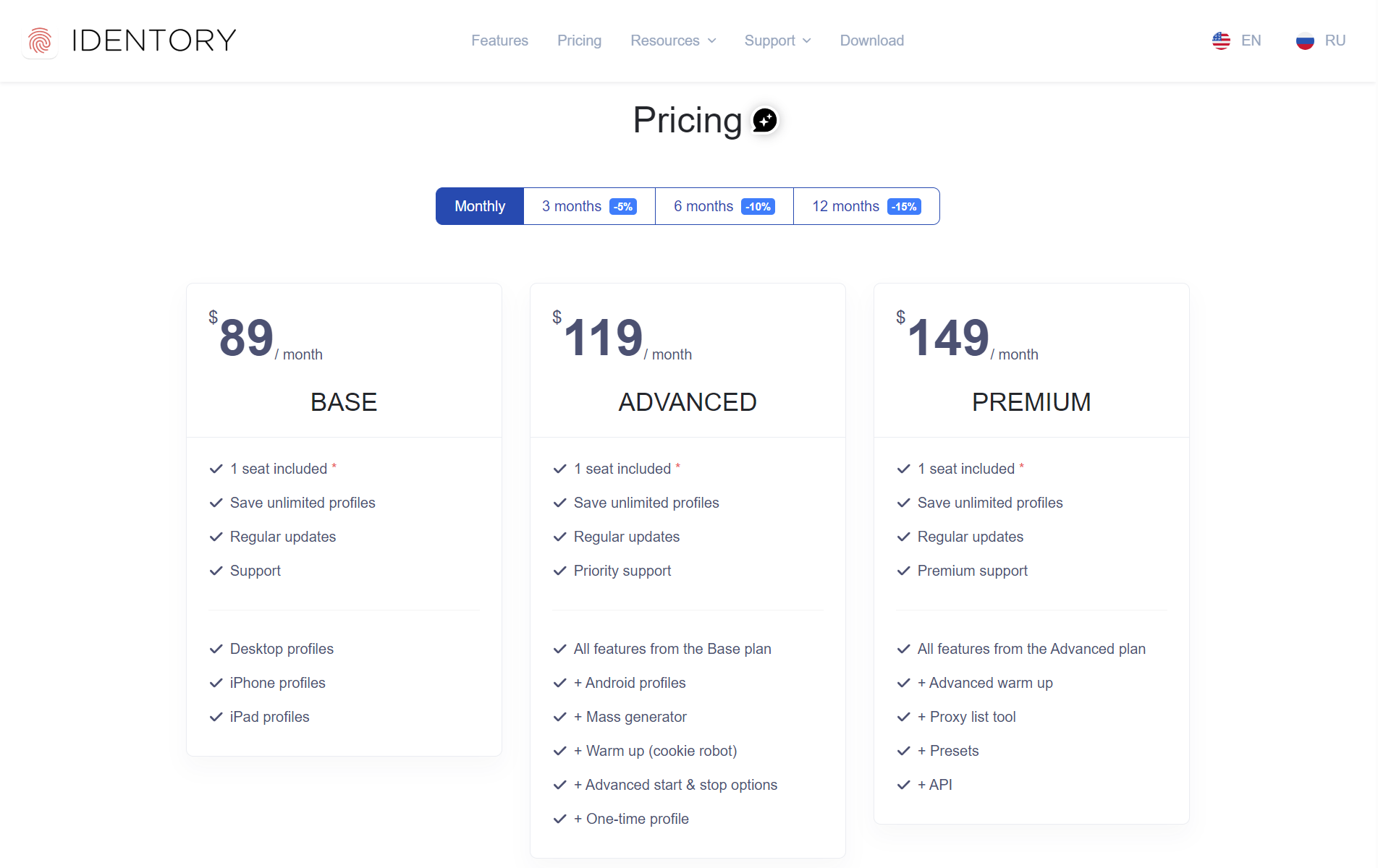
Identory takes a traditional one-time purchase approach:
- Pay once and own the software without recurring monthly charges
- The upfront cost is predictable and easier to budget for
- No free trial period is available to evaluate before purchasing
- Major version upgrades may require additional purchases in the future
- Higher initial investment but potentially more economical for long-term users
Your choice between these models typically depends on your budget structure, how long you plan to use the software, and whether you prioritize ongoing updates or a single fixed cost.
Final Verdict: Which One Should You Choose?
Choose GoLogin if you need:
- Scalability, security, and cloud syncing
- Advanced automation tools & API support
- Team collaboration for agencies
- Instant security updates for evolving anti-detection methods
Choose Identory if you want:
- A one-time purchase with no subscriptions
- A lightweight anti-detect browser for individual use
- Basic privacy protection without automation
Final Thoughts
For businesses, agencies, and professionals managing multiple accounts, we believe GoLogin is the smarter investment due to its security, automation, and real-time updates.
| Feature | GoLogin | Identory |
| Software Type | SaaS (Cloud-Based) | Local Software |
| Browser Engine | Chromium-based (Orbita) | Chromium |
| Multi-Account Management | ✅ Yes | ✅ Yes |
| Cloud Profile Syncing | ✅ Yes | ❌ No |
| Fingerprint Customization | ✅ Advanced (OS, GPU, RAM, WebRTC) | ❌ Basic |
| Automation & API Support | ✅ Yes (Selenium, Puppeteer) | ❌ No |
| Proxy Integration | ✅ Built-in proxy manager | ✅ Yes |
| Team Collaboration | ✅ Yes | ❌ No |
| Security Patches & Updates | ✅ Instant updates (SaaS) | ❌ Manual updates |
| Trial & Free Plan | ✅ 7-day free trial | ❌ No free trial |
| Pricing Model | Subscription-based ($24+/month) | One-time purchase |
If you’re looking for a basic, no-frills multi-account tool, Identory is a decent budget-friendly option with limited long-term adaptability.
Download GoLogin for free and manage multiple accounts without bans!