If you are seeking the most effective way to get on blocked sites at your school, work or in your country, then here is the solution for you. We’ve compiled a list of the top 16 unblocked web browsers to help you find the perfect fit for your browsing needs. These browsers don’t require advanced tech skills, so you can just start bypassing restrictions as soon as today.
What Are Unblocked Browsers?
An unblocked web browser allows you to use websites blocked by your ISP, local area network admin at your school or organization, and region. It’s the best way to get access to restricted content.
Selecting an Unblocked Browser
The following points should definitely be considered when choosing an unblocked browser:
- Compatibility. It is important to take into account the type of device and operating system you are using. A good browser should be compatible with your setup, whether it’s a PC, Mac, smartphone or tablet.
- Security. Choose relevant security features, based on your daily usage. For instance, there are features like encryption (which scrambles your data so it can’t be intercepted), ad-blocking (to stop annoying ads from following you around the internet), and anti-tracking measures (to prevent companies from snooping on your online activity).
- Legality. Ensure that the selected browser complies with the local laws and regulations. It would be unfortunate to use a browser that is prohibited or illegal and end up in trouble.
How Do Unblocked Browsers Work?
Unblocked browsers are useful in accessing websites that are blocked by schools, workplaces or in some countries. To achieve this, such browsers utilize certain applications like VPNs or proxy servers. With an unblocked browser, the internet traffic is passed through servers that can be located anywhere, so that you can see prohibited content as well. In essence, such web browsers enable you to freely surf through different websites, including those with certain limitations, by employing encryption for data security; hence, facilitating private and secure internet surfing.
How to bypass blocked sites?
These are the main techniques for entering blocked websites:
- Unblocked Browser: Please select any browser from the ones listed here. They will assist you to bypass filters.
- Web Proxies: Web proxies are middlemen connecting your browser with the World Wide Web. Just enter the blocked site’s URL, and the proxy will do the rest.
- VPN: A Virtual Private Network (VPN) can hide your activity and let you access blocked content.
- IP Address: You can sometimes access sites directly via their IP address. Look it up online and enter it in your browser.
- Mobile Data: If you have a smartphone, switch to mobile data to avoid Wi-Fi restrictions.
Summary On Best Unblocked Browsers
| Browser | Features | Platform Support | Cost | Verdict |
|---|---|---|---|---|
| GoLogin | – Multiple accounts without bans – Free proxies for 5 countries – Automatic fingerprint protection – Bypass tracking on platforms like Facebook – Web version available |
Windows, Mac, Android, Linux, Web app | Free (up to 3 profiles); paid from $24/month | Excellent unblocked internet browser choice for robust antidetect technology. |
| 1Browser | – Independent browsing profiles – Bypass firewalls – Access global content – Customizable settings |
Windows, Mac, Intel x86 | Free | Effective free solution for accessing restricted content while ensuring user privacy. |
| Tor Browser | – Onion-routing technology – Hides IP address – Blocks scripts – Automatically clears history |
Windows, Mac, Linux, iOS, Android | Free | Dependable choice for privacy, though slower than traditional browsers. |
| Opera One | – AI-powered – Built-in VPN – Integrated ad blocker – Tab organization through workspaces |
Windows, Mac, Linux, iOS, Android | Free | Decent unblocking capabilities; VPN features are somewhat restricted. |
| Brave | – Forces secure connections – Access to 40 server locations – Blocks ads and trackers – VPN for mobile |
Windows, Mac, iPhone, Android, Linux | Free (optional paid features) | Well-suited for privacy-conscious users with strong capabilities. |
| ProxyBoost.net | – Web-based browser – Default ad and tracker blocking – Secure connections |
Windows, Mac, iPhone, Android, Linux | Free | Excellent choice for hassle-free access to blocked websites without additional software. |
| Avast Secure Browser PRO | – Military-grade encryption – Blocks tracking ads – Strict no-logging policy – Faster speeds |
Windows 10 & 11, iOS, Android | Free version; Pro starts at $5.99/month | Robust choice for privacy and strong security; some features only in paid version. |
| Puffin Browser | – Built-in VPN – Cloud processing for speed – Ad blocker – Data-saving technology |
Windows, macOS, Android, iOS | Free on mobile; subscription for desktop | Ideal for speed, security, and unblocking content, with built-in VPN. |
| Waterfox | – Blocks website tracking – Private browsing options – Customizable privacy settings |
Windows, macOS, Linux, Android | Free | Solid entry-level browser for users prioritizing privacy. |
| Tenta | – Full data encryption – Built-in VPN – Ad blocker – User-specific encryption keys |
Mac, Windows | Free | Robust privacy features; limited to Mac and Windows platforms. |
| DuckDuckGo | – Blocks trackers – Private searches – Global Privacy Control – Blocks email trackers |
iOS, Android, macOS, Windows (browser extensions) | Free; Pro version $9.99/month or $99.99/year | Privacy-focused experience; limited customization options. |
| Aloha Browser | – Built-in VPN – AES encryption – Password or fingerprint lock |
Windows, iOS, Android | Free; premium from $2.99/month | Great for mobile users seeking privacy and speed with integrated VPN. |
| UR Browser | – Three privacy levels – Built-in VPN – Virus scanner |
Windows 7-10, macOS X El Capitan 10.11+ | Free | Strong privacy focus with adjustable settings, but limited customization. |
| Epic Privacy Browser | – Blocks trackers and ads – Cleans browsing data after sessions – Supports essential add-ons |
Windows, Mac, iOS, Android | Free | Excellent for privacy-conscious users, but limited VPN capabilities for some services. |
| Startpage | – Encrypted connection – Blocks price trackers – Anonymous view proxy |
All major browsers and devices | Free | Excellent for privacy-focused search results, but limited features compared to others. |
| BlockAway | – Free proxy service – Unrestricted access – Simple setup |
Various web browsers and OS | Free basic; premium $3.50/month | User-friendly proxy service that prioritizes privacy and accessibility. |
| EPS Browser | – Unblocks websites – Seamless Chrome integration |
ChromeOS | Free | Effective for bypassing restrictions on Chromebooks, but limited to ChromeOS. |
Unblocked Browsers List
1. Gologin
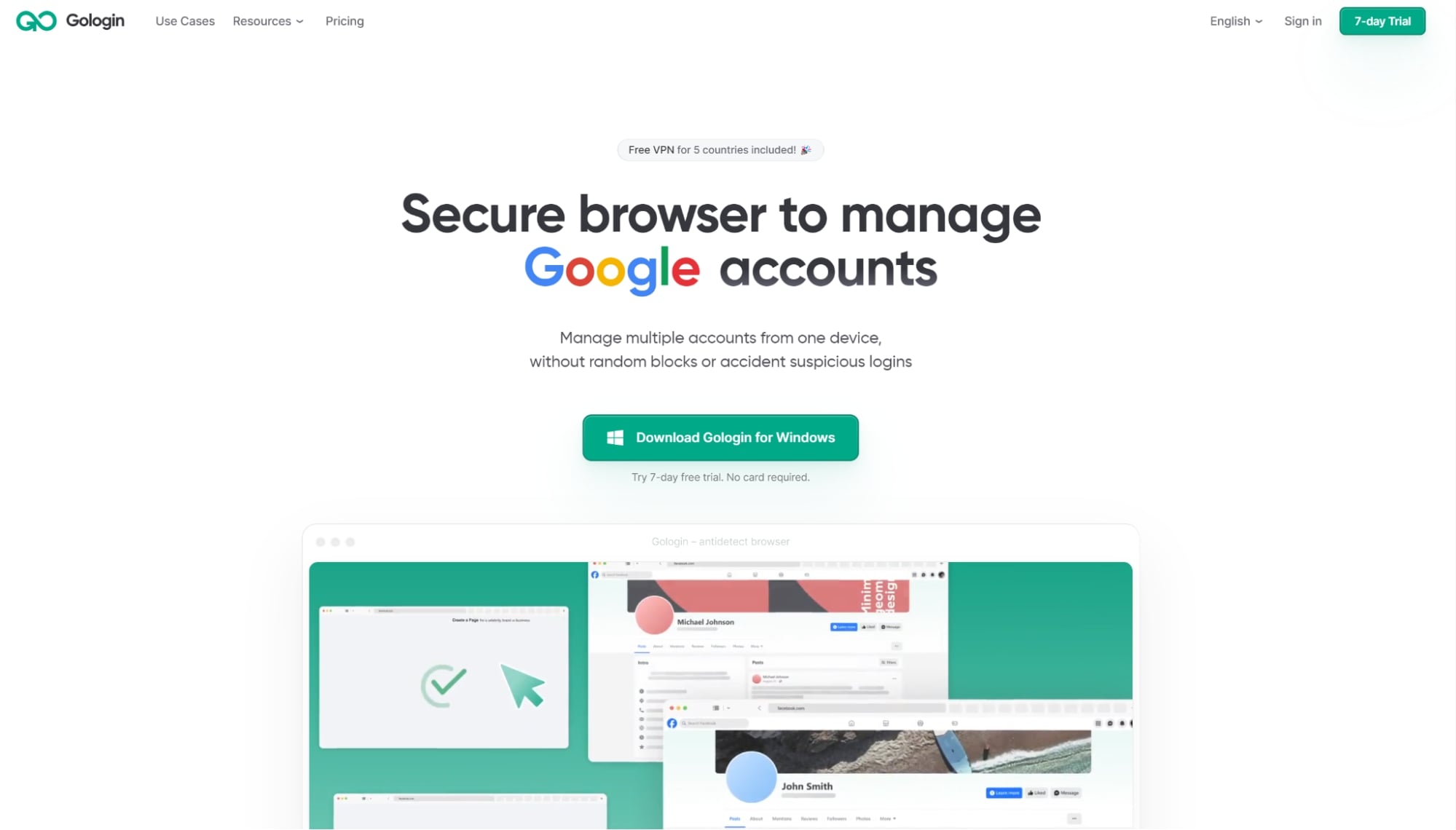
GoLogin is a top-rated unblocked browser that comes with antidetect. The reason why GoLogin is preferred for bypassing firewalls is because of the antidetect technology. It encrypts all of your internet surfing and masks your digital fingerprint, so that you can visit any site without having a tag on you.
 Features:
- Create multiple accounts without bans.
- Free built-in proxies for five countries.
- Automatic browser fingerprint protection.
- Bypass tracking systems on platforms like Facebook.
- Web version to circumvent various blocks.
- Platform Support: Available on Windows, Mac, Android, Linux, and as a web app.
Pricing: Free plan for up to three profiles; paid plans start at $24 per month.
Cons: Free plan limits users to three profiles.
Verdict: If you need a browser that can unblock websites and comes with antidetect technology as well as lots of other useful features, GoLogin is the one for you.
2. 1Browser
With integrated proxies and VPNs that allow you to bypass firewalls or regulations blocking access to content from different parts of the world, there is nothing that you cannot find online using 1Browser.
Features:
- Independent browsing profile.
- Bypass firewalls with ease.
- Unrestricted access to content that is GEO-restricted.
- Customize browser preferences.
- Platform Support: Windows, MacOS
Pricing: Free
Cons: Limited range of features
Verdict: Browser is an effective and free way of viewing blocked content. It protects user’s privacy by isolating the profile and providing a built-in VPN/proxy support.
3. Tor Browser
Tor is a popular choice if you want to access restricted websites with browser unblocked. An open-source project is what the Tor browser is, thanks to a group of volunteers who oversee its operations.
Features:
- Ensures all users appear the same, complicating data collection by websites.
- Allows users to manage their traffic paths.
- Blocks scripts.
- Your IP is hidden.
- Restricts third-party trackers from monitoring your activity.
- Automatically clears browsing history and cookies at the end of each session.
- Platform Support: Windows, Mac, Linux, iOS, Android
Pricing: Free
Cons: May experience slower speeds compared to other browsers
Verdict: Even though Tor might be slow because of the high level of protection it offers, it is still a good option for people who need their privacy ensured.
4. Opera One
Opera One is the latest AI-powered browser by Opera.
 It’s ideal for bypassing censorship with its built-in virtual private network (VPN). It also facilitates fast music and video streaming through its sidebar player and ad blocker.
Features:
- Save and share content with its pinboards.
- Integrated ad-blocker to remove annoying ads and trackers.
- Streamlined tab organization using workspaces.
- Smooth data synchronization via My Flow.
- Mobile-friendly design with a one-handed mode.
- Built-in ad-blocker for seamless browsing.
- HTTPS notifications for secure connection alerts.
- Inclusive VPN with some limitations.
- Platform Support: Available on Windows, Mac, Linux, iOS, and Android.
Pricing: Free.
Cons: Limited VPN options.
Verdict: Opera One provides decent private browser unblocked capabilities, but its VPN features are somewhat restricted.
5. Brave
Brave, developed by Brave Software, Inc., helps you access blocked websites while keeping your browsing private.
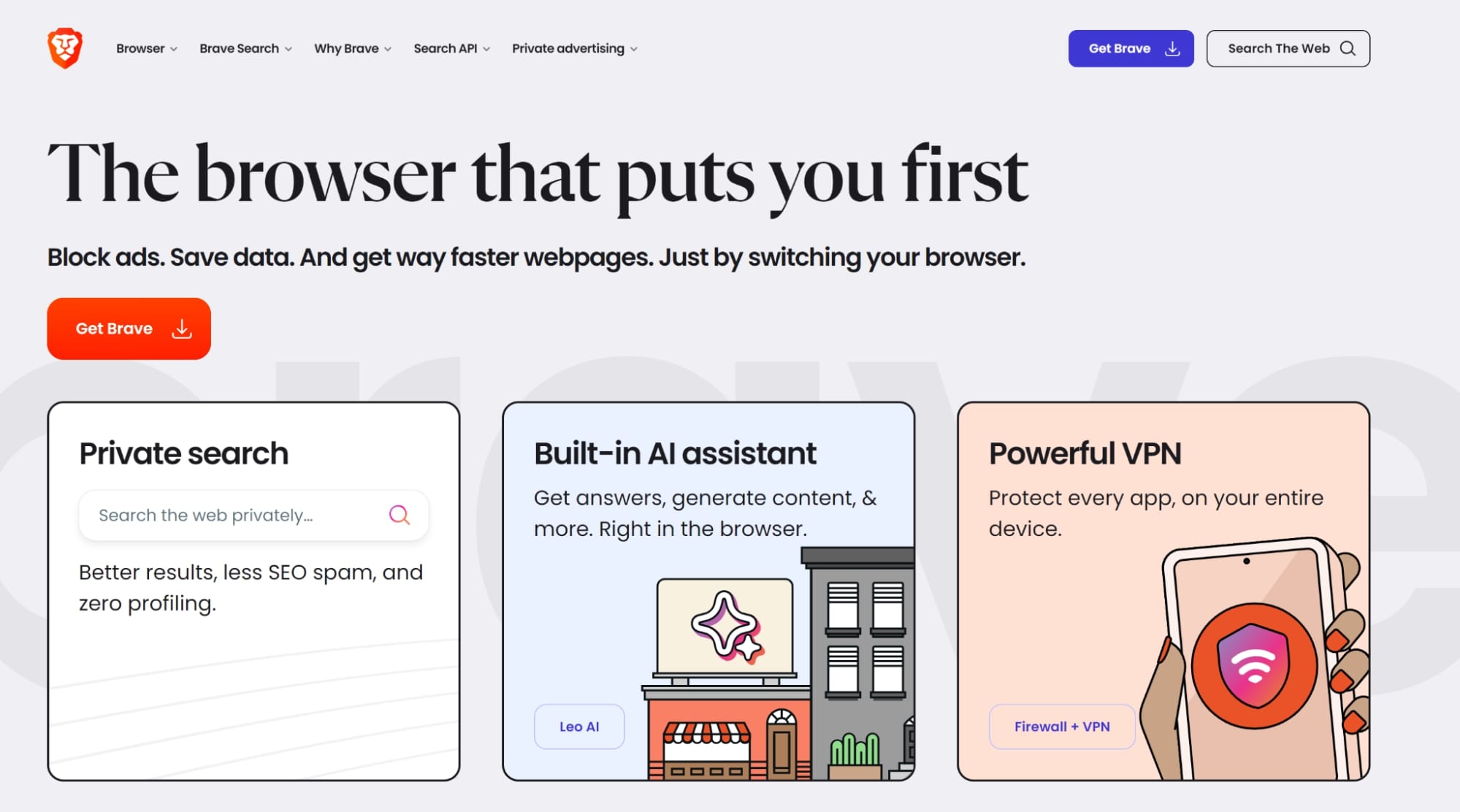 It’s fast and secure, based on the same technology as Google Chrome, but it blocks annoying ads and trackers to make your online experience smoother and safer.
Features:
- Ad and tracker blocking features are included by default.
- Forces secure connections (HTTPS) for all URLs.
- Access to 40 server locations across 30 countries.
- Protects against malware and phishing attempts.
- Includes a virus scanner.
- Automatically blocks ads and third-party trackers.
- Eliminates unwanted ads and trackers.
- Provides a complimentary VPN and firewall for mobile users.
- Platform Support: Windows, Mac, iPhone, Android, Linux.
Pricing: Free. You can pay for additional features.
Cons: Limited advanced features compared to other premium browsers.
Verdict: Brave is ideal for privacy-conscious users who prioritize strong privacy protection.
6. ProxyBoost.net
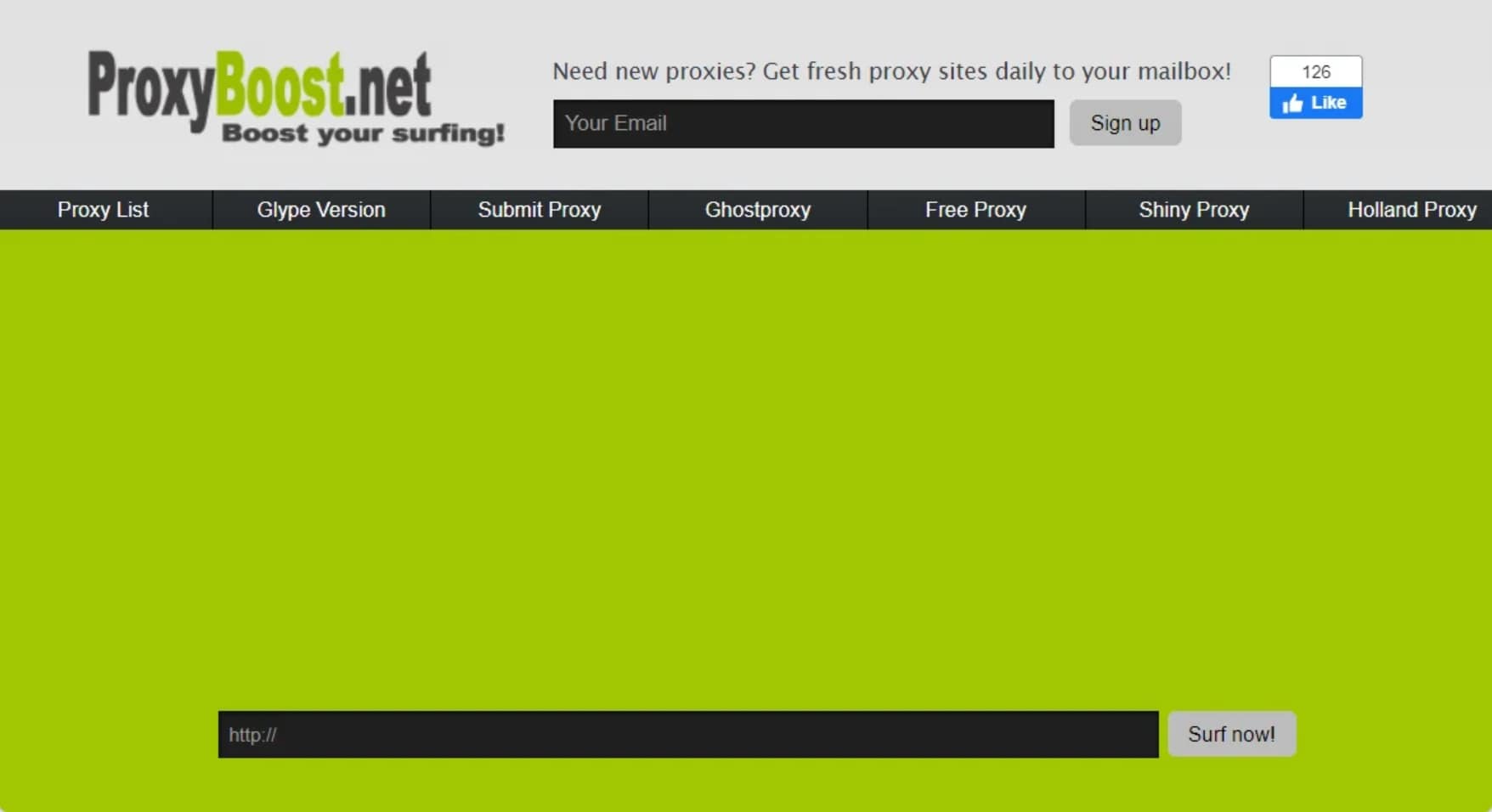 ProxyBoost.net is a web-based browser so you do not need to download anything. Type in the website address, and it will show up using different servers. Your information stays private, and you can choose servers from different countries.
Features:
- HTTPS for all URLs.
- VPN and firewall for mobile users.
- Access to 40 server locations in 30 countries.
- Malware and phishing protection.
- Default ad/tracker blocking.
- Virus scanner.
- Platform Support: iPhone, Android, Windows, Mac, Linux
Pricing: Free
Cons: Limited advanced features compared to dedicated VPN services
Verdict: ProxyBoost.net is an excellent choice for users seeking a hassle-free way to access blocked websites without installing additional software.
7. Avast Secure Browser PRO
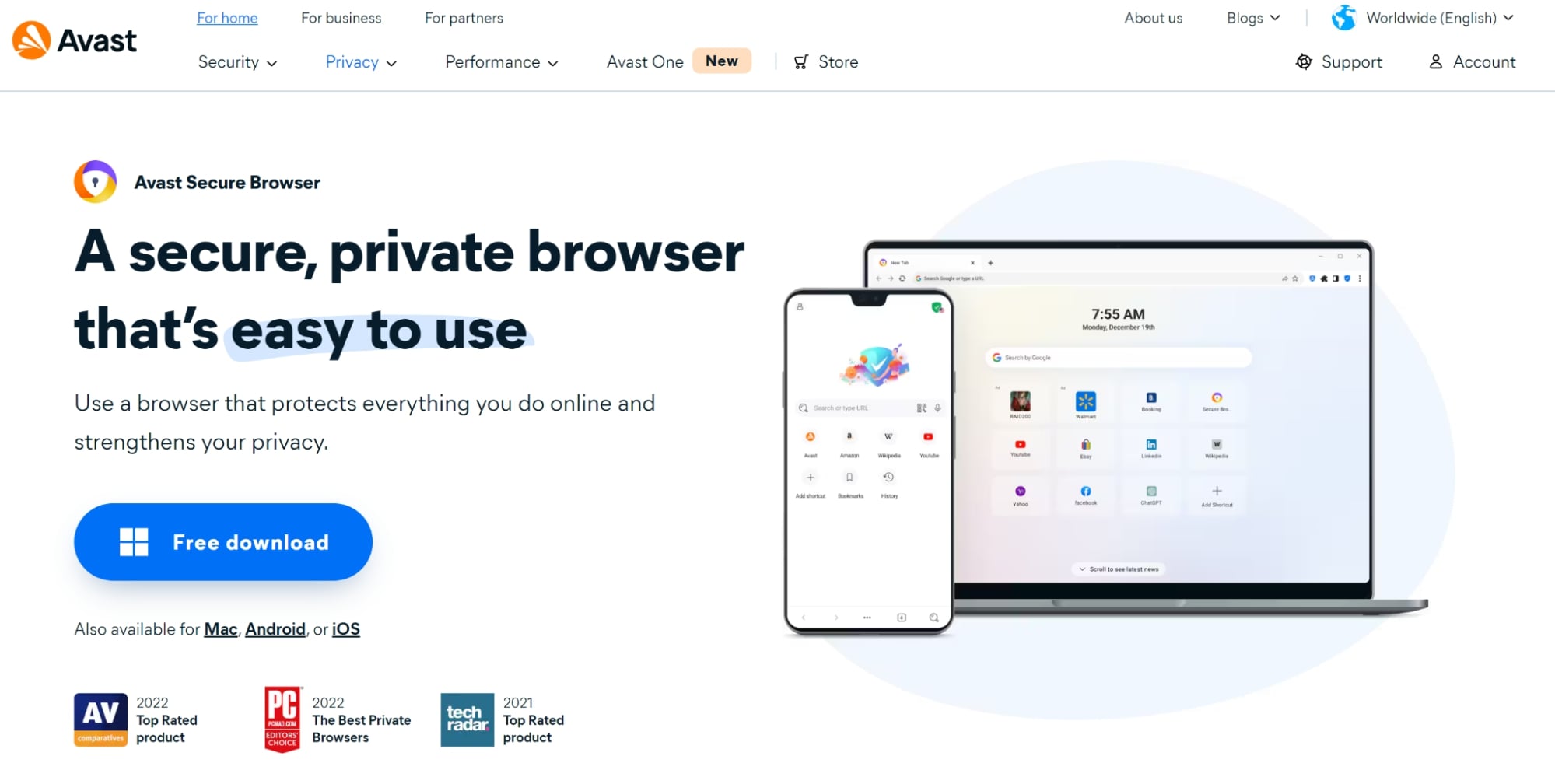 Avast Secure Browser is one of the products from Avast Antivirus that is built on Chromium. It blocks websites that try to steal your details. It hides your information online and stops downloads from malicious sites.
Features:
- Offers military-grade encryption and unlimited bandwidth.
- Blocks fingerprinting, tracking ads, and monitoring from social media.
- Protects against infected websites, ads, and trackers with a strict no-logging policy and end-to-end encryption.
- Delivers speeds up to 4x faster than traditional browsers.
- Platform Support: Compatible with Windows 10 and 11, iOS, and Android devices.
Pricing: Free version available; the Pro version with enhanced privacy features starts at $5.99 per month, with flexible subscription plans (monthly, yearly, and biennial).
Cons: Some features are only available in the paid version.
Verdict: Though some functions depend on a paid subscription, Avast Secure Browser is a good option for consumers looking for more privacy and security online since it provides strong features and quick surfing speeds.
8. Puffin Browser
 Puffin is a powerful unblocker browser that helps you access blocked content using a built-in VPN. Unlike regular browsers, it doesn’t directly interact with websites. Instead, it uses encrypted cloud servers to process web pages, loading them faster.
Features:
Built-in VPN for accessing blocked content and bypassing censorship, including the Great Firewall of China.
Ad blocker to safeguard privacy, prevent tracking, and block cookies, ads, and trackers.
Hidden IP and encrypted traffic for more online privacy.
Mode of invisibility for private browsing.
Data-saving technology to reduce bandwidth usage.
Platform Support: Available on Windows, macOS, Android, and iOS.
Pricing: Free on mobile systems (Android and iOS); desktop versions (Windows and macOS) call for a subscription.
Cons:
- Subscription fee required for desktop use.
- Limited advanced customizing in comparison to certain other browsers.
Verdict: Puffin is ideal for users focused on speed, security, and unblocking restricted content, with its built-in VPN and privacy features.
9. Waterfox
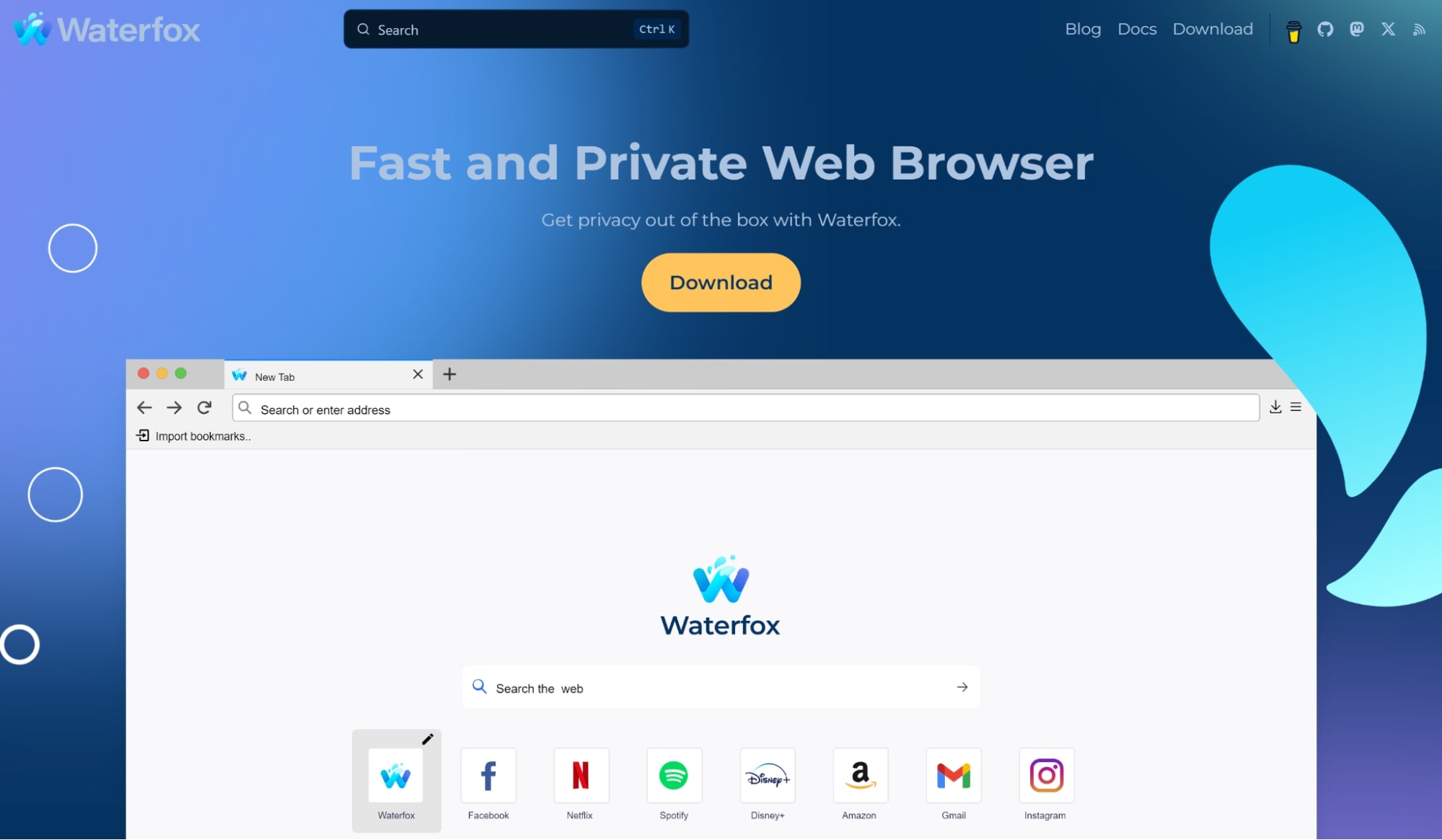 The browser Waterfox started as a faster version of Firefox and now aims to balance privacy and ease of use. Just note that while it’s quick and simple to use, it’s owned by an advertising company, which might raise privacy concerns.
Features:
- Blocks website tracking by default.
- Enhances privacy from internet service providers.
- Offers private browsing with specialized tabs and search options.
- Helps organize multiple online tasks efficiently.
- Collects minimal data for browser updates.
- Customizable privacy settings to meet user preferences.
- Compatible with add-ons from Chrome, Firefox, and Opera.
- Platform Support: Available on Windows, macOS, Linux, and Android.
Pricing: Free
Cons: Owned by an advertising company, which may raise privacy concerns.
Verdict: Waterfox is a solid entry-level browser for users prioritizing privacy.
10. Tenta
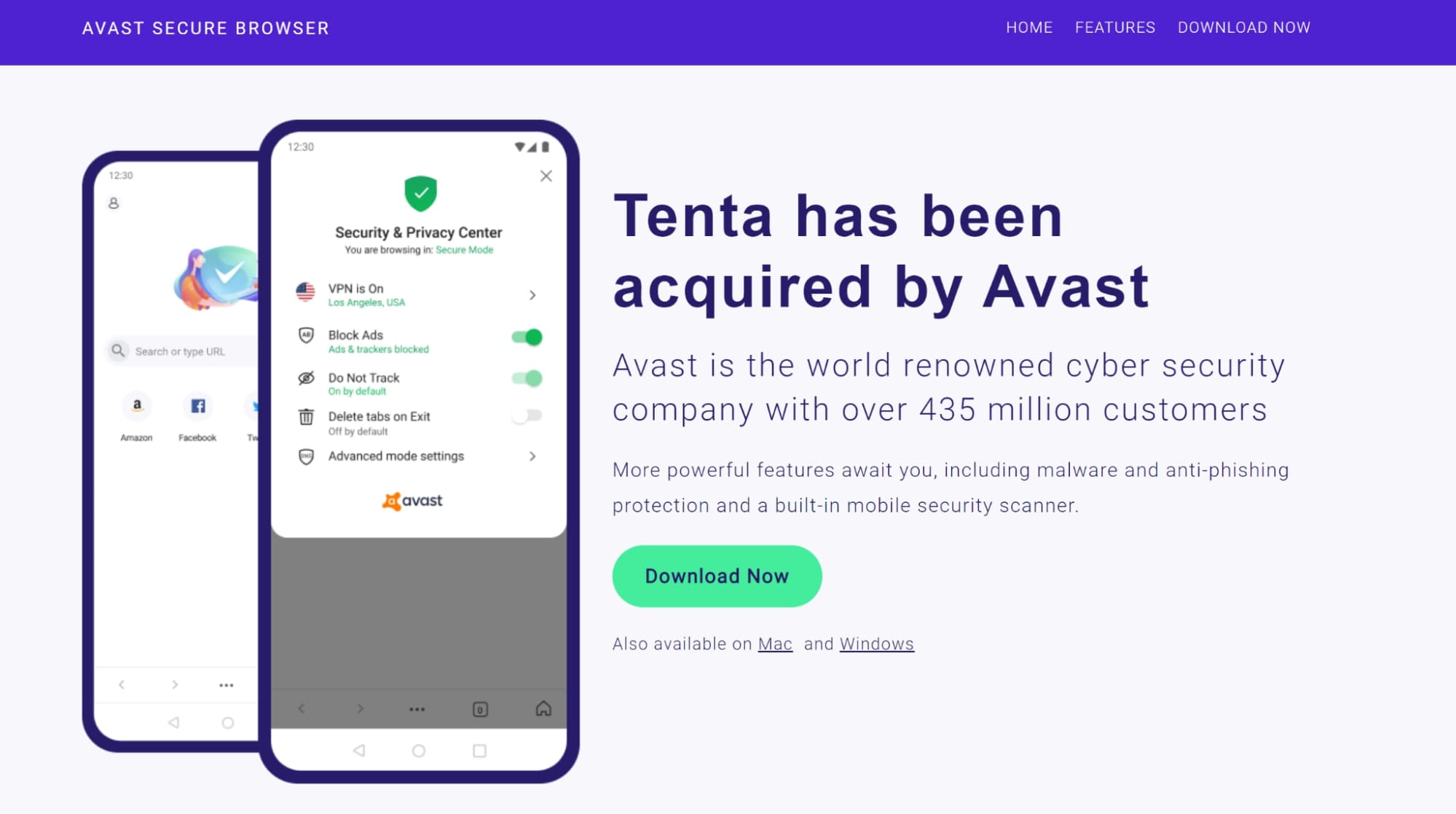 Tenta, a browser with a main concern in privacy. Was created to allow for censored webpages access in a safe way within which your information would be kept intact. Now the browser belongs to Avast. The browser ensures that you are always safe when browsing through some of the highest technological advancements such as encryption, VPN and ad/script blocking.
Features:
- Full data encryption for private browsing.
- Utilizes the latest TLS/SSL technology for secure data transport.
- MimicVPN encrypts all connections when enabled.
- Built-in ad blocker to enhance speed and security by blocking intrusive ads and trackers.
- User-specific encryption key derived from a PIN, ensuring no storage on servers or devices.
- Avast DNS provides DNS over TLS and DNSSEC for private and secure DNS requests.
- Platform Support: Mac and Windows.
Pricing: Free.
Cons: Limited to Mac and Windows platforms, which may exclude other users.
Verdict: Tenta browser offers a robust set of privacy features, making it an excellent choice for users seeking a secure and private browsing experience.
11. DuckDuckGo
 DuckDuckGo is a private internet company targeting at ensuring that people can easily maintain their confidentiality over the internet. It started as a search engine which emphasized on privacy but currently provides other products such as the Privacy Pro plan that has a VPN as well as identity guarding functionalities.
Features:
- Blocks third-party trackers.
- Private searches by default.
- Blocks tracking ads and cookie pop-ups.
- Blocks email trackers.
- Global Privacy Control for enhanced privacy settings.
- Platform Support: iOS, Android, macOS, Windows browsers; Browser extensions available.
Pricing: Free; Pro version – $9,99 per month or $99,99 per year that’s available to U.S. residents.
Cons: Limited customization options compared to other browsers, and the pro version is only available to U.S. residents.
Verdict: DuckDuckGo provides a robust, privacy-focused browser experience for free, ideal for users seeking enhanced online privacy with minimal effort across multiple platforms.
12. Aloha Browser
 Aloha Browser is different from other mobile browsers as it has its VPN. Using the Aloha Browser, one does not require putting an extra VPN in order to get into censored web pages or secure his/her information.
Features:
- AES-256/512 encryption and hardware acceleration for faster, secure browsing.
- Built-in VPN and ad blocker for privacy and smoother performance.
- Crash reporting feature for quicker issue resolution.
- Option to set a password or fingerprint lock for additional security.
- 80+ server locations with premium plans.
- Platform Support: Windows, iOS, Android.
Pricing: Free version available; premium features start at $2.99 per month.
Cons: Limited features in the free version compared to premium options. Besides that, some users may prefer standalone VPN solutions.
Verdict: Aloha unblocker browser is an excellent choice for mobile users seeking a blend of privacy and speed, thanks to its integrated VPN and robust features.
13. UR Browser
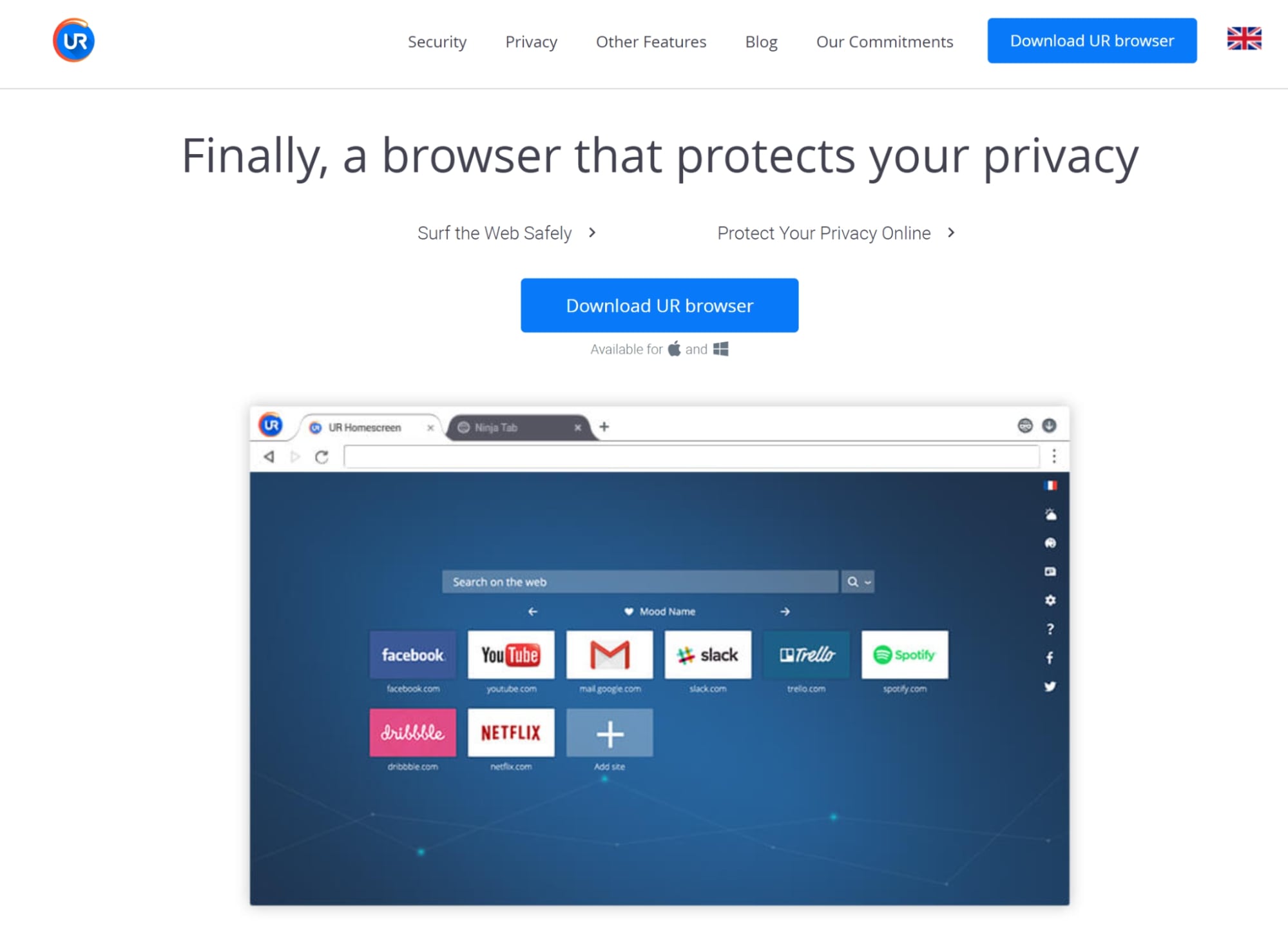 UR Browser is a fast and safe unblock web browser based on Chromium. Its built-in VPN, which connects to over 50 countries, helps you visit restricted websites.
Features:
- Three privacy levels (low, medium, high) with options like anti-fingerprinting, ad blocking, and “ninja mode.”
- Built-in VPN (50+ countries) and virus scanner.
- Real-time alerts for suspicious content and routine privacy checks.
- 2048-bit RSA encryption.
- Platform Support: Windows 7-10, macOS X El Capitan 10.11+.
Pricing: Free
Cons: Limited customization and extension support. In addition, there’s no mobile platform availability.
Verdict: UR Browser is a strong privacy-focused browser with adjustable settings, though limited in customization and platform support.
14. Epic Privacy Browser
 Epic Privacy Browser is an outstanding privacy-centered browser that relies on Chromium. The browser contains VPN servers that are integrated inside it so by using this browser you will be able to safely access any blocked site and protect your privacy at the same time.
Features:
- Blocks trackers, advertisements, and fingerprinting.
- Safeguards against 11 major privacy leaks, including URL and installation tracking.
- Automatically clears browsing history, cookies, and cached content at the end of each session.
- Eliminates ads and trackers for a secure browsing experience.
- Supports essential add-ons like RoboForm and LastPass to enhance functionality while prioritizing security.
- Platform Support: Windows, Mac, iOS, and Android.
Pricing: Free.
Cons: Struggles with some sites like Netflix, requiring additional add-ons for access. Also, VPN servers are available in only 8 countries.
Verdict: Epic Privacy Browser is an excellent choice for privacy-conscious users, but its VPN capabilities are somewhat limited, which may affect accessibility for some services.
15. Startpage
 Although it’s not really an unblocker browser, Startpage provides Google search results while ensuring user privacy through advanced personal data protection technology.
Features:
- Encrypted Connection: IP addresses are removed from all global servers, enhancing anonymity.
- Block Price Trackers: Prevents third parties from setting price trackers.
- Avoid Retargeting Ads: Blocks access to personal data, preventing targeted advertising.
- Browse Anonymously: The Anonymous View proxy masks user identity while visiting other websites.
- Receive Unprofiled News: Access news without it being influenced by browsing behavior.
- Prevent Online Profiling: No personal data profiles are created based on internet activities.
- Platform Support: Compatible with all major browsers and devices.
Pricing: Free.
Cons: Limited features compared to other search engines. Besides that, search results may not be as personalized due to the focus on privacy.
Verdict: Startpage is an excellent choice for users seeking privacy-focused search results without compromising the quality of information. Its commitment to protecting personal data while providing Google search results sets it apart in the search engine landscape.
16. BlockAway
 BlockAway is a free proxy service that allows people to visit all sites privately. This unblocked browser for school is tailored to be used effortlessly in academic institutions, places of work or similar environments with the aim of improving information availability for all.
Features:
- Ensures compatibility with popular websites.
- Protects user data from prying eyes.
- Enjoy unrestricted access to YouTube and other video platforms.
- Choose from servers located in Europe and the USA.
- Simple setup with no need for browser or operating system adjustments.
- Platform Support: Compatible with various web browsers and operating systems.
Pricing: Basic Version – Free of charge; Premium Version – $3.50 per month.
Cons: The free version may have limitations in speed and server options compared to the premium version.
Verdict: BlockAway is an effective and user-friendly proxy service that prioritizes user privacy and unrestricted access to the internet. With its free basic version and affordable premium features, it caters to a wide audience looking for secure browsing solutions.
17. EPS Browser
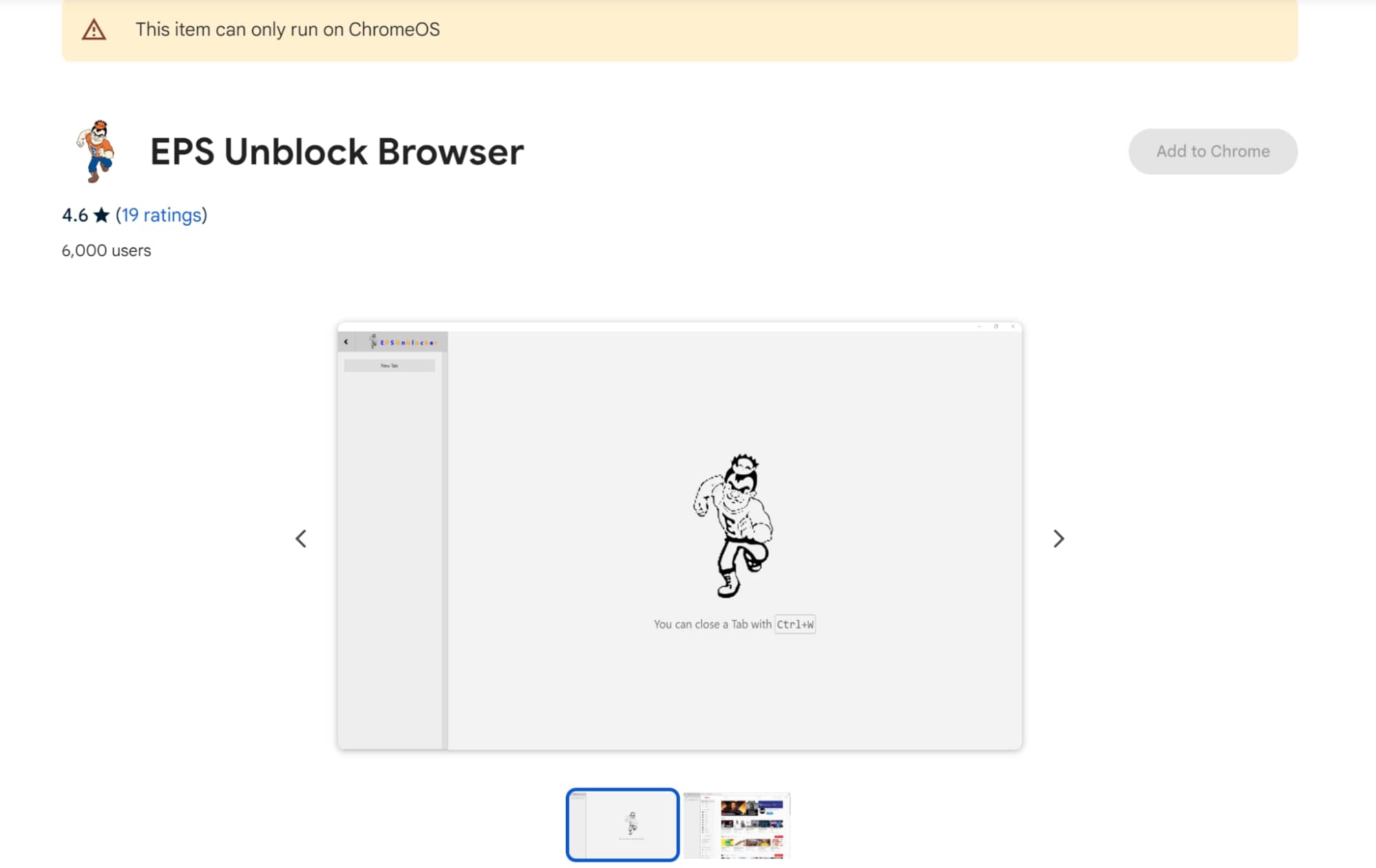 Users’ browsing experience in Chromebooks will be improved by this Chrome extension because it can unlock restricted content.
Features:
- Allows access to restricted websites.
- User-friendly interface for easy navigation.
- Seamless integration with Chrome browser.
- Platform Support: Exclusively compatible with ChromeOS.
Pricing: Free.
Cons: Limited to ChromeOS; not available for other operating systems.
Verdict: This extension is an effective solution for users seeking to bypass website restrictions on their Chromebooks, though its usage is confined to the ChromeOS environment.
Frequently Asked Questions About Best Unblocked Browsers
How Does An Unblocked Browser Work?
The unblocked browser operates through proxy servers, serving as a middleman between your device and the blocked site.
This changes your IP address for another one, tricking the site you are using from an unrestricted area. It also encrypts your data and secures your online activity.
What’s The Difference Between VPNs And Unblocked Browsers?
A VPN encrypts your internet connection, hiding your IP address and routing your traffic through a secure server, enhancing privacy and security.
In contrast, best unblocked browsers focus on bypassing geo-restrictions and accessing blocked websites, often without encrypting your connection. While both offer online freedom, a VPN provides broader security benefits.
Download GoLogin for free and manage multiple accounts without bans!