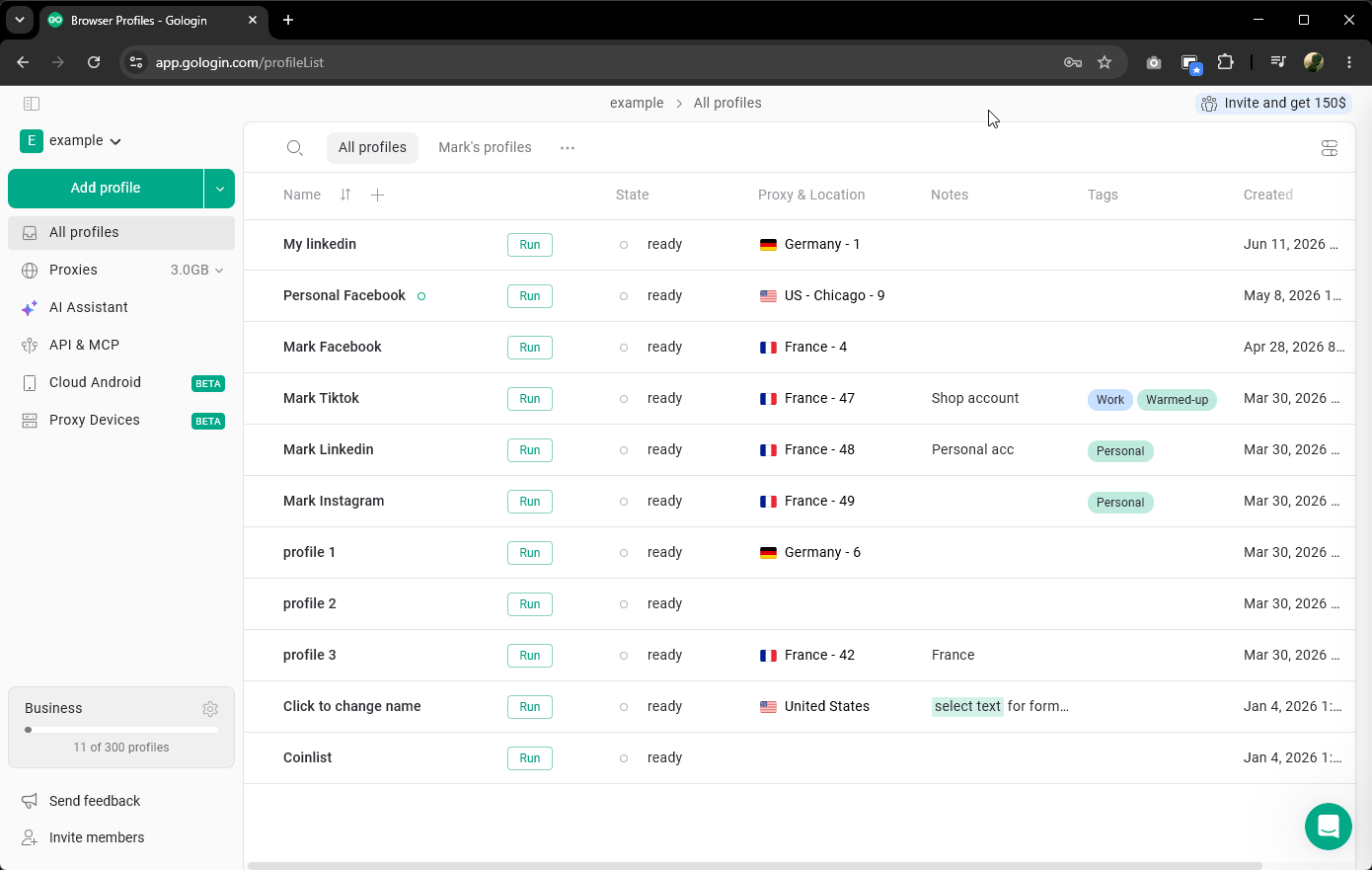
Gologin is available not only as a desktop app but also as a web app at app.gologin.com. You can sign in there with your Gologin account and manage your profiles from any browser, on any device - no installation needed.
To understand how the web app works, it helps to know about cloud browsers.When you run a profile in the desktop app, it opens on your device and uses your device’s resources - RAM, CPU, and so on. The number of profiles you can run at the same time is limited by your hardware.Cloud browsers work differently. Instead of running on your device, the profile runs on Gologin’s servers. You view and interact with it through your regular browser. This means your device resources are not used, you can run profiles from anywhere, and the number of profiles you can run is not limited by your hardware.Each cloud browser profile has its own browser fingerprint and IP address, just like profiles in the desktop app.
The web app at app.gologin.com gives you the same core functionality as the desktop app. You can create and manage profiles, run cloud browser profiles, and access your account settings - all from a regular browser tab.This is useful when you do not have your usual computer with you, or when you want to access your profiles from a device where the desktop app is not installed.