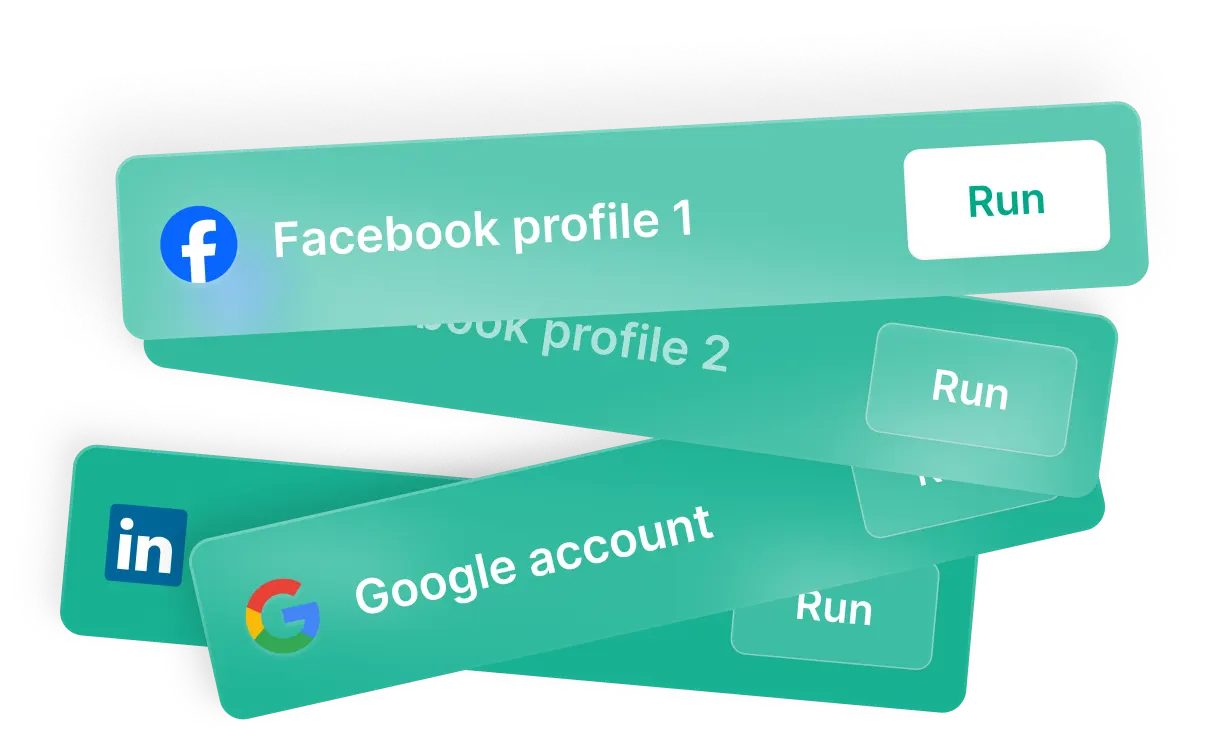

Configure and protect each parameter of your fingerprint. More than 50 connection characteristics are available.
Each browser profile is located in the cloud separately, that provides the protection of your data and web confidentiality.
Convenient ecosystem for effective teamwork. Assign admin rights to each team member and safely share work sessions, not credentials.
It is a complete set of all your system parameters. Aside from your physical location and cookies, websites can see your device, OS, plugins, fonts and many others. Even after managing your IP, using a different browser and cleaning the cookies you are still identified – even by just one of these many parameters.
Fingerprints are the key point of web browser security
Incognito and private modes, as well as hardened browsers, will not protect you from tracking. You can protect your information only using the best web browser for security that consistently manages digital fingerprints.
Your browsing habits remain yours alone
Along with your IP and cookies, there’s a ton of other information you leave behind – your digital fingerprint. It can’t be easily managed with, as modern websites are well-protected.
The best secure web browser allows you to use all the perks of your regular browser – plus protecting your identity and personal data.
Even the most advanced websites won’t have access to your data. You can configure different profiles and run each one separately – they won’t overlap. Secure web browsing is possible only with true confidentiality.
A good secure web browser can stand against even the most sophisticated trackers. Secure browser needs to manage your fingerprint to protect your personal data from tracking and keep you completely confidential.
Gologin is a privacy browser that lets you manage your digital fingerprint by protecting all your parameters that sites can see. By managing these settings, you can browse confidentially.
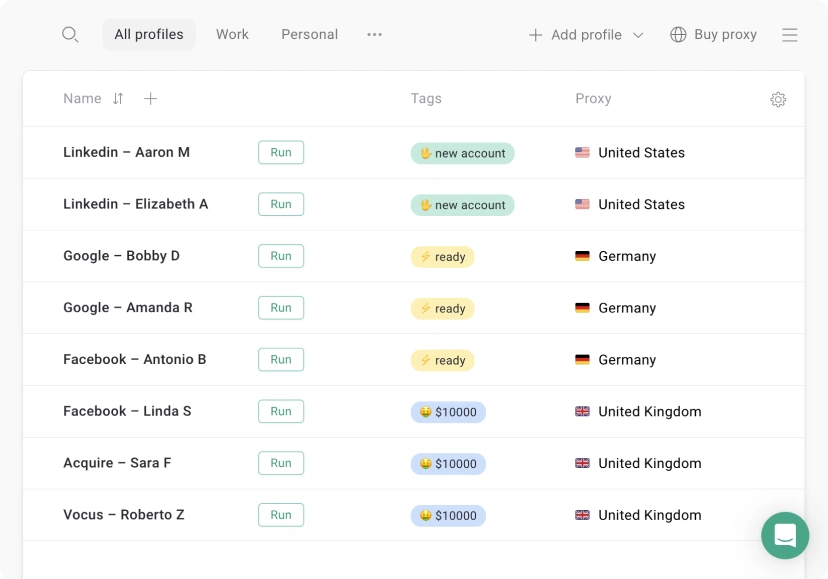
Gologin lets you create many browser profiles, and each of them has its own digital fingerprint, proxy and cookies. The profiles are isolated from each other, so your accounts stay separate. Gologin fits large teams and can be useful for many tasks on the Internet.
Isolated profiles make affiliate marketing easier to manage at any level. Using ad cabinets has never been so easy – yet it can be done only in a secure web browser. You can work with a team: share work sessions (without sending credentials) and delegate tasks to assistants without the risk of data leakage.
Forums and blogs are especially strict about suspicious user activity. It’s good to protect your client accounts by separating profiles in a safe browser – so they do not overlap with each other in any way.
Gologin allows you to enhance SMM agency work by creating and managing profiles in the cloud at the same time. It can be done in a high security web browser. Each team member gets their own access rights. Employees do not need NDAs, since they don’t receive customer account data. Unique digital fingerprints saves you from account loss after using different devices.
For safe work on e-commerce platforms work with several separate accounts.This will allow you to create and manage trading accounts and avoid losing sales on Amazon, Ebay, Alibaba or Shopify. Sell and make money with Gologin!
One store is good, but two are better! After all, this way you can double your income. And our best secure browser will help make sure that both stores will not be taken down. Use the deepest digital fingerprint settings to insure your stores from asset loss of ecommerce platforms. Don’t lose your sales!
Save physical and virtual resources when using different browser profiles.With the best confidential browser Gologin you will get management tools and development algorithms. Yes, you can use virtual machines for this – but it is inconvenient and expensive. Thanks to Gologin, you can automate data collection, so don’t be afraid of losing accounts.
Secure web browser Gologin allows you to check your site. Gather information about traffic and the work of web filters. It’s a unique opportunity to run Selenium tests in live environment. Rate your site through the eyes of its visitors.
Wherever you need privacy and more than 1 account, the Gologin secure browser will help you: social media, online stores, ad platforms, etc. Surf the web and stay protected!
#1 secure web browser
Protect yourself from account loss on any platform. Feel free and confident when working online.
350 384
2 533 853
To ensure safe surfing with Gologin, we needed the most secure browser. Chrome, Firefox and Microsoft Edge did not fit for these purposes for various reasons. We made the only right decision to create our own browser core. This is how the Orbita appeared.
Orbita protects your data and allows you to surf the web confidentially. The interface is specially made as familiar as Chrome. We chose Chrome because it is the most popular and is used by most users.
Every profile in Gologin has its own digital fingerprint that helps keep your browsing private. Each profile looks like a regular browser on a regular device.
While other applications aim to protect users by concealing their data, this method often raises red flags on many websites, leading to account loss. In contrast, Gologin cleverly protects your data, allowing you to merge inconspicuously with the general user population. Embrace the paradox of being just like everyone else, yet completely unidentifiable.
Every profile created with Gologin has its own digital fingerprint, proxy and cookies, so your work stays private and your accounts stay separate.
Many privacy tools simply block data, and a browser with blocked data looks unusual to websites. Gologin works differently: each profile shows a complete, consistent set of browser details, like a regular browser does.
Using Gologin, a private internet browser, is straightforward and user-friendly, steering clear of any complicated settings.
Easily set up a new identity with just one click, replicate profiles, and organize them to your liking. Profiles can be sorted by various criteria such as name, status, last update date, and whether they are shared. Additionally, you have the option to add notes to each profile, visible to other users, like a list of accounts accessed through that specific profile, enhancing collaboration and organization.