Self-examination
Try Gologin for free
Website developers know that the written code is the start of any project. There will be many more tasks to fix bugs and increase usability. And there they come. The testers.
Sites and applications professional testing requires a lot of time, money, and (the most difficult) of various devices, platforms, software versions, screen resolutions, and more. Most sites are created to attract as many users as possible. The more users, the more different parameters. And all of them need to be tested. This requires a large number of different programs or certain devices.
Gologin helps to test sites from one window. It saves you time and money on the purchase of different testing tools. Almost 20 parameters are available for you to check your site usability.
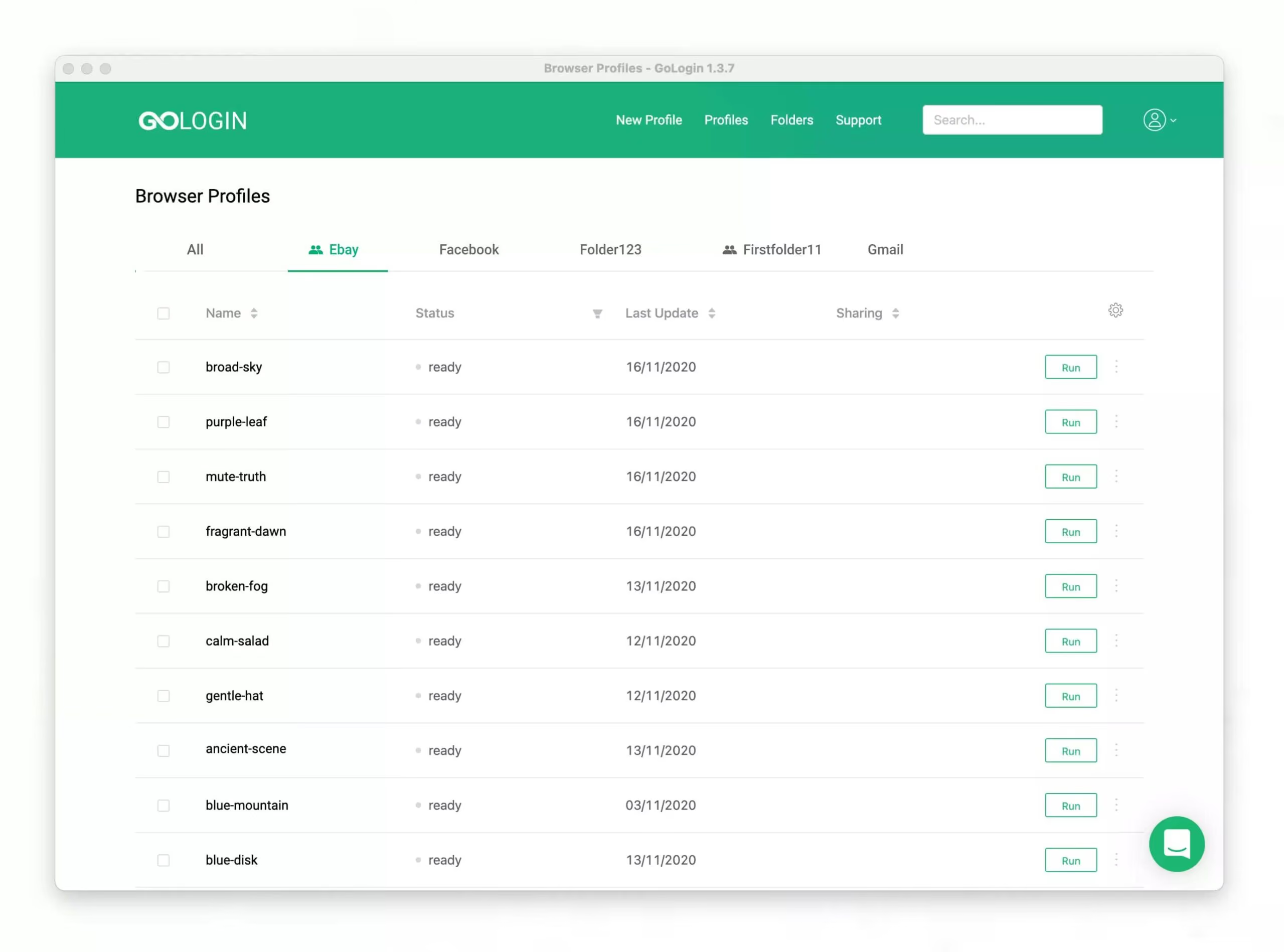
Testing different platforms and software versions is one of the most important parameters. You can access the site through Windows, Mac or Linux, without using operating systems emulator.
This also applies to screen resolutions. Most developers have a real headache facing with it. Gologin solves this problem! Just create a profile with any screen resolution and the browser will show how the user will see your site.
With Gologin you can easily check whether your site determines the user’s geolocation correctly or selects the desired language. Almost all user filters are available.
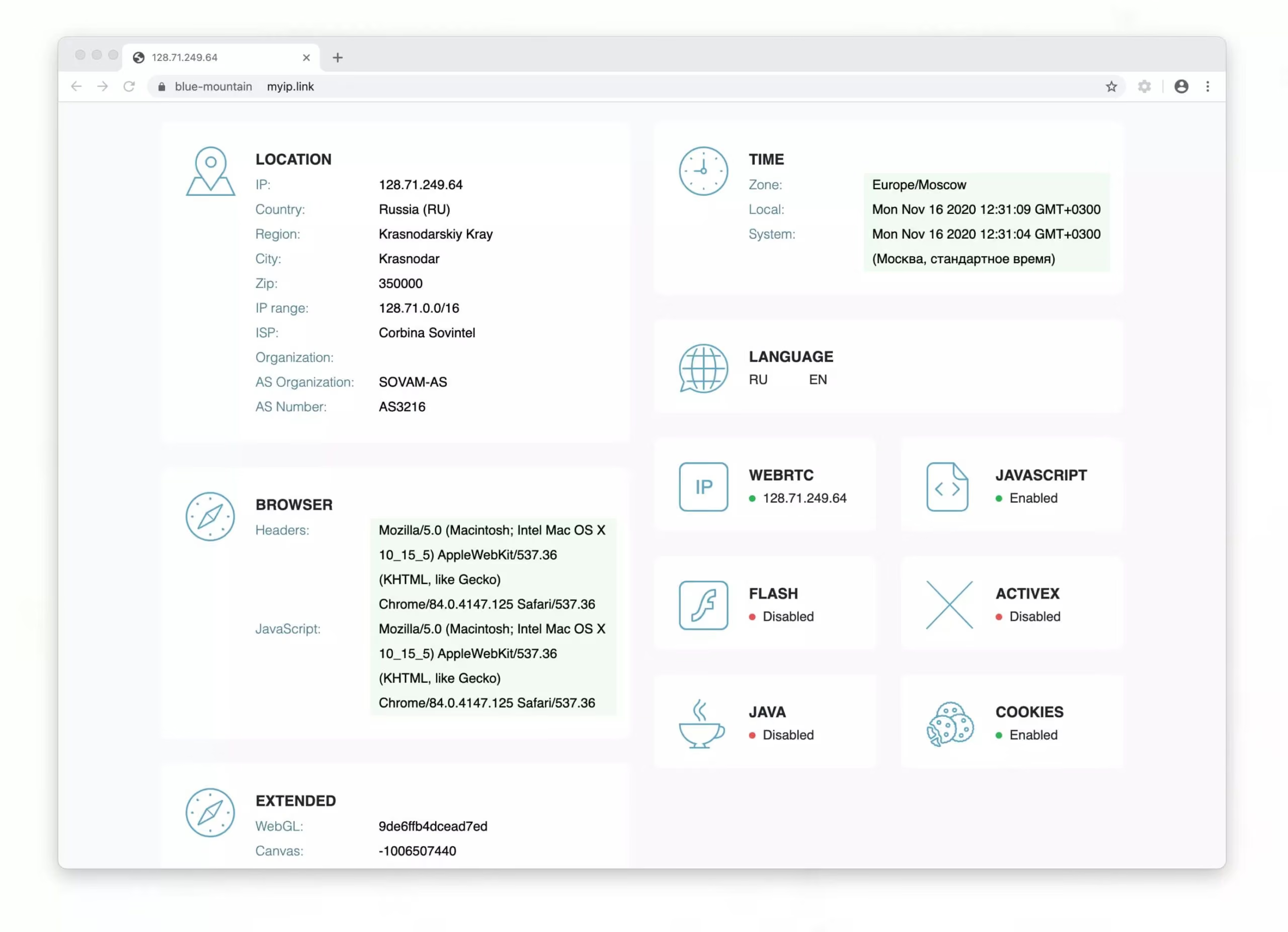
After fixing bugs, you need to configure site analytics properly. And here you will also need a large number of different users with different parameters. Or just one Gologin. You can configure and check any goals of your analytics.
Testing a site is an integral and not the most pleasant part of the developer’s work. In fact he is testing himself. But Gologin helps make it faster and better. Start your 7-day trial right now!