Step-by-step
1
Download the Gologin app
👉 Download the Gologin app for any supported system.
Check Supported platforms & installation for details.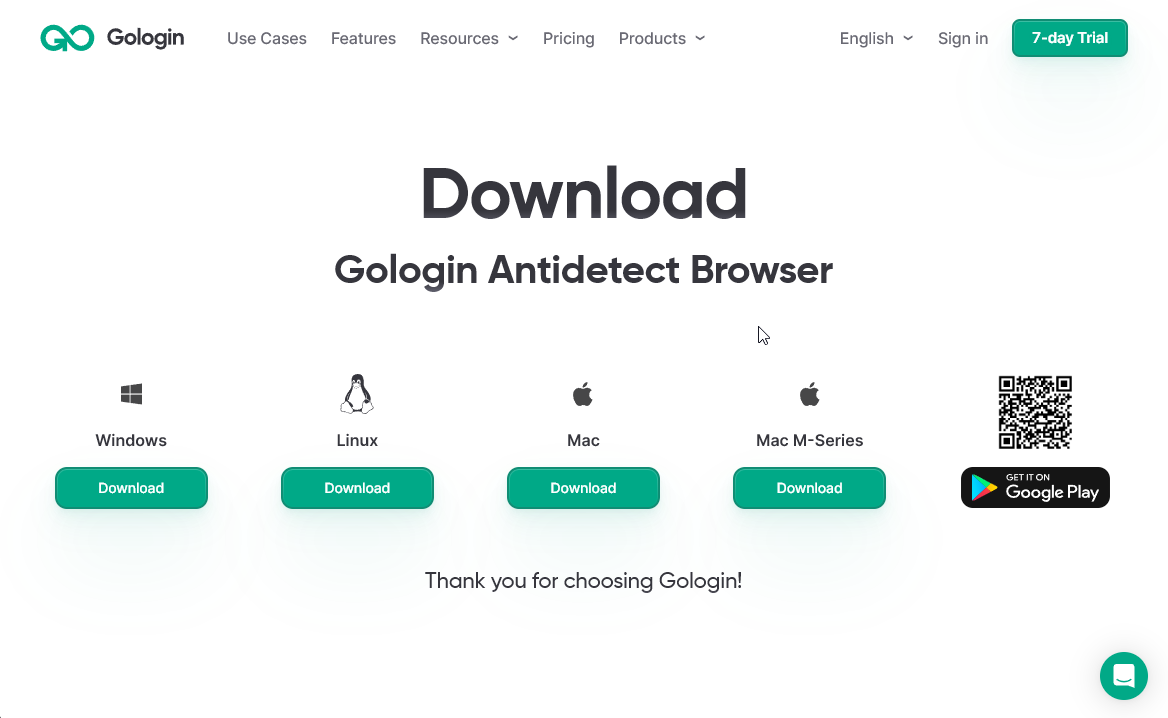
Check Supported platforms & installation for details.
2
Create your account
Register in Gologin using your email or continue with Google 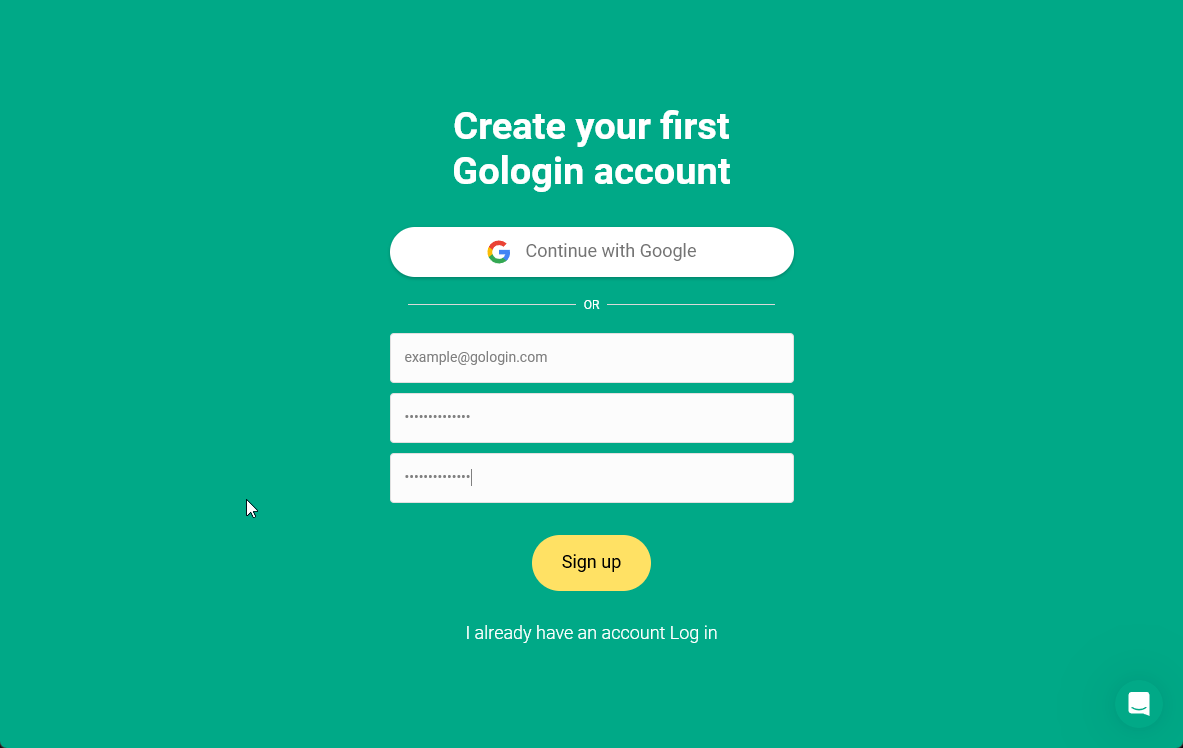
3
Create a profile
Create a profile or couple of profiles for your accounts.
Your profiles will use the most suiting settings and get unique fingerprints by default.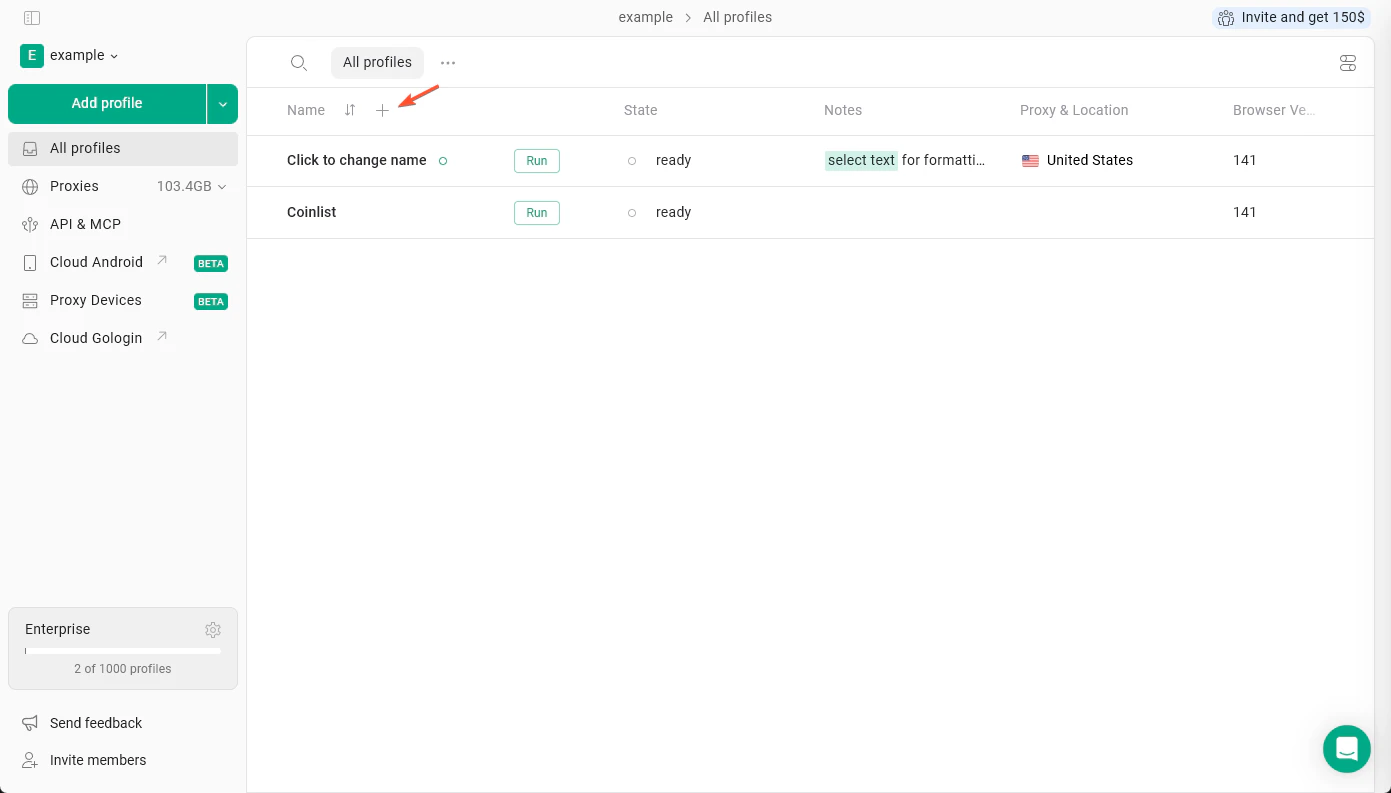
Your profiles will use the most suiting settings and get unique fingerprints by default.
4
Add a proxy
Changing your IP is a crucial step in hiding your identity.
Choose a built-in proxy or add your own.
Your geolocation will match your new IP location automatically.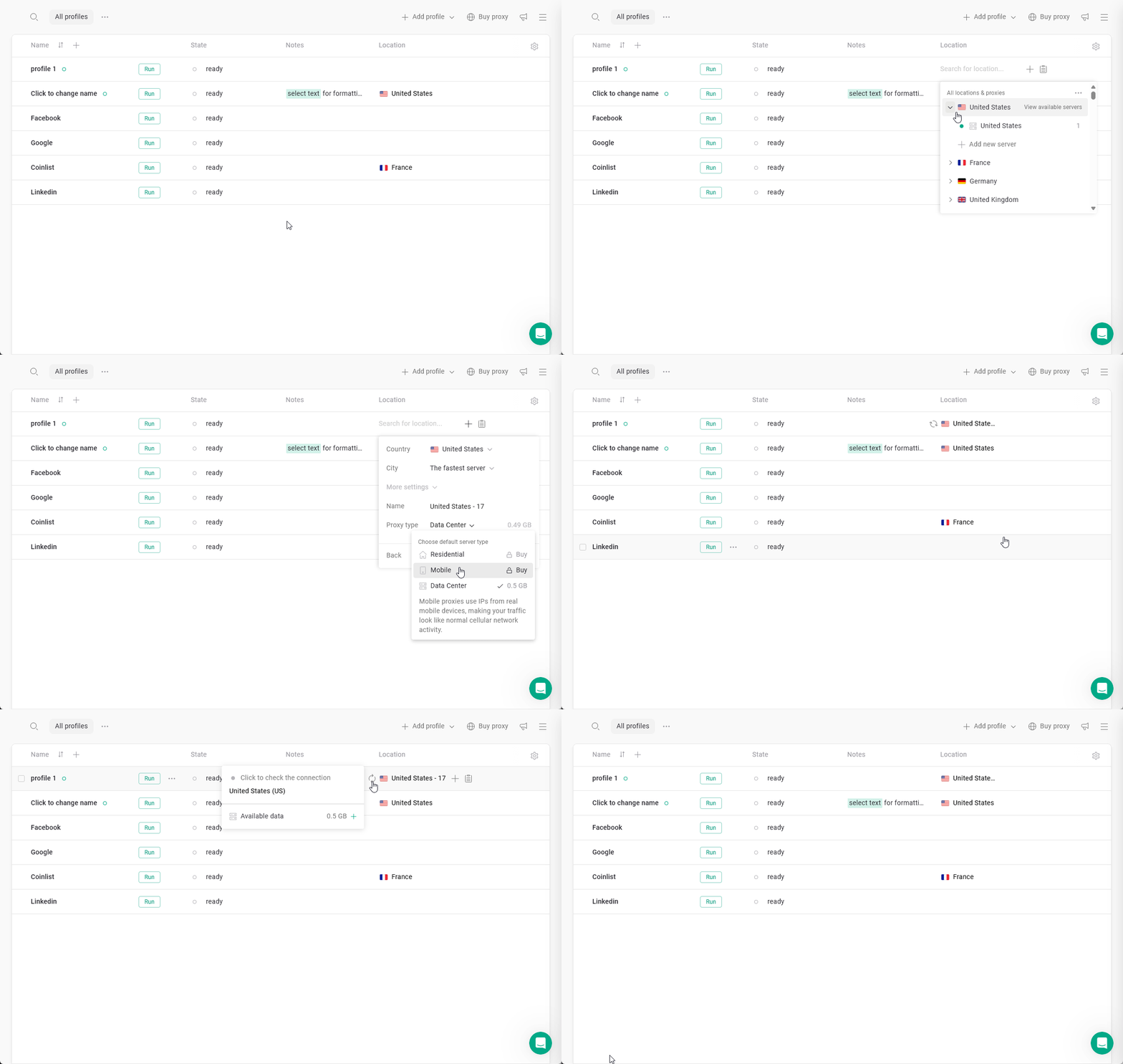
Choose a built-in proxy or add your own.
Your geolocation will match your new IP location automatically.
5
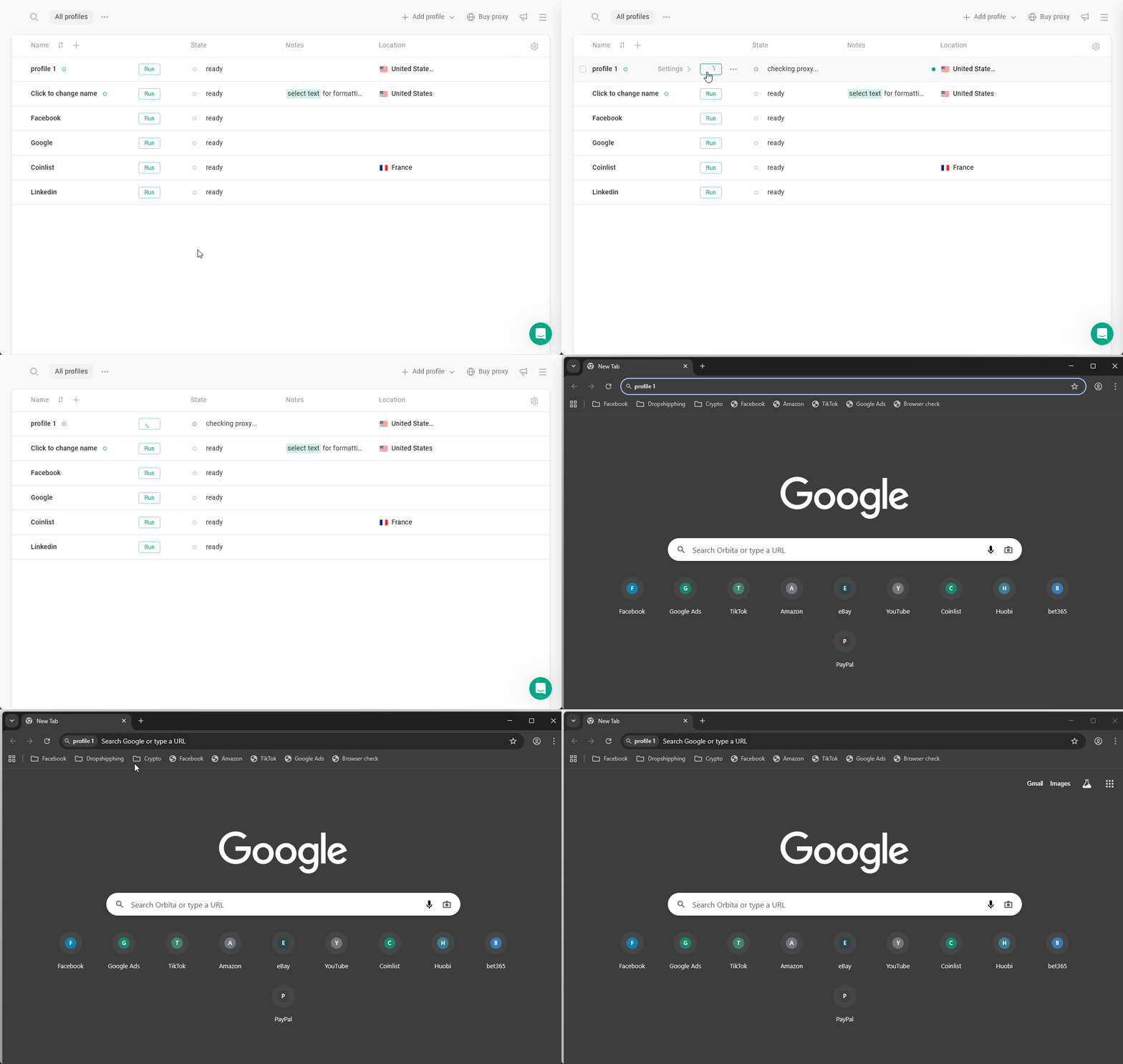
You're ready to use your profile!
Hit Run to launch your profile and browse with a fresh digital identity 🚀