Before you start using Gologin, you need to create an account. Your account allows you to manage browser profiles, synchronize data across devices, and collaborate with team members.

How to create a Gologin account

1

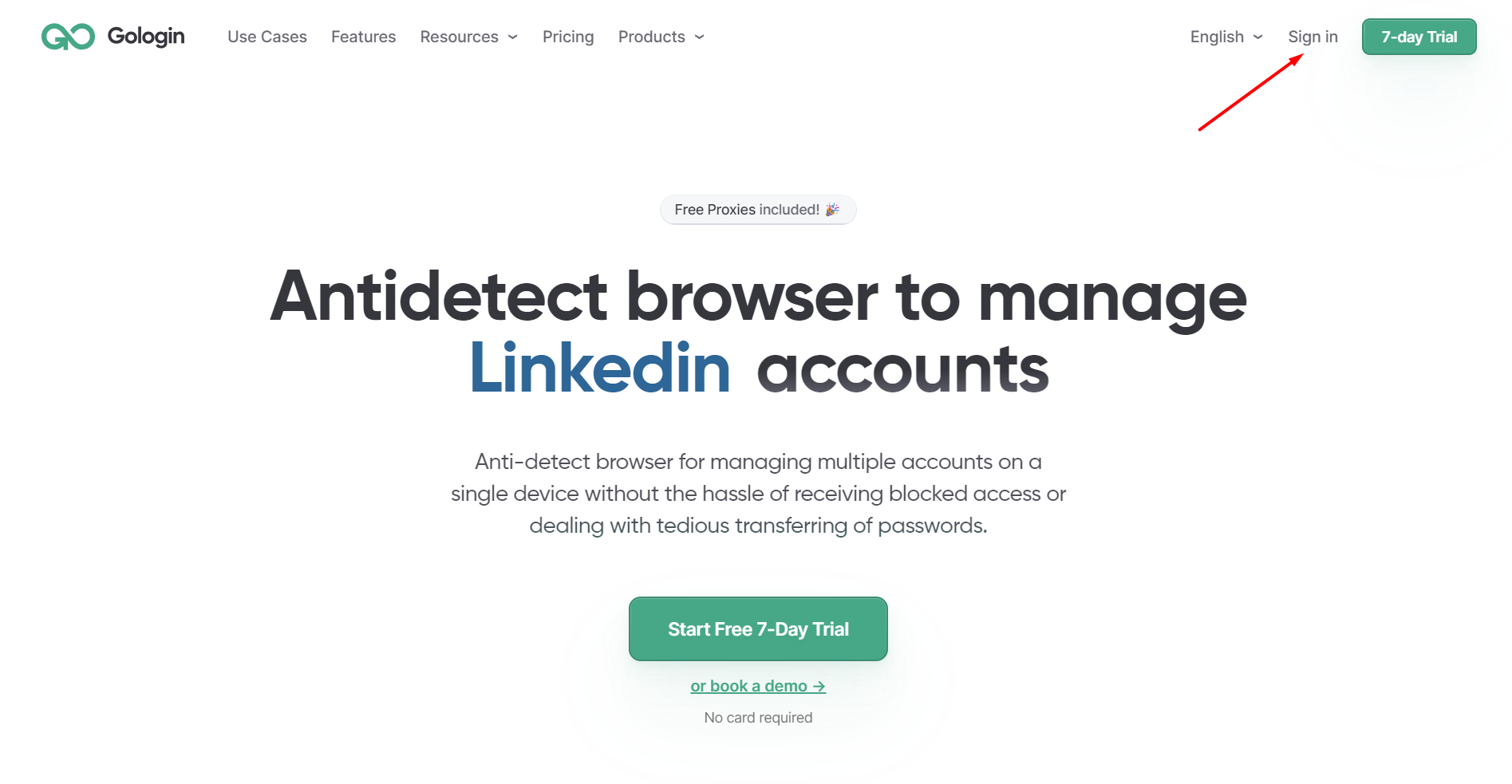
Go to the GoLogin website.

2

Click to Sign In

Screenshot 6
3

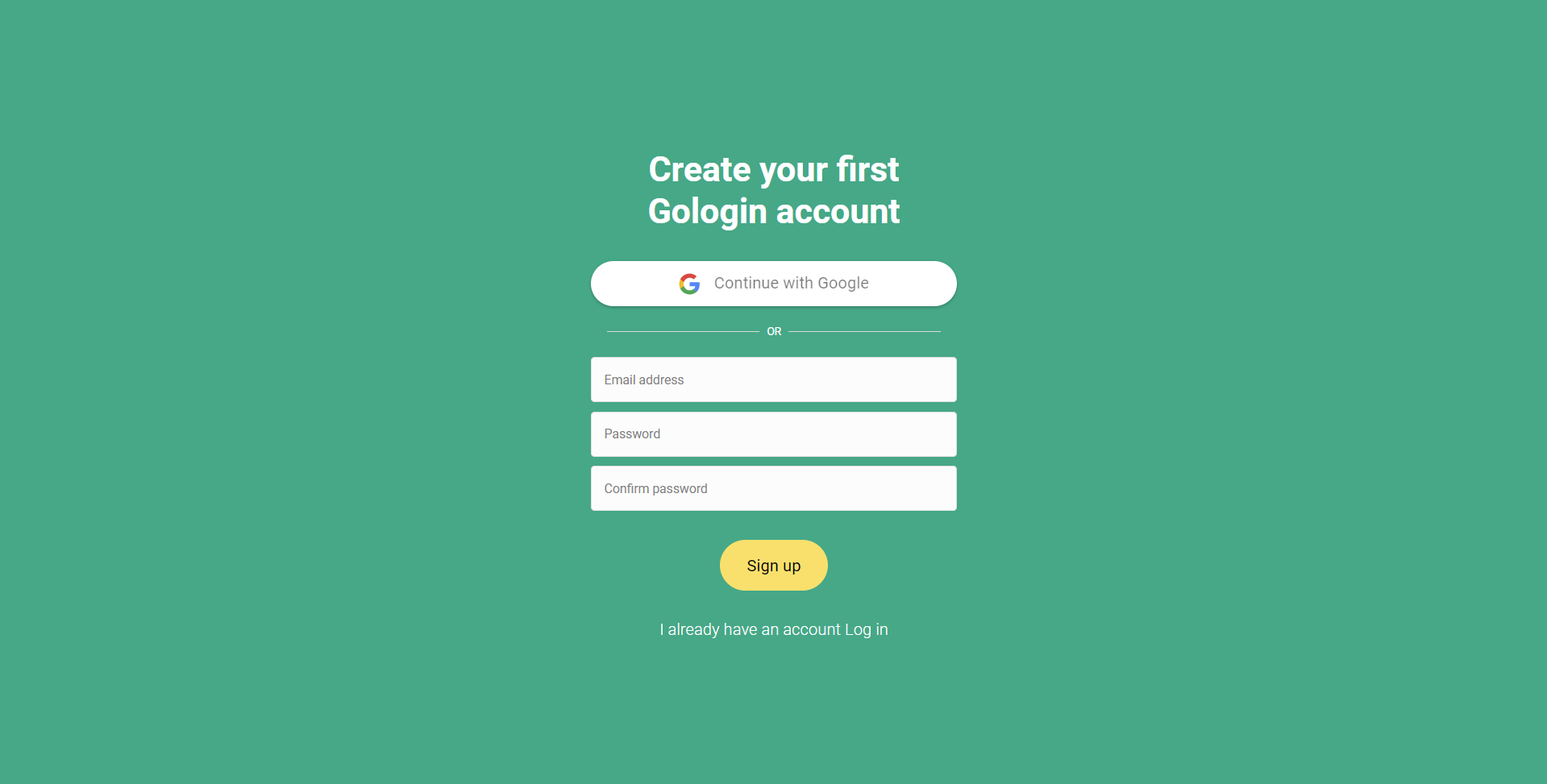
Enter your email address and create a password, or choose Continue with Google.

Screenshot 5
4

Confirm your email address

5

Log in to your account.

Once your account is created, you can download the GoLogin application and start creating browser profiles.
What happens after registration

After signing up, you will be able to:
  • download and install Gologin
  • create and manage browser profiles
  • configure proxies and browser fingerprints
  • synchronize profiles across devices
  • collaborate with team members (depending on your plan)
To get started quickly, see the Quick start: from zero to your first profile guide.