> ## Documentation Index
> Fetch the complete documentation index at: https://gologin.com/docs/llms.txt
> Use this file to discover all available pages before exploring further.
# Overview & Setup
## Gologin on Android overview
The Gologin Android app lets you manage multiple isolated browser profiles directly on your Android phone or tablet. It functions as a mobile anti-detect solution, creating unique digital fingerprints that mimic real Android devices.
## Limitations
For now, the Gologin Android app (not to confuse with Android profiles on desktop) **has limitations compared to the Gologin Desktop or Cloud**. Our team is working to support all the desktop features in the future.
* **It does not store sessions** - you may get logged out every new profile launch.
We don't recommend using profiles from your desktop on Android for that reason, it's best to create profiles just for Gologin Android separately.
* **You cannot launch multiple profiles at once**, only one by one.
* Settings and parameters you're able to change on Android are also limited.
All the above mentioned features work in full on any desktop platform or in the web-app.
## Setup
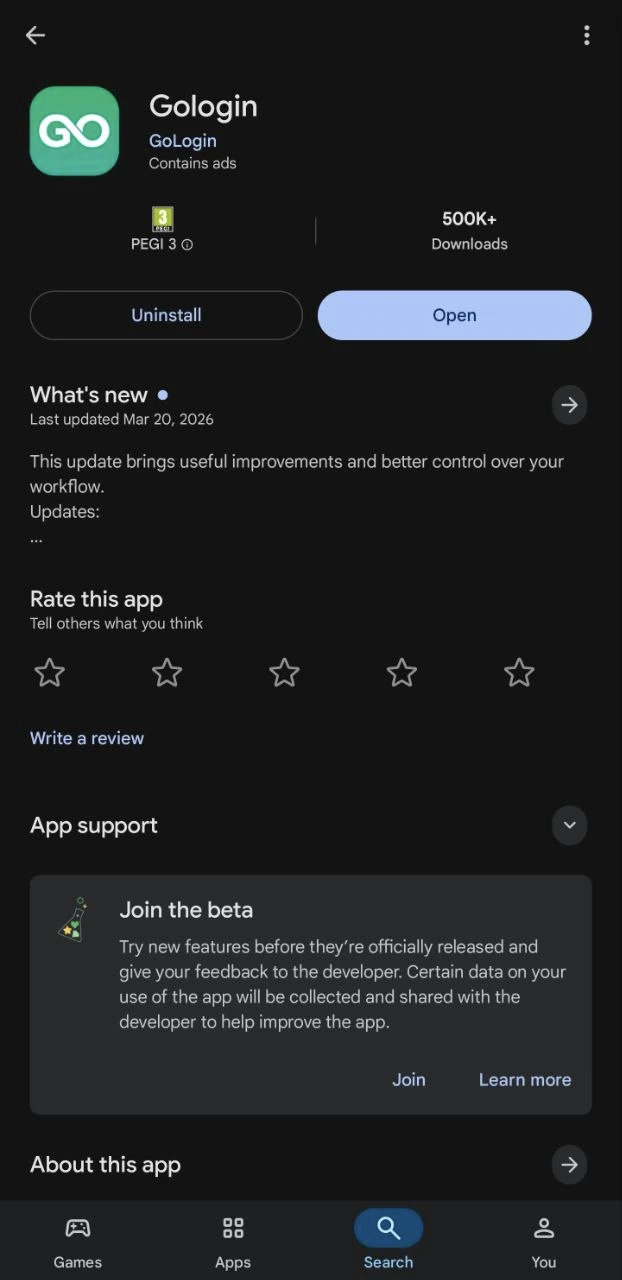
To use Gologin on Android, just install the **Gologin app** from the **Google Play Store**.
If you are unable to install the app, check the system requirements.
Your phone should have Android 10.0 or above and 3+ GB RAM.
1. Open the **Google Play Store** on your phone
2. Look for a search bar at the top and type **Gologin** > **install the app**
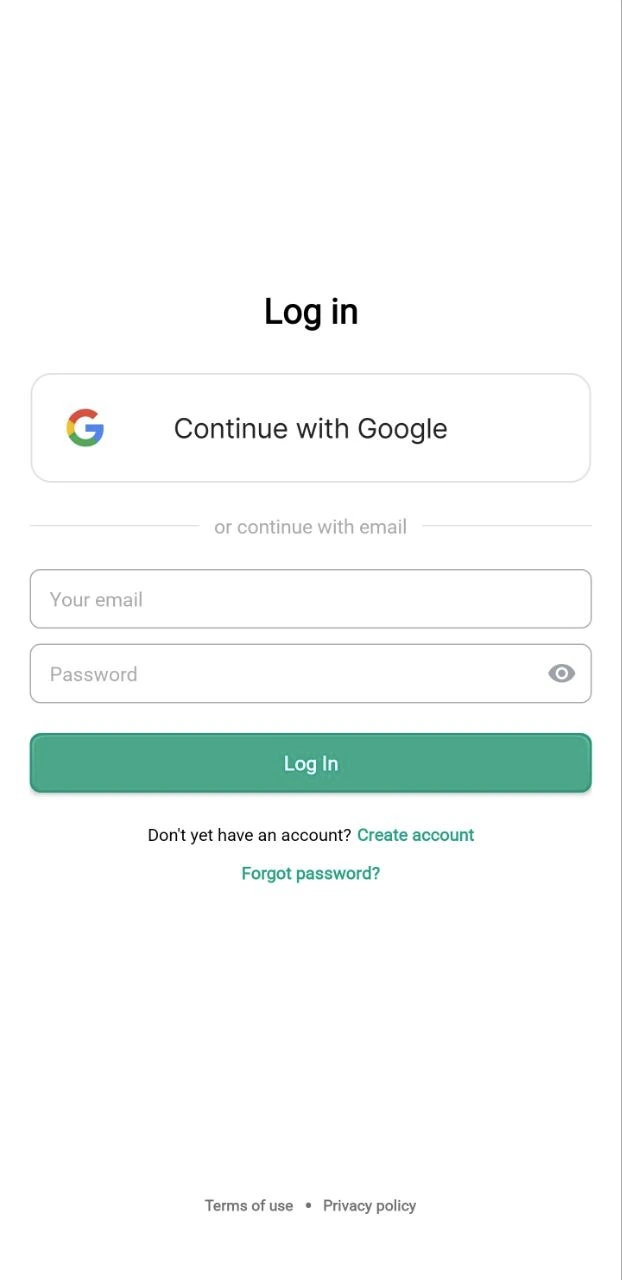
Once the app is installed, you're ready to go! Just launch the Gologin app and login in to your Gologin account or create it if you're new to Gologin.