> ## Documentation Index
> Fetch the complete documentation index at: https://gologin.com/docs/llms.txt
> Use this file to discover all available pages before exploring further.

# Quick start: from zero to your first profile

## Step-by-step

<Steps>
  <Step title="Download the Gologin app">
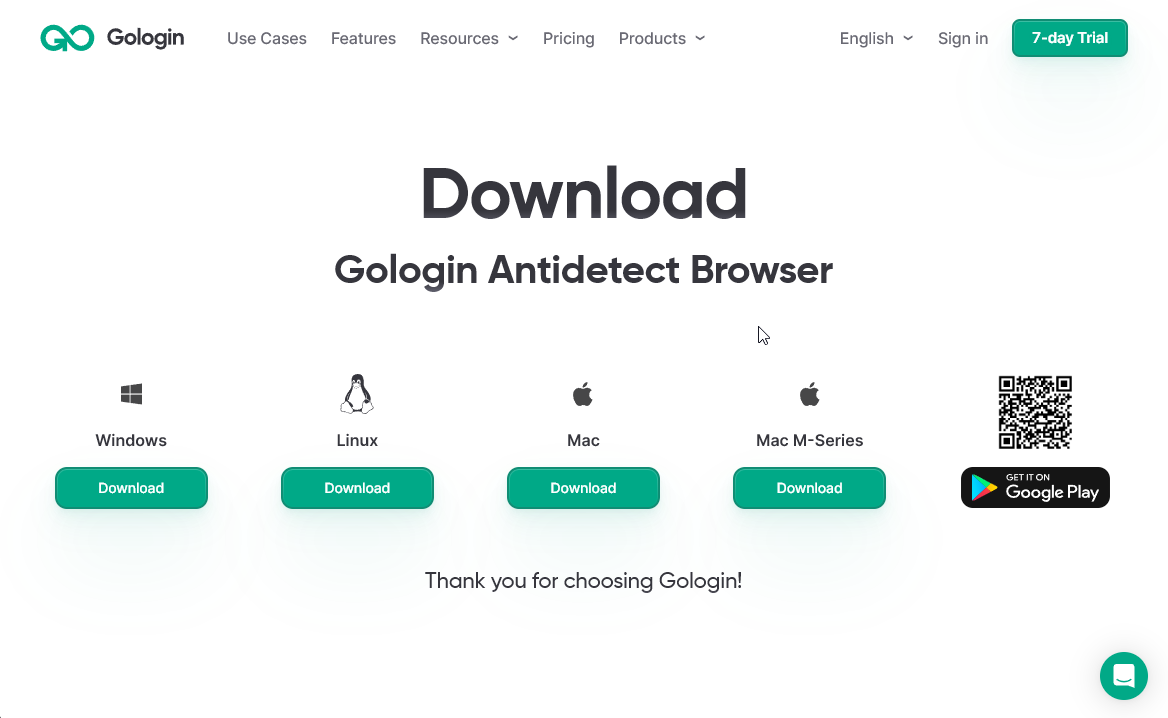
    👉 [Download the Gologin app for any supported system.](https://gologin.com/download/)\
    Check [Supported platforms & installation](/getting-started/setup/supported-platforms-installation) for details. <img src="https://mintcdn.com/gologin/byMkVgxUkG9YugT0/images/Gologin_download_page.png?fit=max&auto=format&n=byMkVgxUkG9YugT0&q=85&s=13c72b9e2958517cc2033e5c4831c8b1" alt="Gologin_download_page.png" width="1168" height="718" data-path="images/Gologin_download_page.png" />
  </Step>

  <Step title="Create your account">
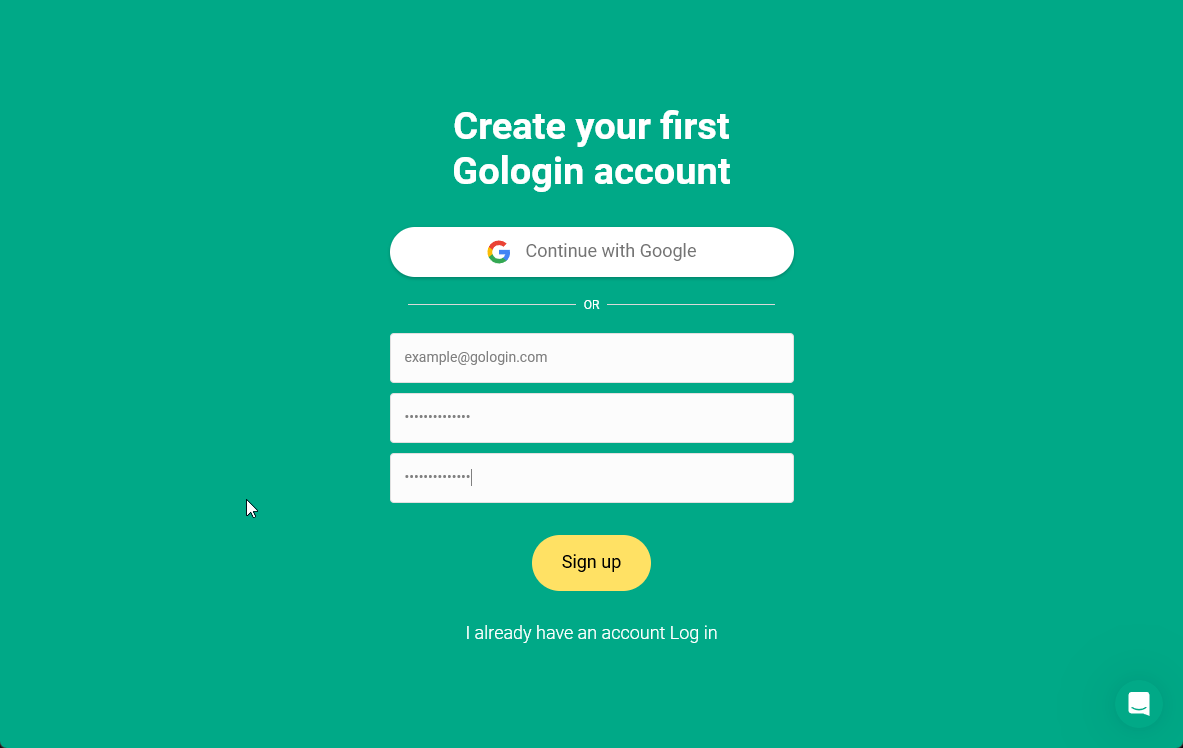
    Register in Gologin using your **email or continue with Google** <img src="https://mintcdn.com/gologin/byMkVgxUkG9YugT0/images/GoLogin_registration.png?fit=max&auto=format&n=byMkVgxUkG9YugT0&q=85&s=38b09608c24dc0c1fb759909f1af6dea" alt="GoLogin_registration.png" width="1183" height="748" data-path="images/GoLogin_registration.png" />
  </Step>

  <Step title="Create a profile">
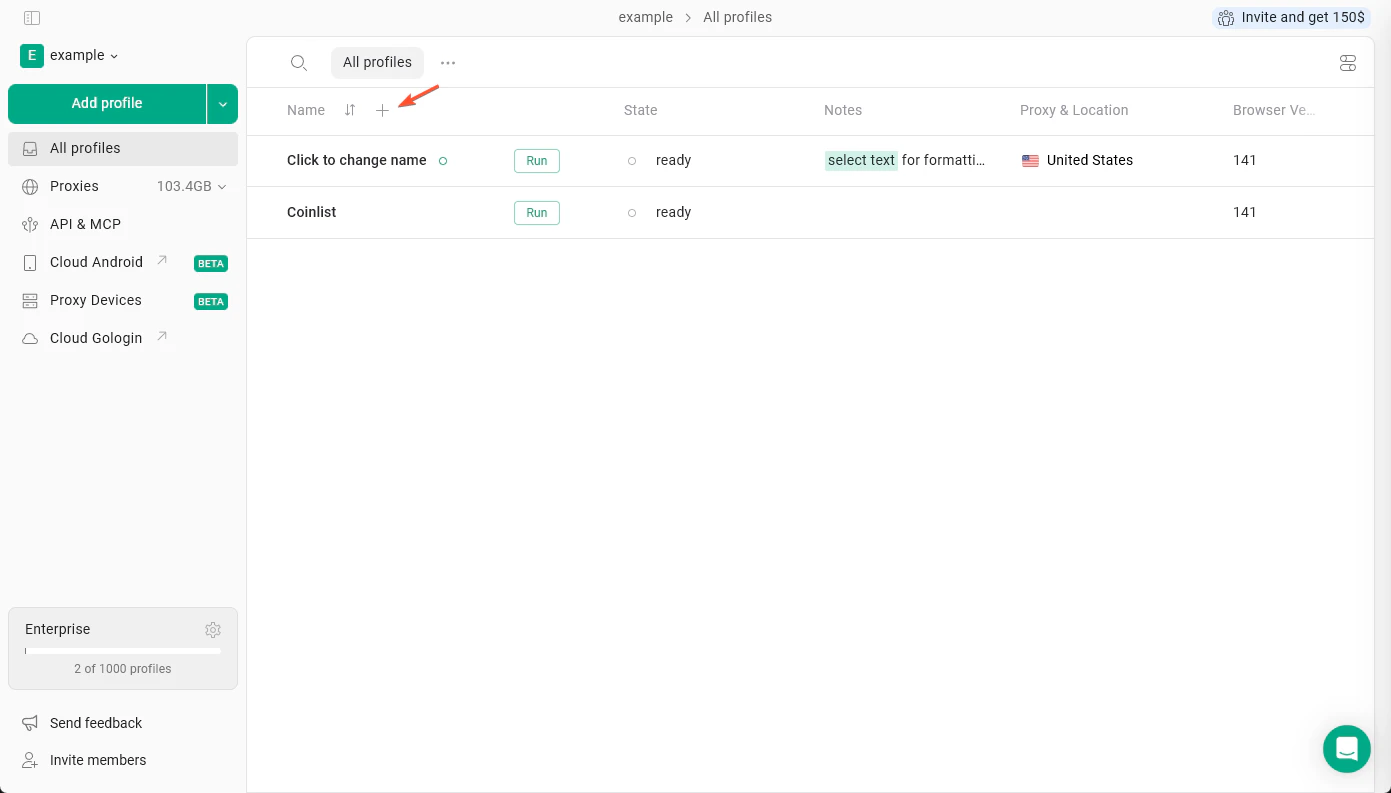
    Create a profile or couple of profiles for your accounts.\
    Your profiles will use **the most suiting settings and get unique fingerprints by default**.

    <Frame>
      <img src="https://mintcdn.com/gologin/wAzDTui6BFOkUOhm/images/new_profile_plus-2.png?fit=max&auto=format&n=wAzDTui6BFOkUOhm&q=85&s=676c2fcc83c13f28a633ee0e6342a930" alt="New Profile Plus" width="1391" height="793" data-path="images/new_profile_plus-2.png" />
    </Frame>
  </Step>

  <Step title="Add a proxy">
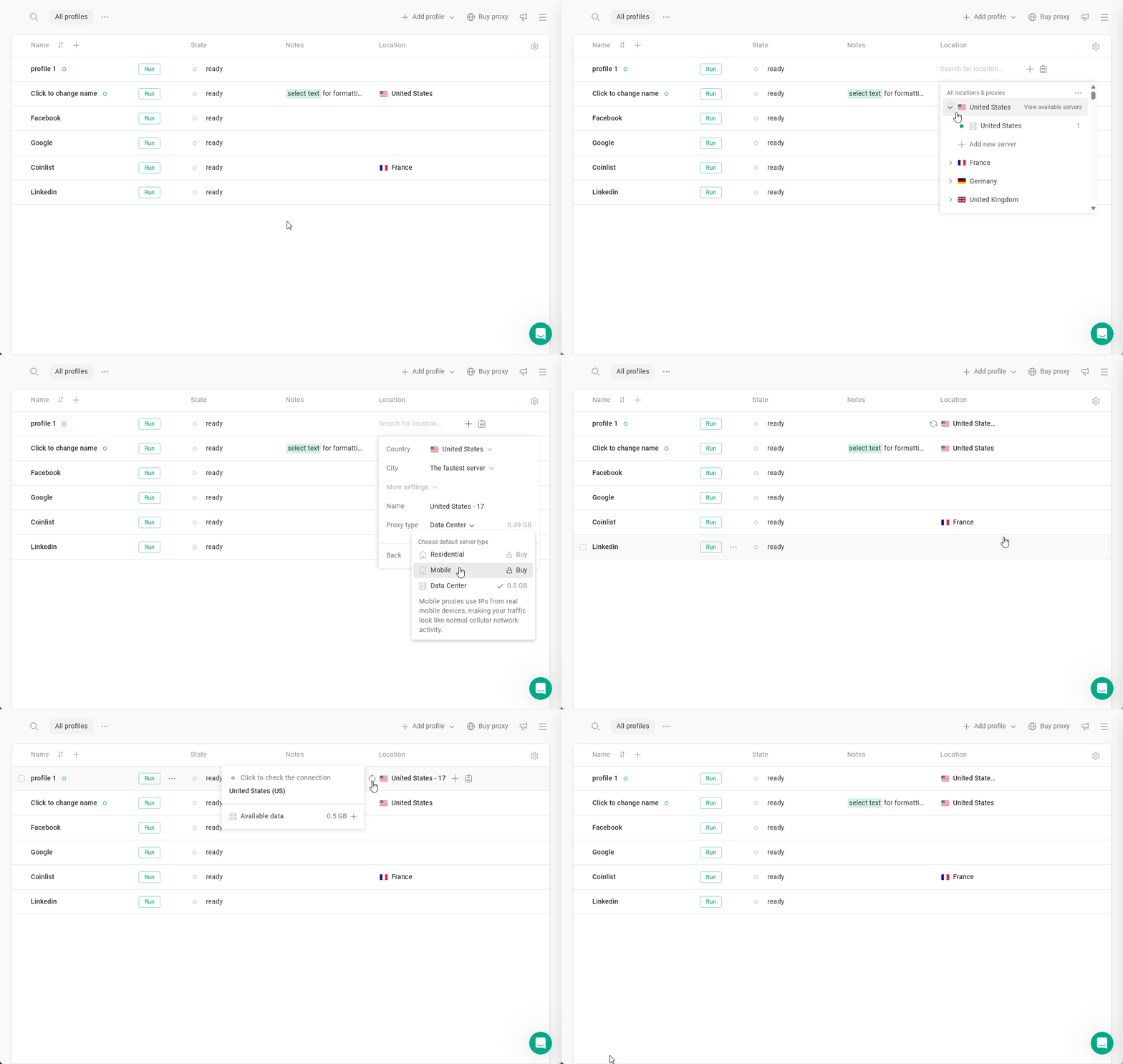
    **Changing your IP is a crucial step in hiding your identity.**\
    Choose a built-in proxy or add your own.\
    Your geolocation will match your new IP location automatically. <img src="https://mintcdn.com/gologin/byMkVgxUkG9YugT0/images/GoLogin_change_IP.gif?s=bb015e144a111e567eb614577870ee2c" alt="GoLogin_change_IP.gif" width="1183" height="748" data-path="images/GoLogin_change_IP.gif" />
  </Step>

  <Step title="You're ready to use your profile!">
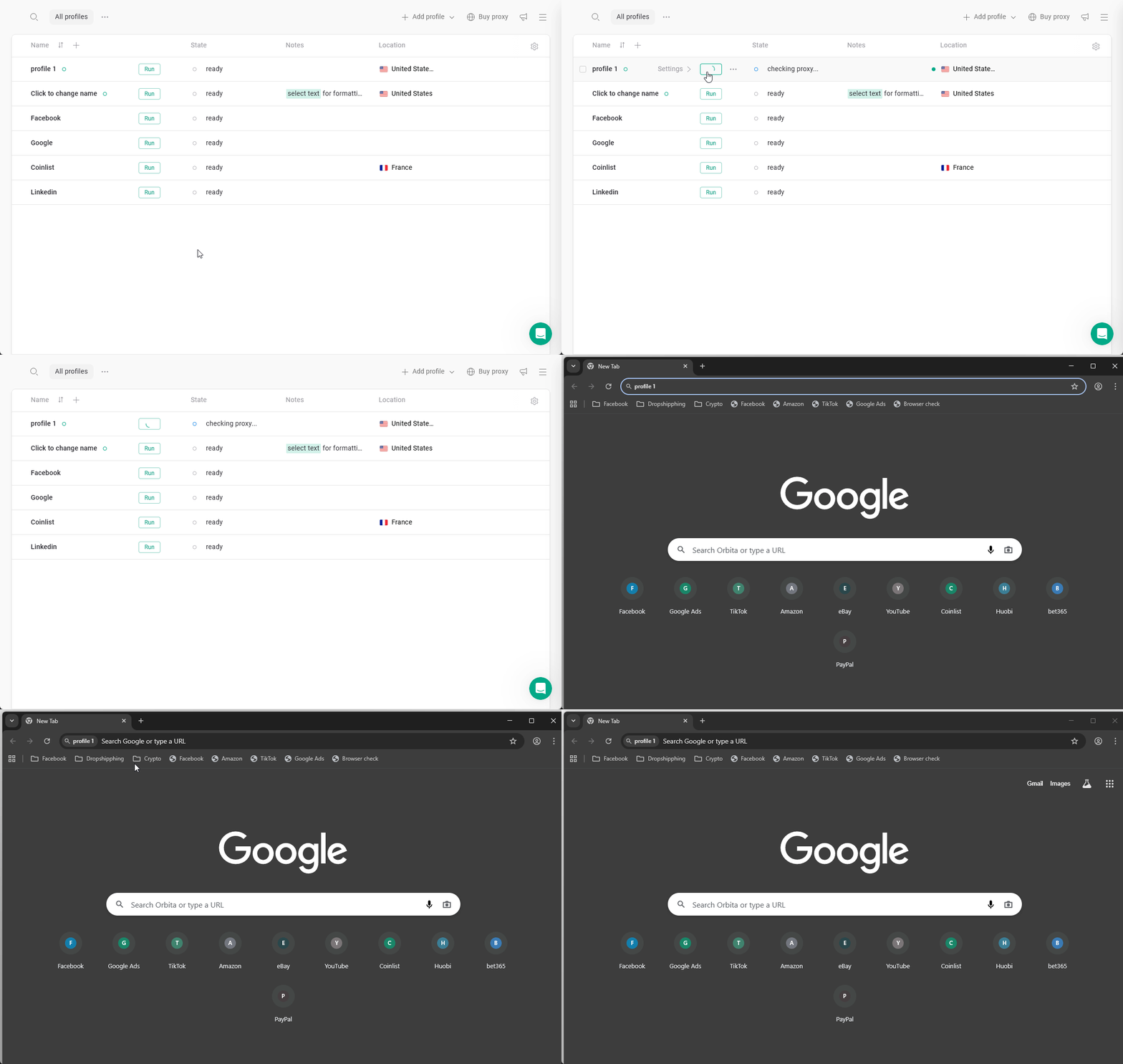
    Hit **Run** to launch your profile and browse with a fresh digital identity 🚀 <img src="https://mintcdn.com/gologin/byMkVgxUkG9YugT0/images/GoLogin_run_profile.gif?s=bfb31bab51f6b6af73f0e3ed460783e9" alt="GoLogin_run_profile.gif" width="1183" height="748" data-path="images/GoLogin_run_profile.gif" />
  </Step>
</Steps>

## Quick Start video

Watch this video to get a jump start with Gologin!

<iframe width="100%" height="400" src="https://www.youtube.com/embed/dIpyle5oOLM" title="Gologin Quick Start" frameBorder="0" allowFullScreen />

## What's next?

After your first launch, you can continue exploring:

[Profile settings](https://gologin.com/docs/profile-settings) — understand how environments work

[Proxy setup](https://gologin.com/docs/proxy/) — configure IP and location properly

[Best practices ](https://gologin.com/docs/best-practices/)— avoid restrictions and instability

[Platform guides](https://gologin.com/docs/platform-guides/) — learn workflows for specific use cases