> ## Documentation Index
> Fetch the complete documentation index at: https://gologin.com/docs/llms.txt
> Use this file to discover all available pages before exploring further.
# Editing profiles
## Changes from the profiles page
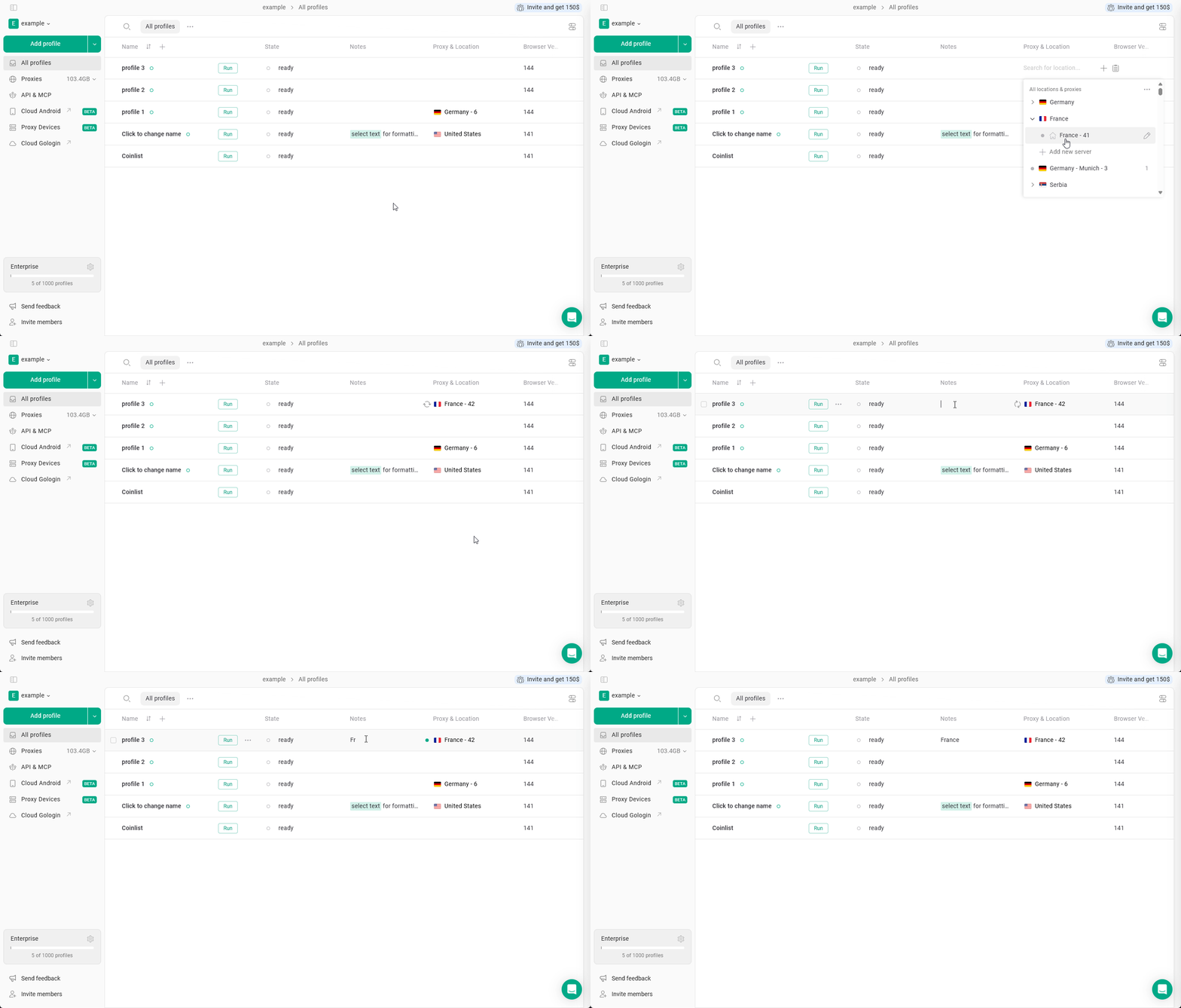
You can change some settings right from the main **All profiles** page. You can manage such settings as: **name, proxies, notes, status, tags**.
 ## Quick profile settings
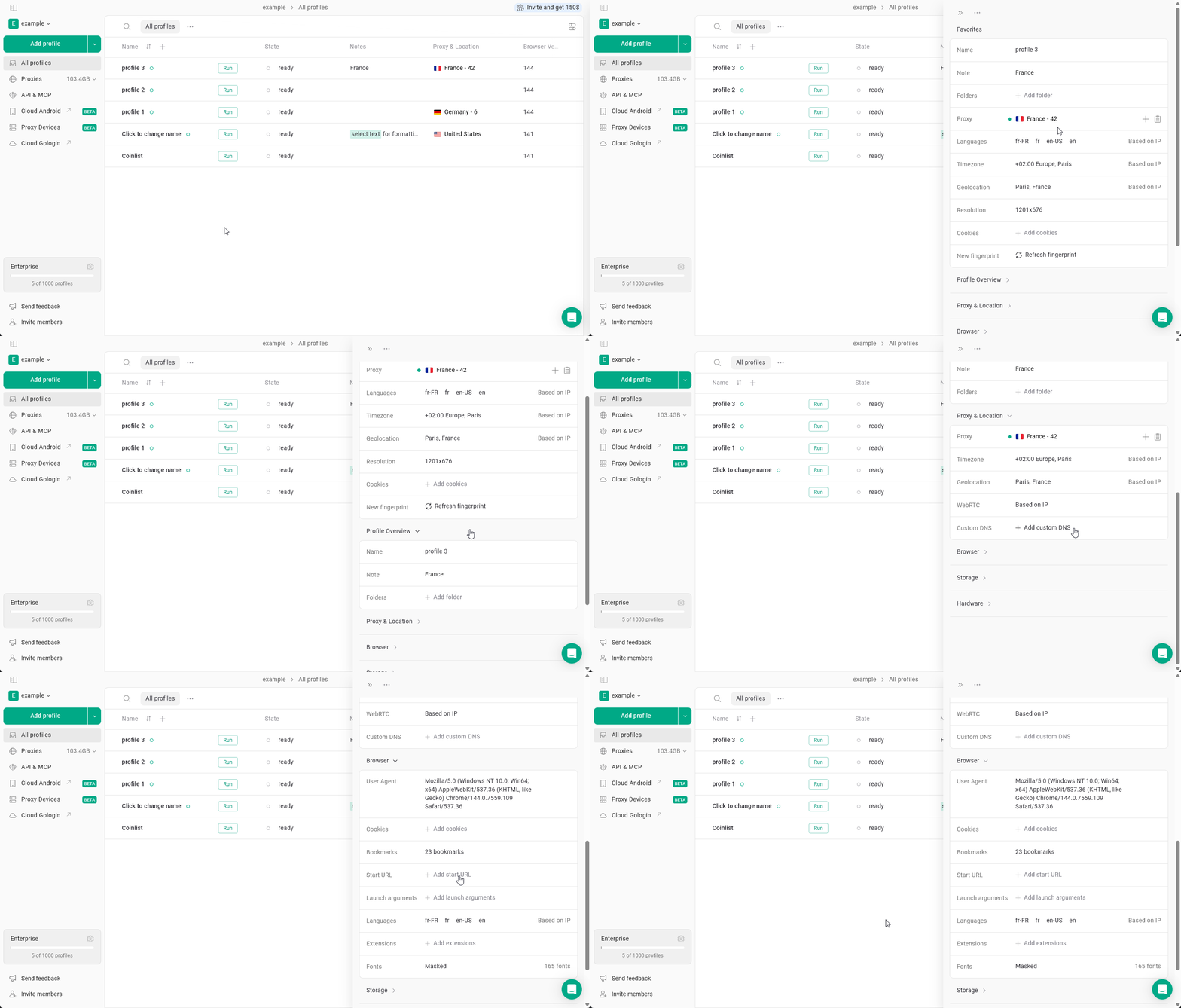
To quickly make some changes to your profiles, just click the **Settings** button on the profile. You then can define new settings in the sidebar.
## Quick profile settings
To quickly make some changes to your profiles, just click the **Settings** button on the profile. You then can define new settings in the sidebar.
 ## Main profile settings
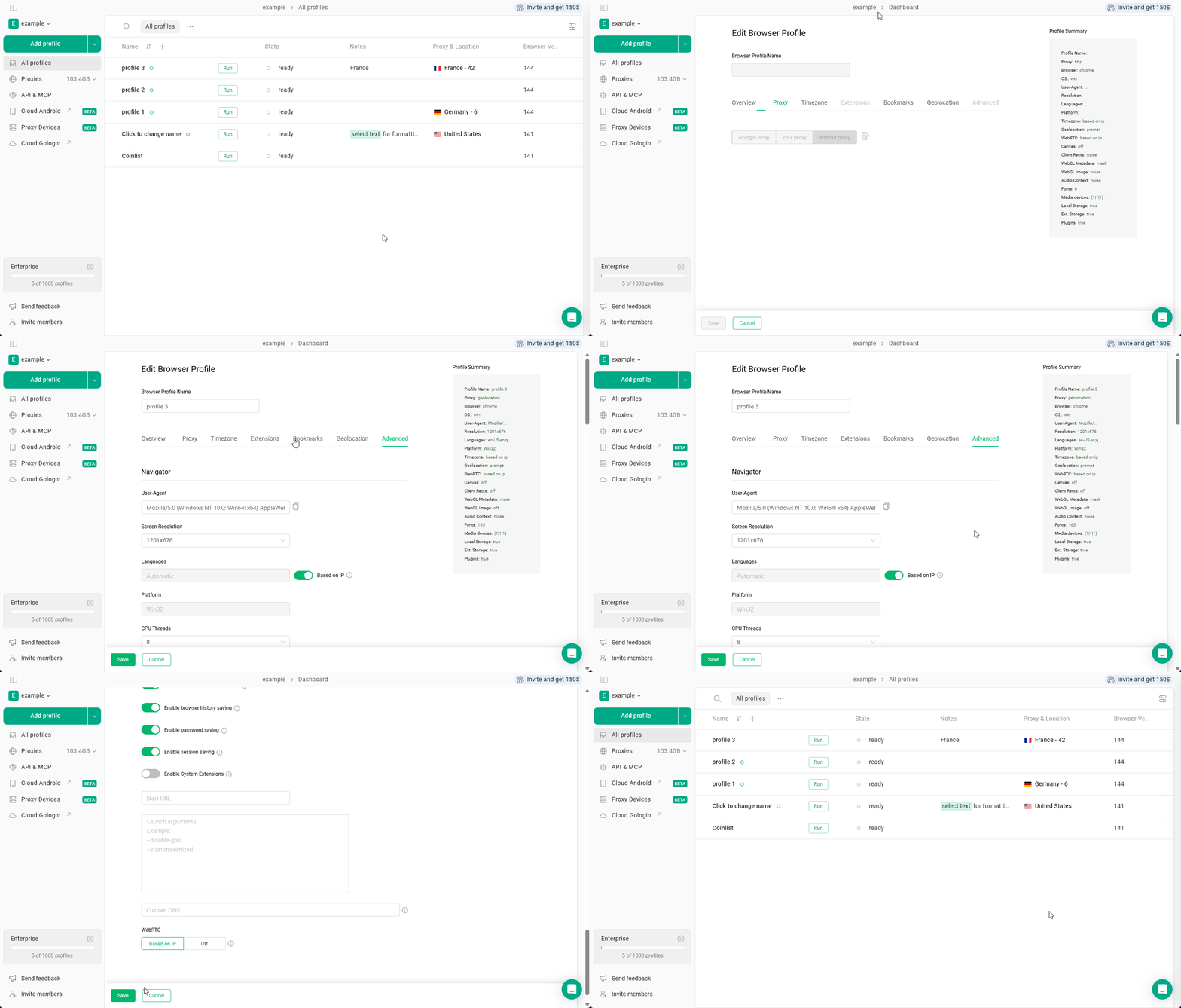
You can access the main profile settings by **clicking 3 dots on the profile > Settings**. Here you can get more parameters and a nuanced description for each of them.
## Main profile settings
You can access the main profile settings by **clicking 3 dots on the profile > Settings**. Here you can get more parameters and a nuanced description for each of them.