TL;DR Watch the short video version of this post – GPT is used as an example here, but it works the same way for Semrush:
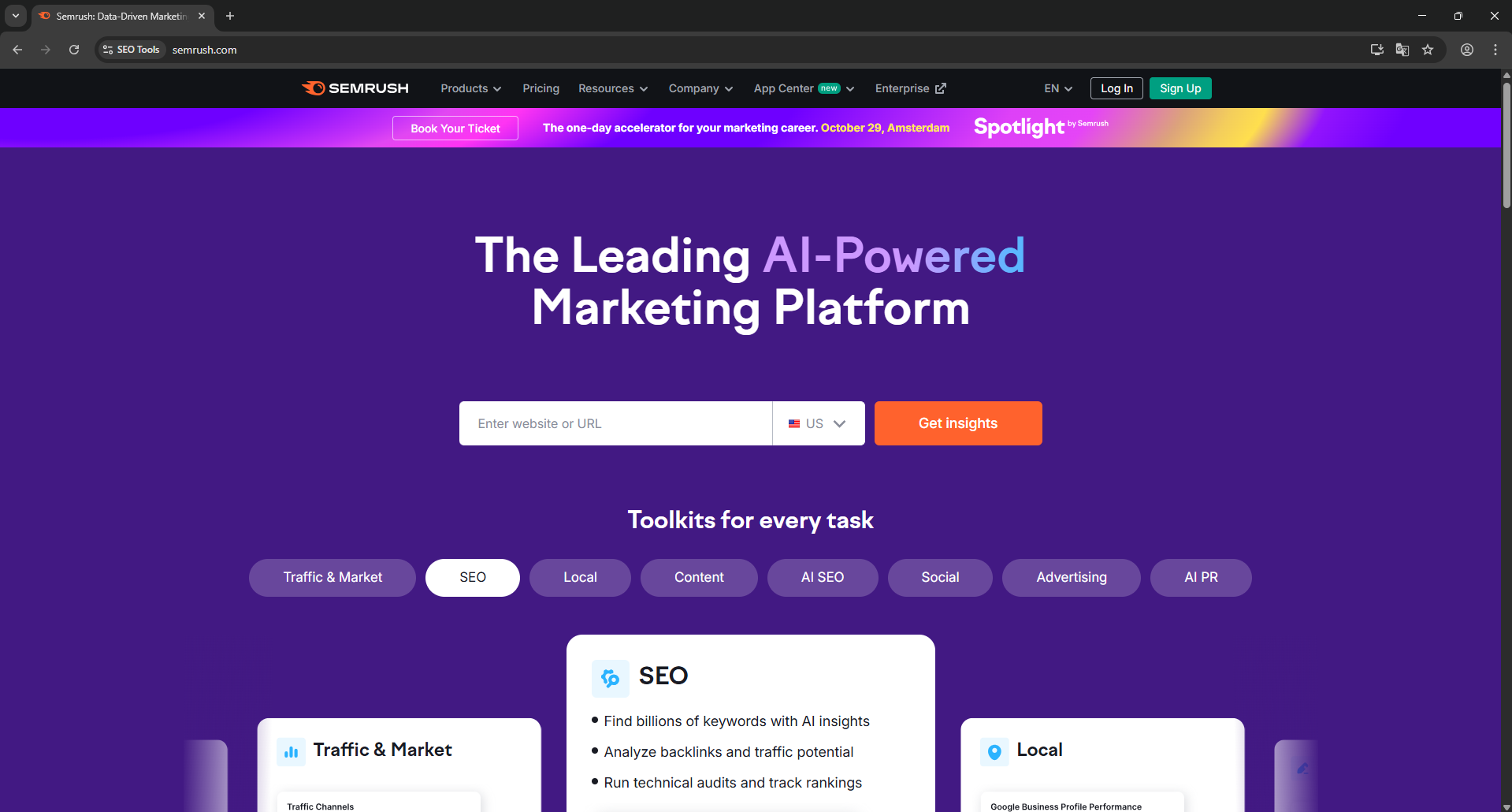
I’ve been using Semrush for over 8 years since I started as a freelance marketer. It is one of the few great SEO tools that are effective and provide excellent insights and data. When I started my marketing agency 3 years ago, getting a Semrush subscription was a no-brainer.
As our workload and team have grown, we’ve found it challenging to keep up with the costs and team-sharing features, especially when we were paying for multiple SEO and marketing tools for the whole team.
Marketing tools collectively cost us around $2k-$3k per month (in team plans) and it was harder to keep our rates competitive. That’s when I tried a few methods to share a Semrush account with the team without having to buy team plans.
In this guide, I’ll delve into a few ways I found to share a Semrush account with multiple people. I will also compare alternative methods along their pros and cons.
Semrush Account Pricing & Cost Analysis
Semrush does not have a dedicated team plan. However, you can invite users to your individual account for an additional cost of $45/mo for each user. The bills stack up pretty fast and there is a big problem.
This additional $45 doesn’t come with more features or credits. All your team members share your account’s limits. You’re paying $45 per user so that everyone is able to collaborate on projects from individual logins.
Semrush’s monthly plans cost $139.95 (Pro), $249.95 (Guru) and $499.95 (Business). Instead of paying $225 for 5 additional users being able to access your account credits, you can use Gologin and invest this saved cost in a bigger plan so that you have even higher limits. As long as you don’t care about separate logins, account sharing is the affordable option.
Guide: Share a Semrush Account With Multiple People Using Gologin
Let’s discuss the best method first to save you time. Gologin proved to be the safest, easiest, and most cost-effective choice. Instead of buying Semrush team plans, I was able to easily share my account with my whole team without sharing my account password, risking account ban for multiple logins or getting logged out due to different IP addresses of team members who were sharing the same account.
How does Gologin work? It is an anti-detect browser that helps you save and run cloud profiles and share them with your team. In simple words, imagine being able to share a Google Chrome or Safari profile with your team, and they can access all your account logins, cookies, sessions, and data without needing any passwords.
On top of this, you get anonymity through device fingerprinting and IP masking, which means that Semrush will always think that requests are coming from the same device and IP, regardless of who accesses it.
Here is a quick guide on how to share a Semrush account with your team through Gologin.
1. Set Up Gologin: Create a Gologin account and download their desktop browser app. Install it just like you would install Google Chrome or Firefox. You can also install the mobile browser to run and manage profiles from your phone.
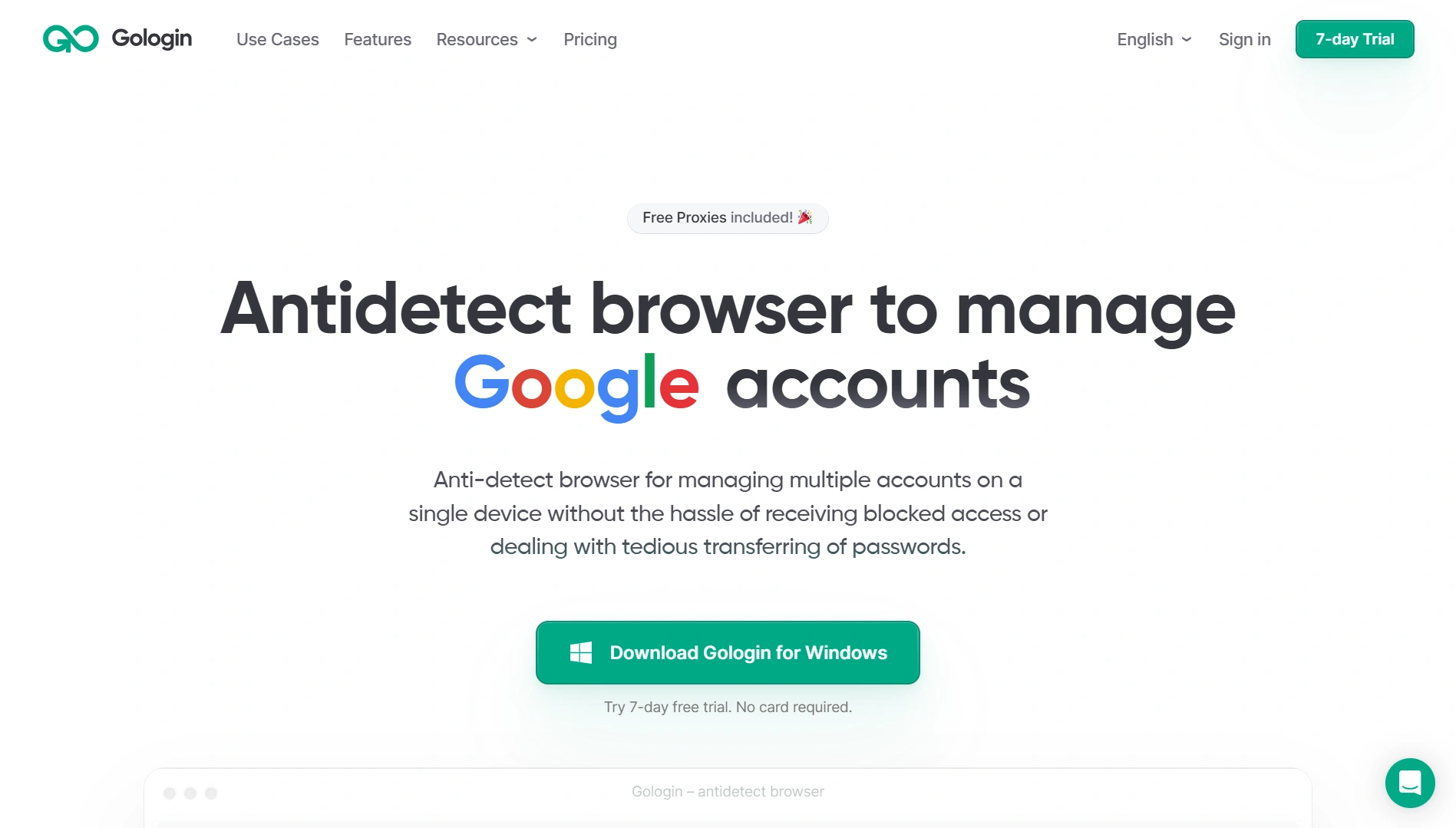
2. Create a Browser Profile: You can create browser profiles for Gologin with a unique IP address, device fingerprint, and other customizations. In Gologin’s app, click on the ‘Create profile’ button on the top right.
You will see some existing example profiles as well that you can use. Give your new profile a name i.e “SEO Tools”, choose your location (IP), and other settings. The default settings are already perfect, so you don’t need to set anything up.
3. Log in to your Semrush account: When you create a profile, click the “Run” button, and an isolated browser profile will be launched. It will look and feel like a browser, so just head over to Semrush and log in. Once done, you can close the browser window, and everything, including your profile settings, sessions, cookies, etc., will be saved to the cloud.
4. Share the Profile with Your Team: Since everything is saved for that profile, you can now share this with your team. Click on the 3 dots on the profile name, click share, and add the email addresses of your team and invite them. All of them will now be able to access this profile you have created and use Semrush without needing to log in.
All the progress and work that your team does in your profile will be synced to the cloud and updated for everyone. This way, everyone uses the same account, same IP, and manages no additional apps except Gologin.
Do My Friends Need To Install Gologin?
Yes, all your team members or friends need to have Gologin’s desktop app installed. However, they don’t need to pay for Gologin plans as their forever-free plan provides them access to up to 3 profiles. You can just invite them through their emails to Gologin, and they can access your profile and use Semrush and other SEO tools you have subscribed to.
Do I Need To Pay For the Proxy?
Not if you don’t want to. Gologin provides free residential proxies when you sign up. If you want more proxies, you can either purchase more proxy bandwidth through Gologin or you can use your own proxies.
The goal of using a proxy in this case is to keep the IP address static so that all users of the profile appear from one consistent IP address. This prevents Claude from getting suspicious about logins from different locations.
Can I Share the Password To My Gologin App?
You can, but there is no need to do this. A better practice is to use Gologin’s built-in sharing as explained above. This way, you remain the account owner and maintain admin control over profiles.
You can always revoke access or change permissions without risking your entire Gologin account security. Moreover, if you’re doing it for subscription concerns, you don’t have to pay for your whole team. They can use the forever-free plan as I explained in the previous answer.
Other Subscriptions I Share Via Gologin
There is no limit to how many subscriptions I can share through Gologin. You can log into as many accounts in the profile as you want, and your shared users will be able to access everything.
All their cookies and data will be synced to the cloud in real-time for convenient collaboration. For my SEO team, I’ve created a profile named “SEO Tools” and logged in all my Semrush, Ahrefs and SurferSEO accounts so they can access without needing passwords.
You can also share other services like ChatGPT, Claude, Google Workspace, MidJourney AI and more.
Common Ways to Share a Semrush Account (Pros & Cons)
Here are some methods I tested for Semrush account sharing, apart from the obvious official way, where you can buy a bigger plan and separate seats for your team. I will discuss each method’s pros and cons.
1. Sharing Semrush Password
The simplest option is to share login credentials with everyone. This simple method comes with not-so-simple problems. Firstly, it’s against the terms and conditions of Semrush to share your account’s password.
Semrush can easily detect multiple logins from different IPs and log everyone out every time it finds two concurrent sessions. Secondly, you can get banned for violating the terms and services of the platform, revoking your subscription without refunds.
I don’t recommend this method because it not only risks account ban but is also counterproductive to fix login issues for your team all day. Me and my team member logged in Semrush account on our devices and got instantly logged out of our accounts with a warning.
2. Group Buy or Shared Account Services
You will come across countless group buy services where you have to pay a fraction of the original subscription and share the account with strangers. Since all people are paying a fraction of the subscription, they collectively meet the subscription cost, and that’s how these group-buy services make money.
In my experience, this was even worse than sharing credentials. I don’t want to share my business or client info with strangers from the internet, nor do I want random people looking into projects I am creating. It took everyone eight days to run out of credits since everyone was aggressively using them.
Since Semrush can detect concurrent sessions, I had to access it through their own website’s interface, which made everyone look like a single user. If you want to share your own Semrush account with other people, this is not the way to go, but if you’re looking for a one-time, cheap access to Semrush for a small task, you can try it at your own risk.
3. Using the Same VPN Service for Semrush
You can fix the frequent logout problem by making sure everyone logging into Semrush is using the same IP address. One way to achieve this is through a VPN. Free VPNs don’t allow you to set a specific IP, so you have to purchase a paid VPN service that allows users to choose a specific IP address (might even have to pay separately for IPs too).
The problem with this approach is that you either have to buy a team plan for VPN as well (so that your team can access a specific IP) or you have to share the credentials for the VPN which takes us back to the same problem we started with. This is why, this is not a recommended method for teams.
4. Using Gologin Antidetect Browser
Gologin was the ultimate choice in the end. As I explained above, this anti-detect browser helps keep the same IP and device fingerprint for all users so that Semrush thinks that the traffic is coming from the same device. This way, you’re able to collaborate on projects together without having to pay the additional $45/user per month.
I transferred all my account subscriptions to Gologin and have been using it to share them with my team. All of them have their separate Gologin accounts on the forever-free plan and can access my browser profiles.
I can also maintain full control of who gets access to which profile, which location to use for the profile (helpful in keyword research), and enjoy other anti-detect features that the browser has to offer.
No more 2FA emails or getting logged out when someone else logs in. It’s far cheaper than Semrush’s multi-user fees. In my case, the cost of Gologin was negligible compared to the hundreds saved on Semrush.
Wrapping it all up
After testing all the methods I discussed, using Gologin to manage a shared Semrush account gave my team the flexibility we needed without paying hundreds of dollars. As long as you share responsibly and monitor usage, it’s a smart way to get more out of your subscription while keeping your SEO efforts on track.